Digital Art & Design
Can you use Procreate on Android?
No, you cannot use Procreate on Android. Procreate is developed exclusively for iPadOS and visionOS by Savage Interactive. There…
Questions and answers about procreate.
No, you cannot use Procreate on Android. Procreate is developed exclusively for iPadOS and visionOS by Savage Interactive. There…
To add text in Procreate, tap the Actions menu (wrench icon), select the Add tab, and choose Add Text. A text box will appear on…
Procreate records your artistic process automatically by default. You do not need to manually trigger the recording; it captures…
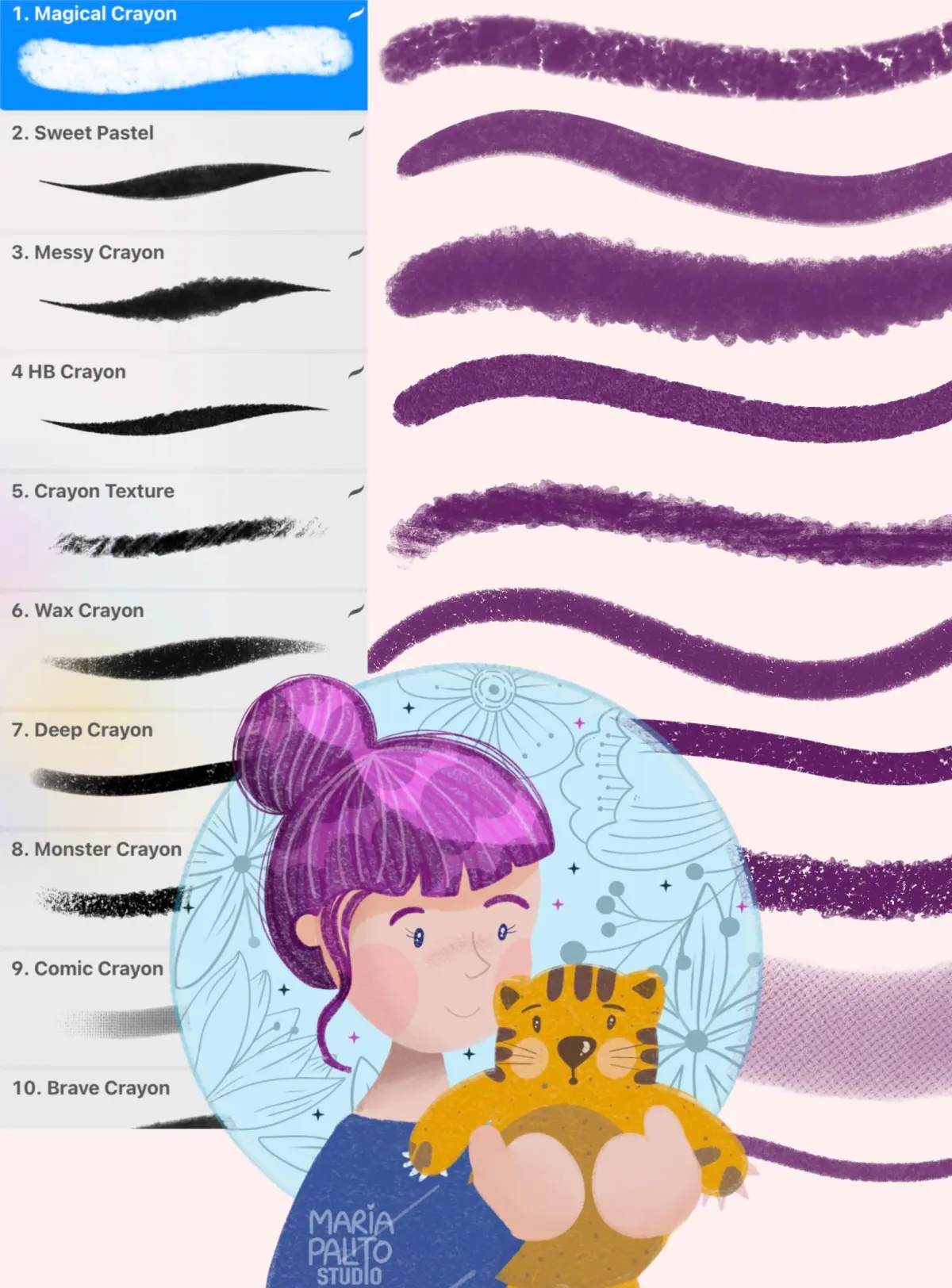
Shading in Procreate is achieved by layering colors, adjusting brush opacity, and using blending modes. You can create depth by…
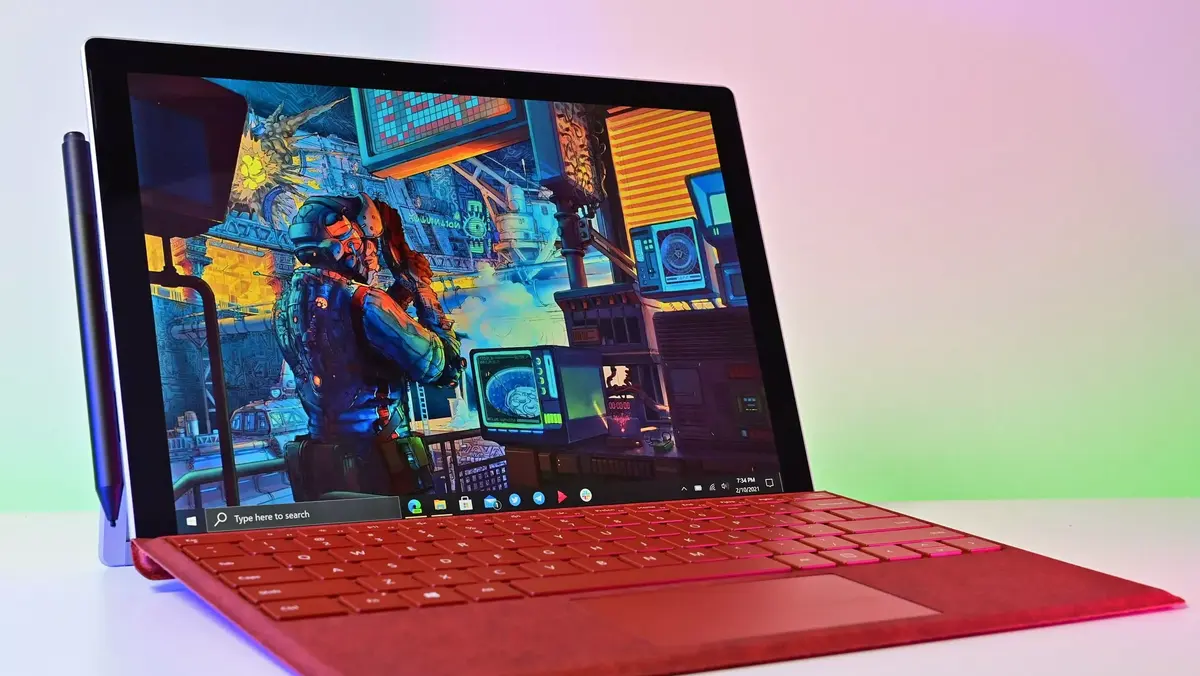
No, you cannot use Procreate on Windows. Procreate is developed exclusively for iPadOS and is not available for Windows, macOS…
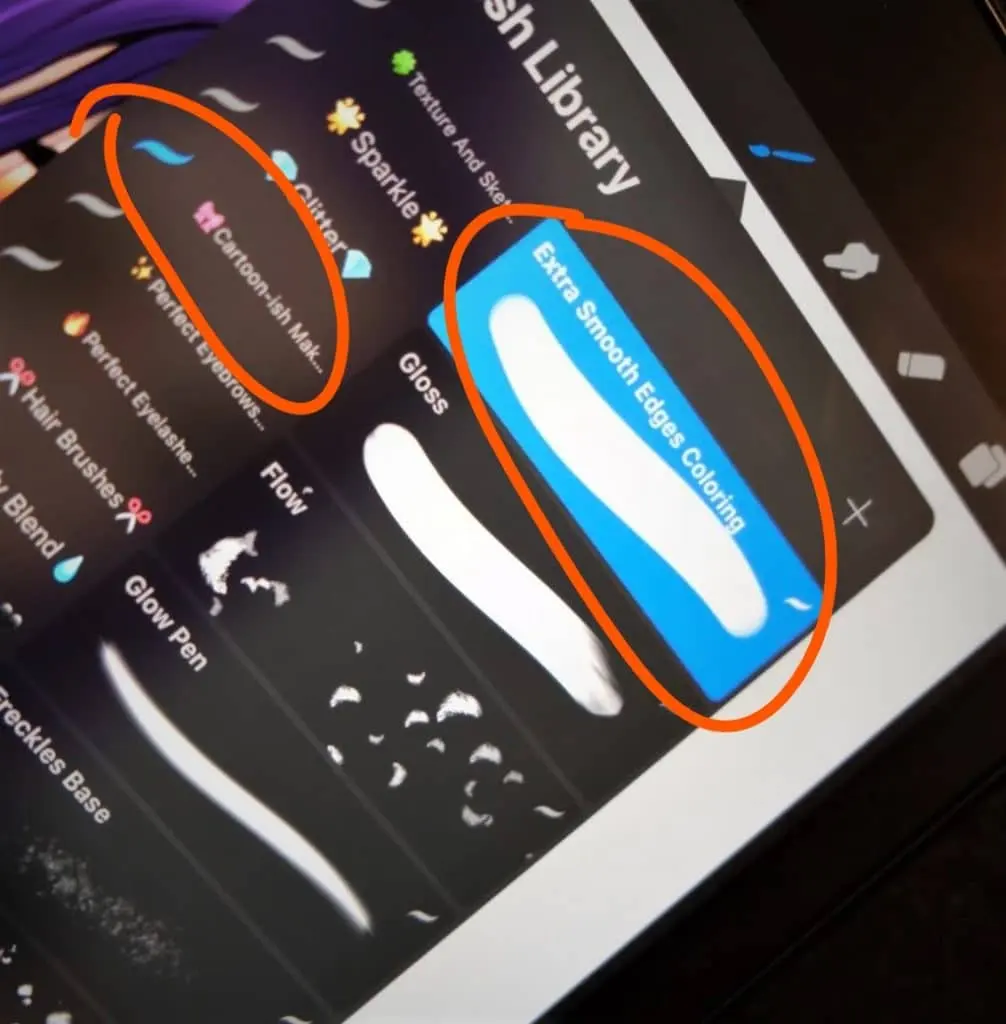
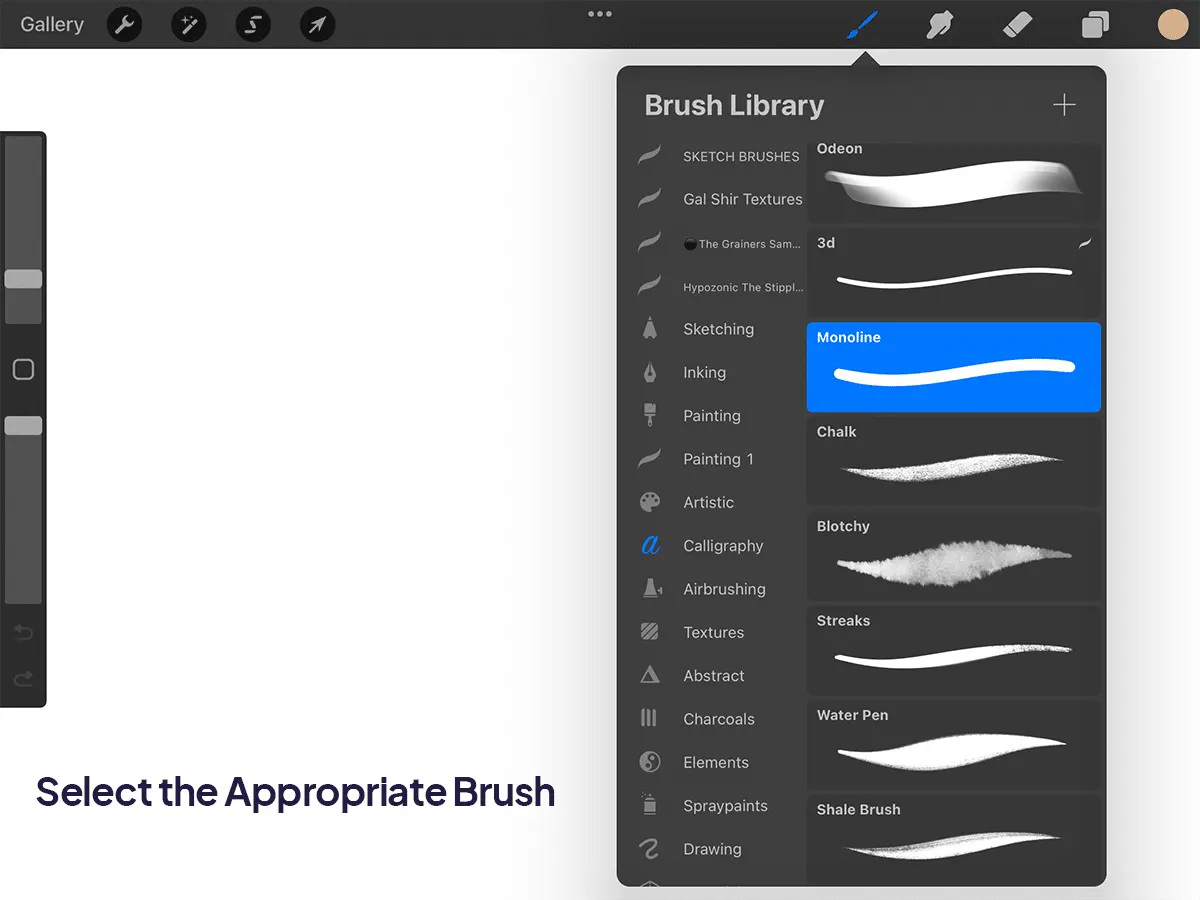
To create a custom brush in Procreate, open the Brush Library, tap the plus icon to create a new brush set, and tap the plus…
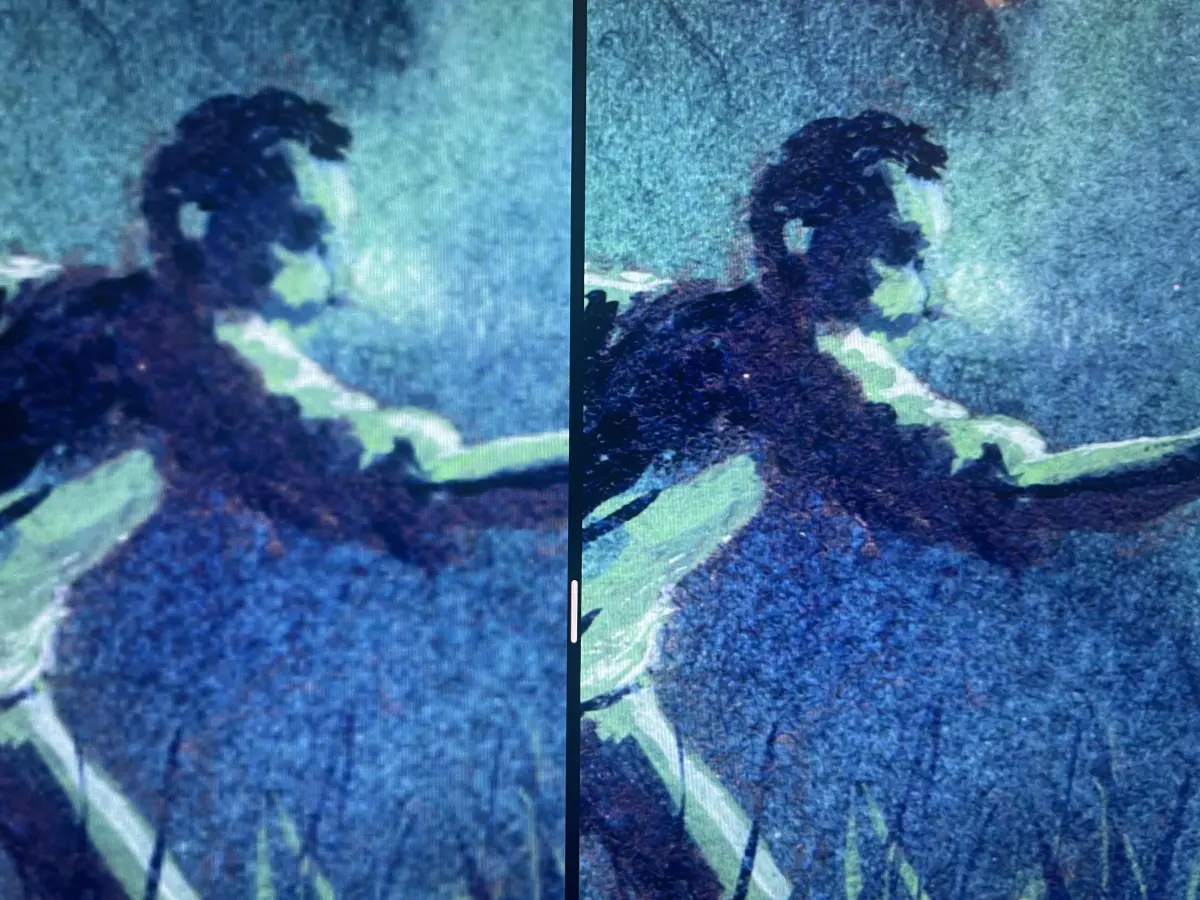
Exporting from Procreate involves opening the Actions menu, selecting the Share tab, and choosing your desired file format. You…
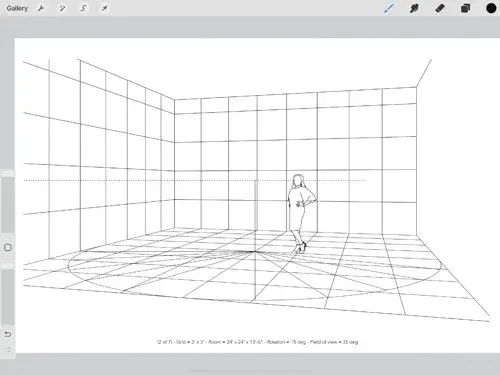
Perspective guides in Procreate are digital overlays that help artists maintain accurate spatial relationships in their…
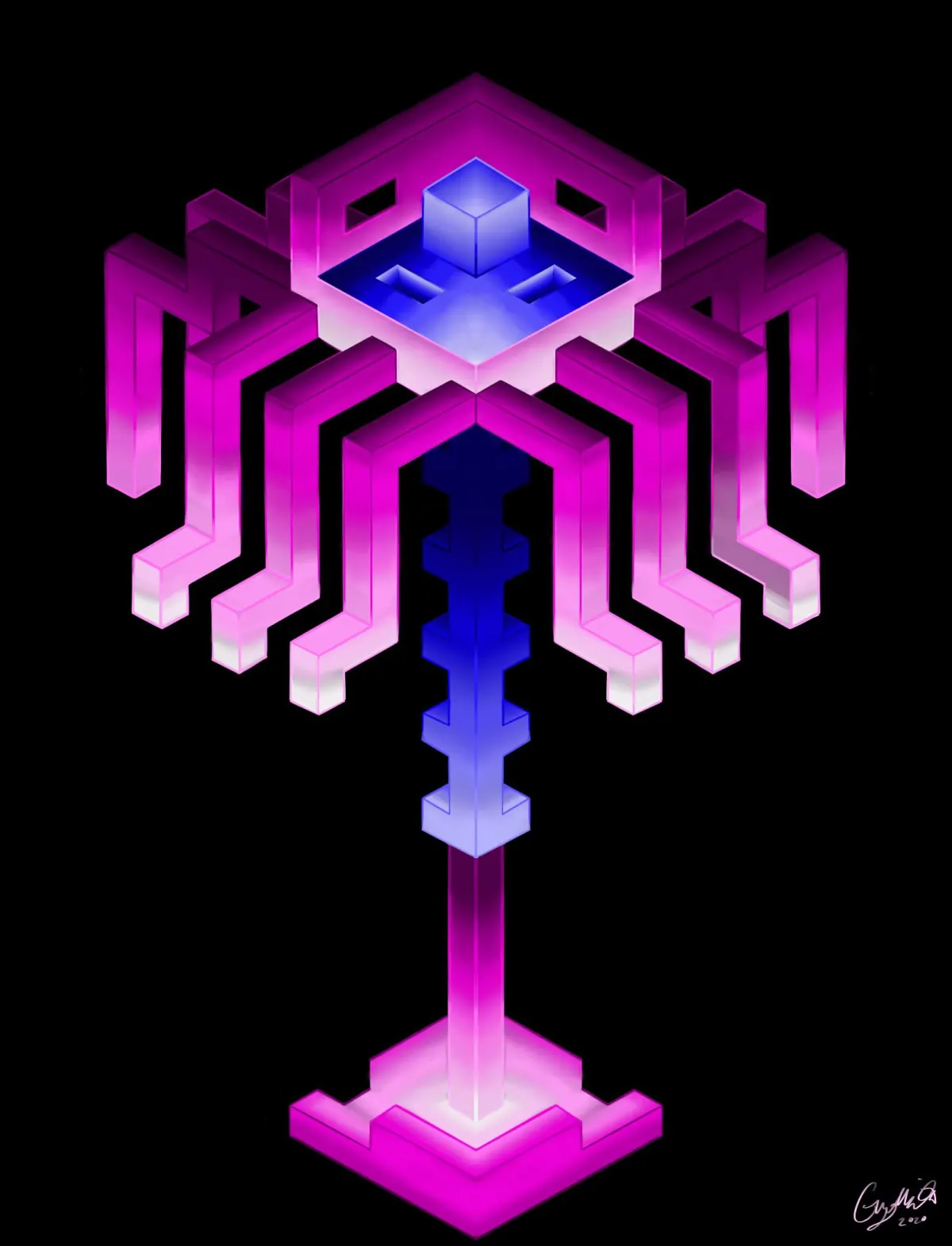
The Symmetry tool in Procreate is accessed through the Canvas menu under the Drawing Guide settings. By enabling Assisted…
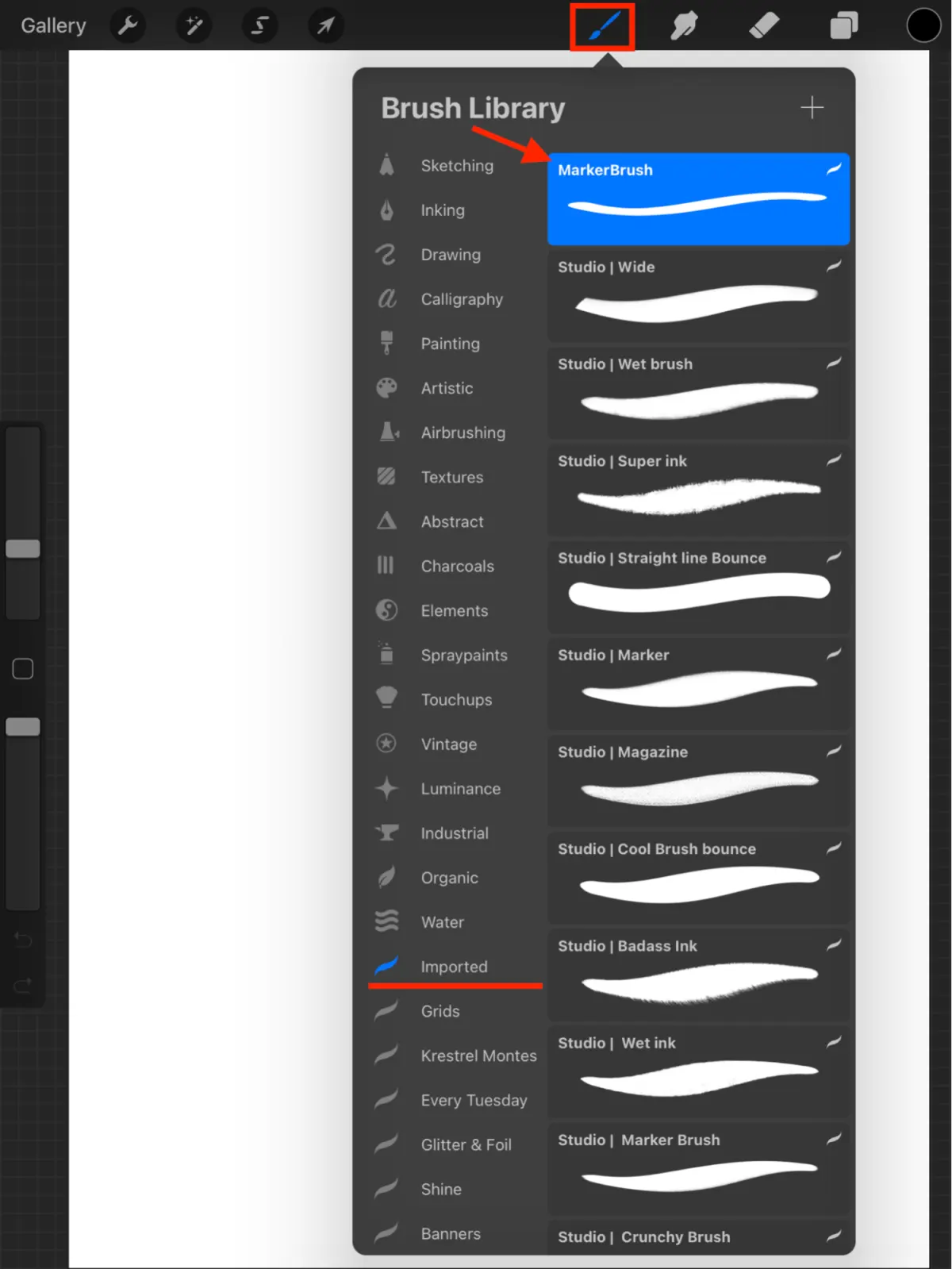
Importing brushes into Procreate is a straightforward process involving the Files app or a direct tap on a compatible file. You…

Procreate for iPad costs a one-time fee of $12.99 USD. There are no recurring subscription charges, monthly fees, or hidden…
The Liquify tool in Procreate allows you to push, pull, and distort pixels on a specific layer without changing the image's…
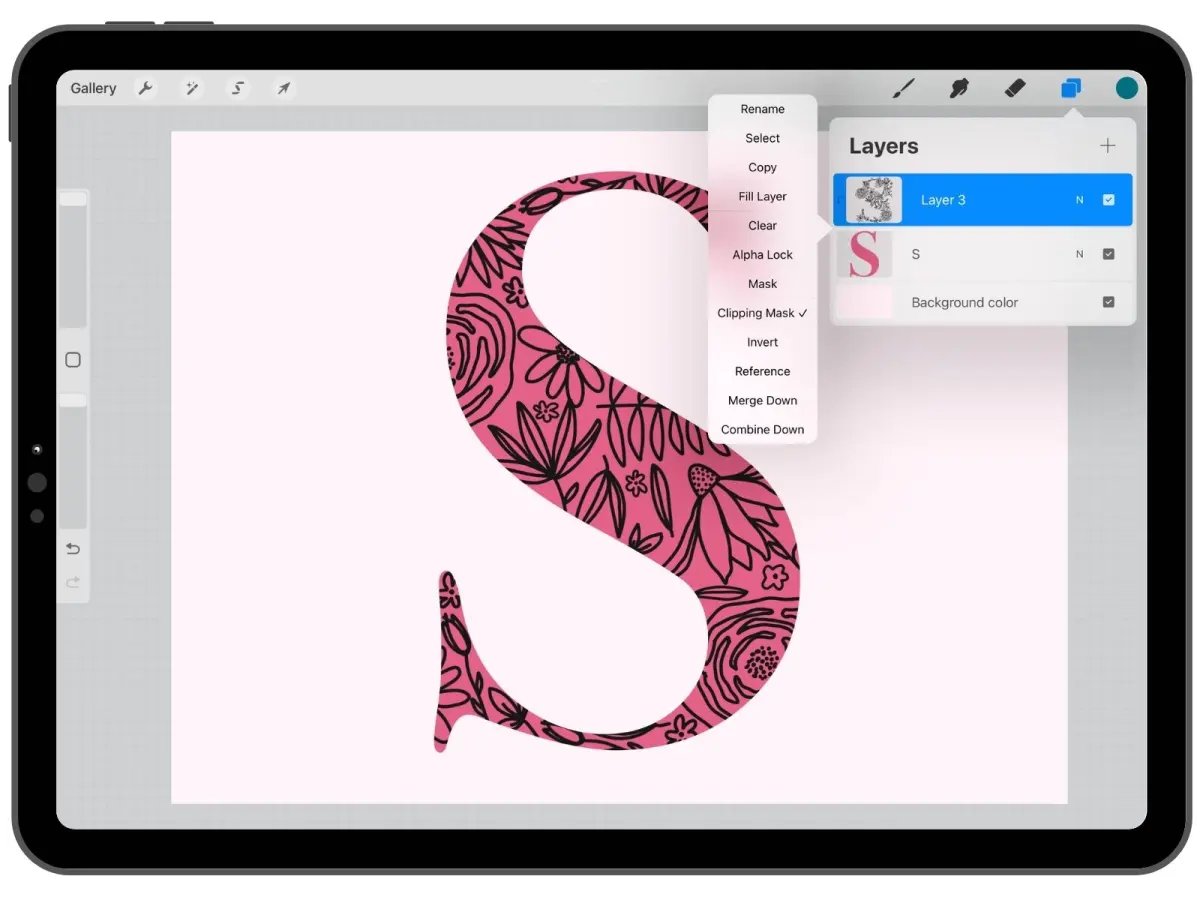
A clipping mask in Procreate allows you to apply textures, colors, or effects to a specific layer without altering the…
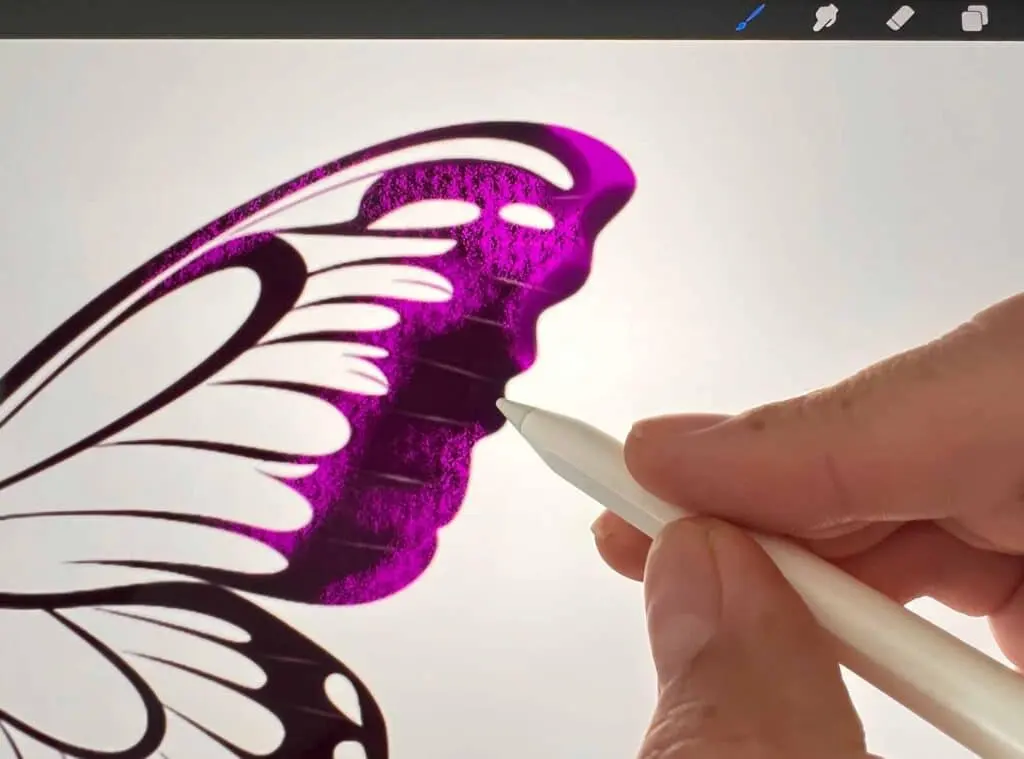
Alpha Lock restricts painting to the existing pixels on a specific layer, making it ideal for shading, texturing, or recoloring…
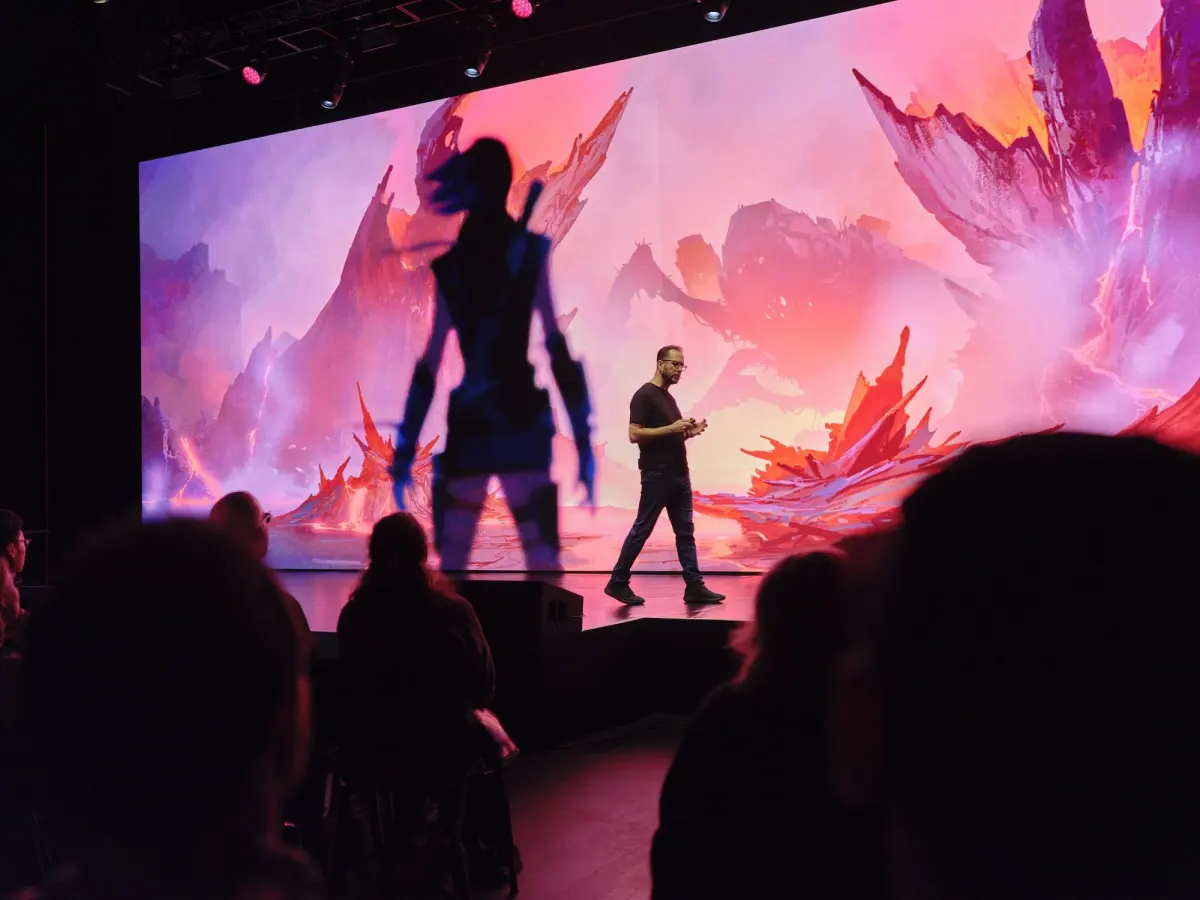
Procreate Dreams is a professional 2D animation software developed by Savage Interactive, released for iPad in November 2023. It…
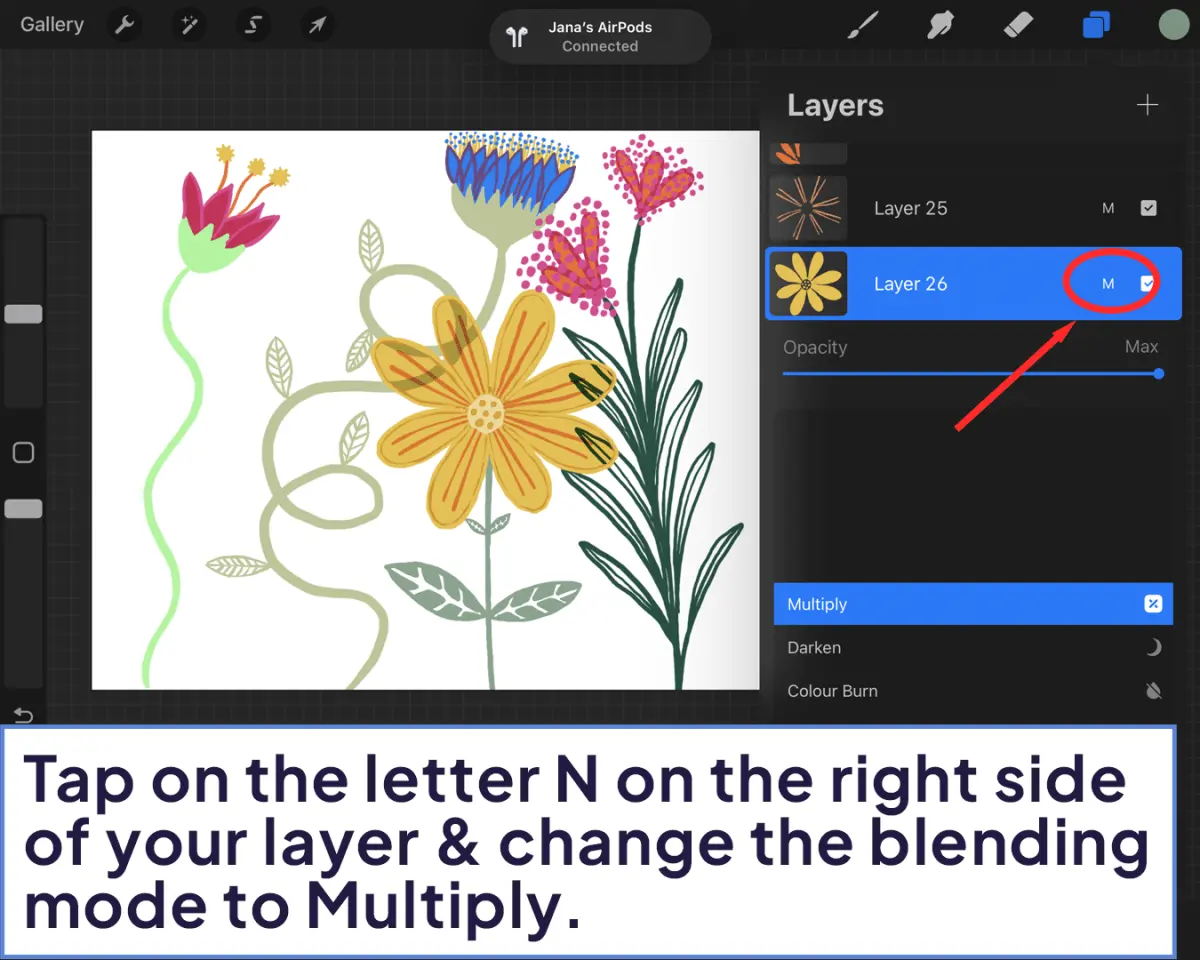
Blend modes in Procreate control how pixels on one layer interact with the colors and brightness of layers beneath them. To use…
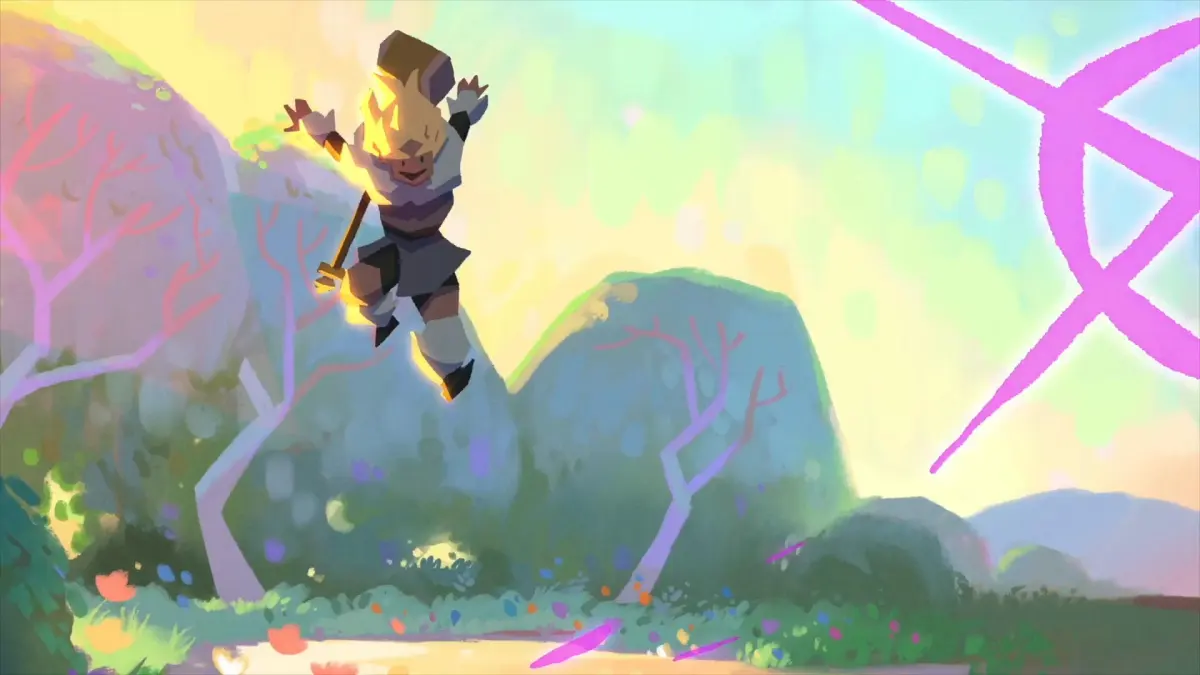
Animating in Procreate involves using the Animation Assist feature to turn individual layers into frames. By toggling this tool…
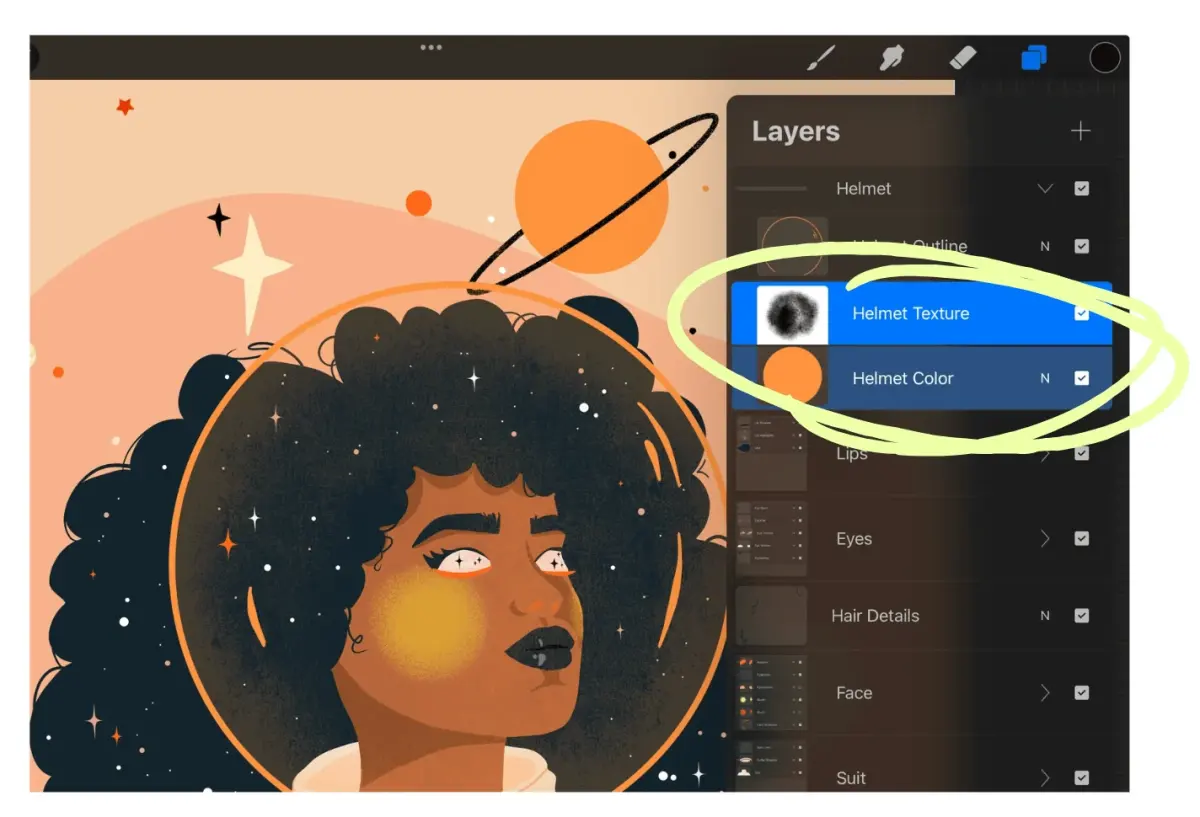
Layers in Procreate are digital transparent sheets stacked vertically, allowing you to edit specific elements of your artwork…
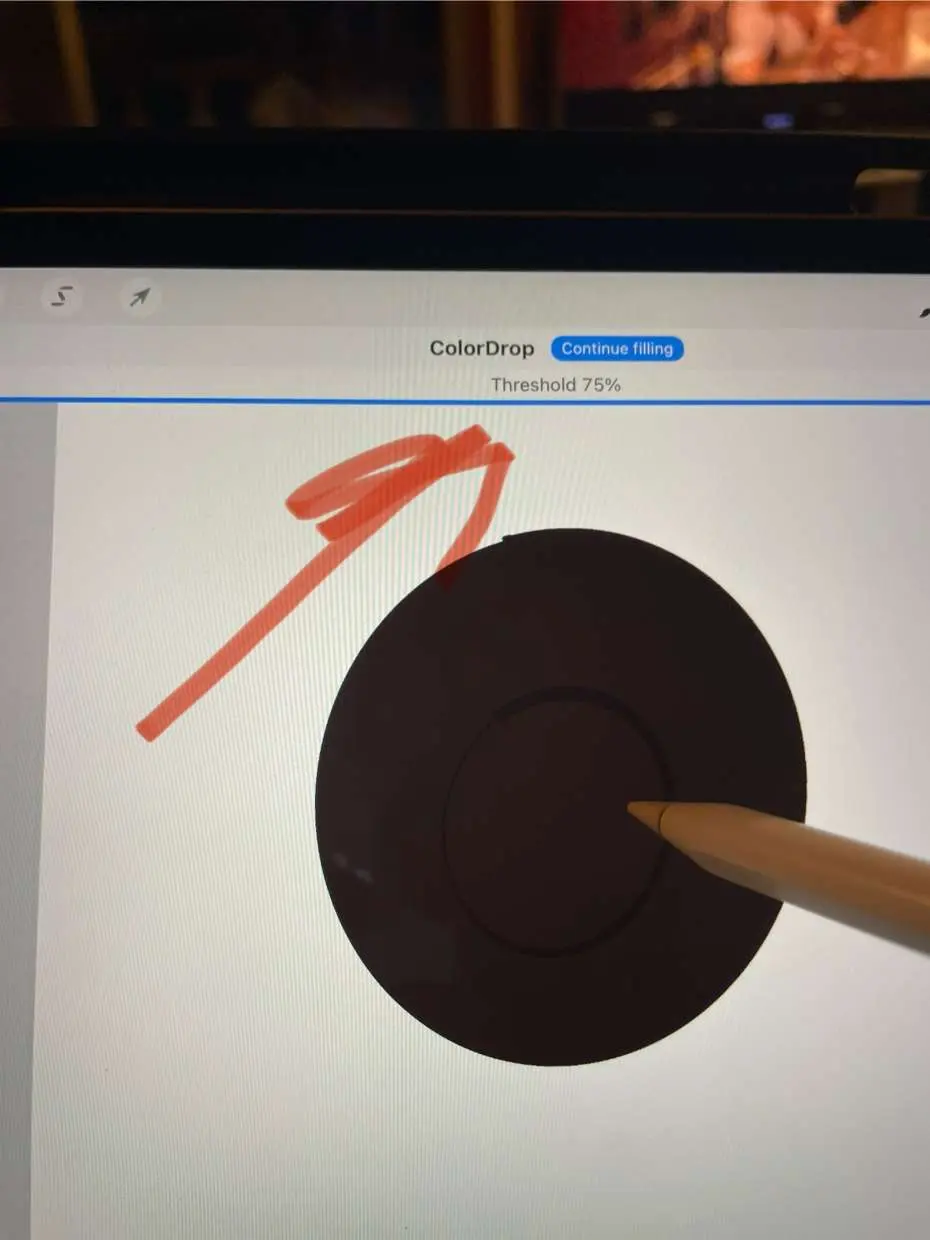
Color filling in Procreate is primarily achieved using the ColorDrop feature. By dragging the color circle from the top-right…
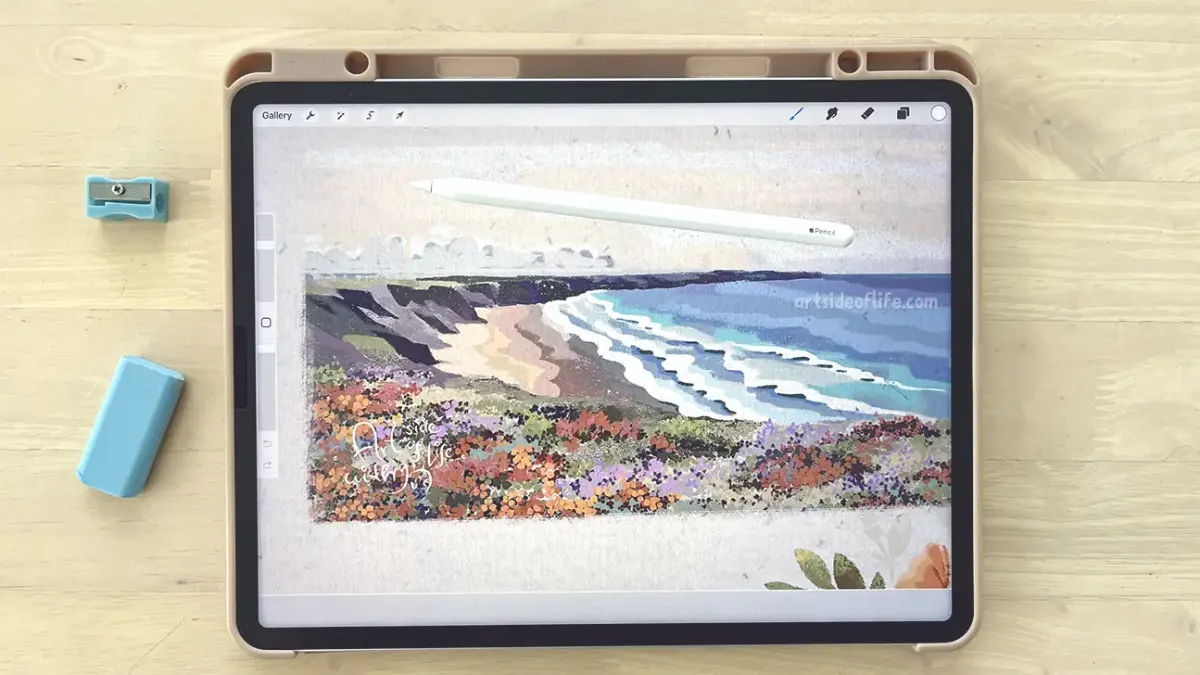
Every Apple Pencil model currently manufactured is compatible with Procreate, provided the stylus is paired with a supported…
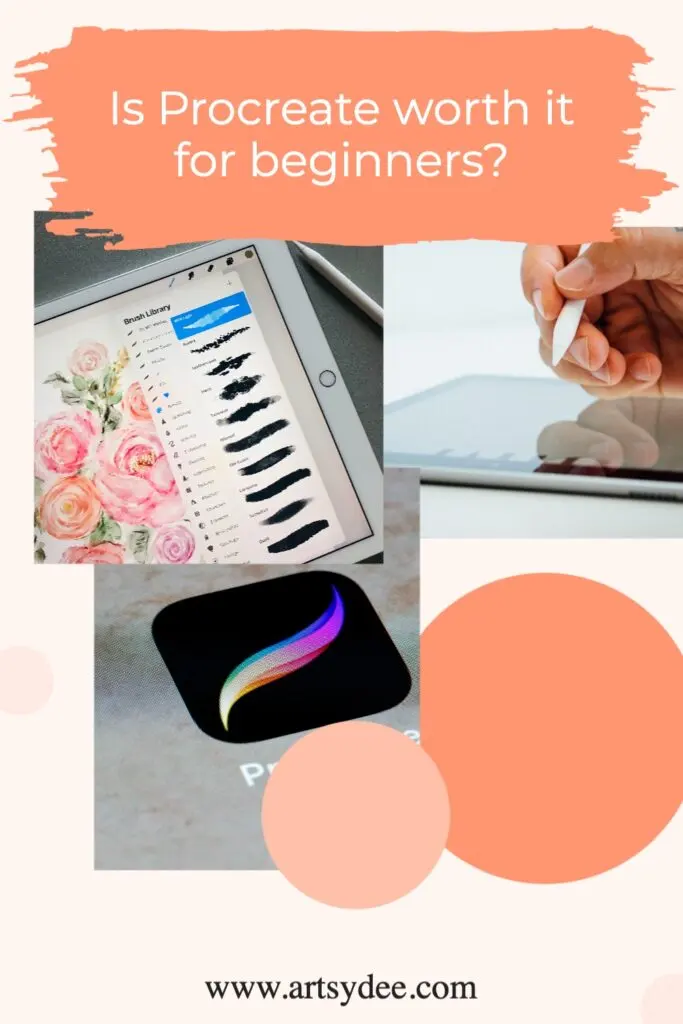
Procreate is widely considered worth the investment for any iPad user interested in digital art. At a one-time cost of $12.99…
You can draw straight lines in Procreate by using the QuickShape feature. Simply draw a line with your stylus and hold the tip…
Blending in Procreate is achieved primarily through the Smudge tool, the Brush tool’s opacity settings, and the Gaussian Blur…
You use reference images in Procreate by activating the Reference Companion feature within the Actions menu. This tool opens a…