Can you use Procreate on Windows?
Short answer
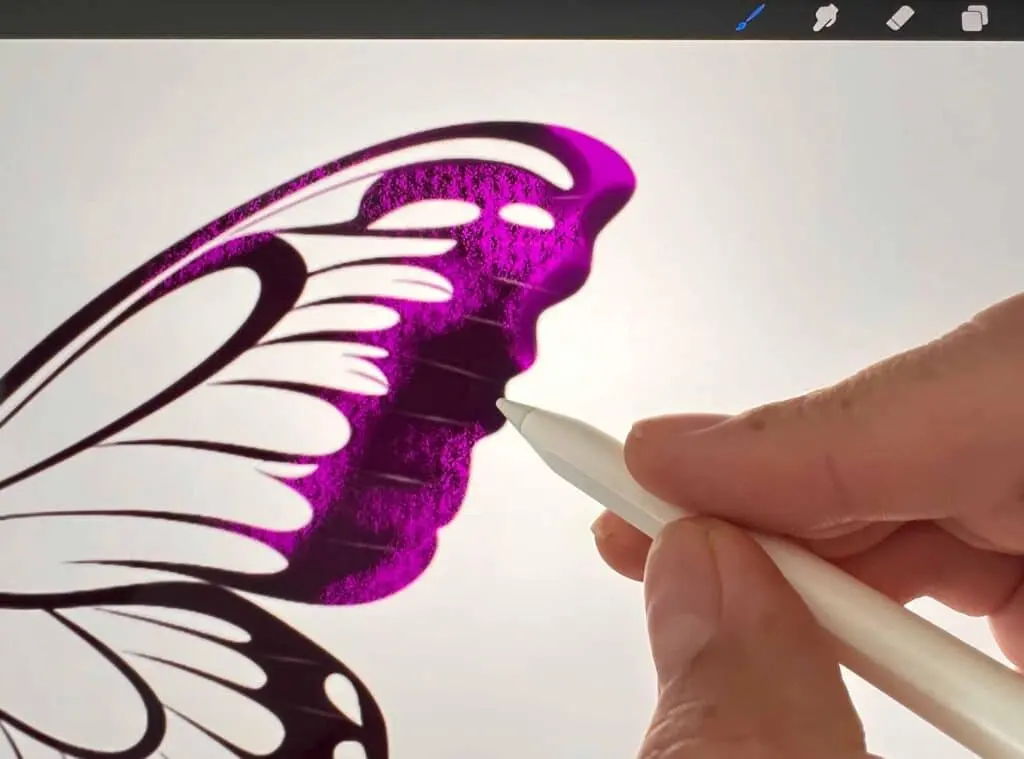
No, you cannot use Procreate on Windows. Procreate is developed exclusively for iPadOS and is not available for Windows, macOS, or Android devices. The software relies heavily on the specific hardware and software integration found in Apple’s iPad and Apple Pencil to deliver its signature performance, responsiveness, and unique brush engine.
On this page
Why is Procreate not on Windows?
Procreate is built upon the Metal graphics framework, which is Apple’s proprietary technology for hardware-accelerated graphics. This framework allows the application to communicate directly with the iPad’s GPU, resulting in the low-latency performance and high-resolution brush rendering that users expect. Because Windows computers utilize different graphics APIs like DirectX or Vulkan, a simple port of the application is technically impossible.
Furthermore, the developers at Savage Interactive have maintained a strict focus on the iPad ecosystem since the app's launch in 2011. By limiting the software to a single platform, they ensure that every update is perfectly optimized for the specific touch and stylus input protocols of the iPad. This strategic decision prevents the fragmentation that often occurs when software must be balanced across multiple operating systems with varying hardware configurations.
Best Procreate alternatives for Windows
While Procreate remains unavailable, several professional-grade alternatives exist for Windows users that offer similar features. These programs are designed to handle complex layering, high-resolution canvases, and custom brush engines, making them suitable for digital illustrators and painters.
- Adobe Photoshop: The industry standard for digital painting and photo manipulation, offering an extensive brush library and advanced layer management.
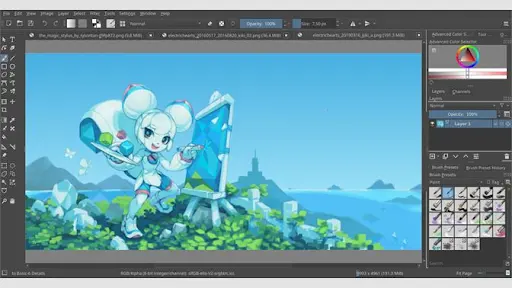
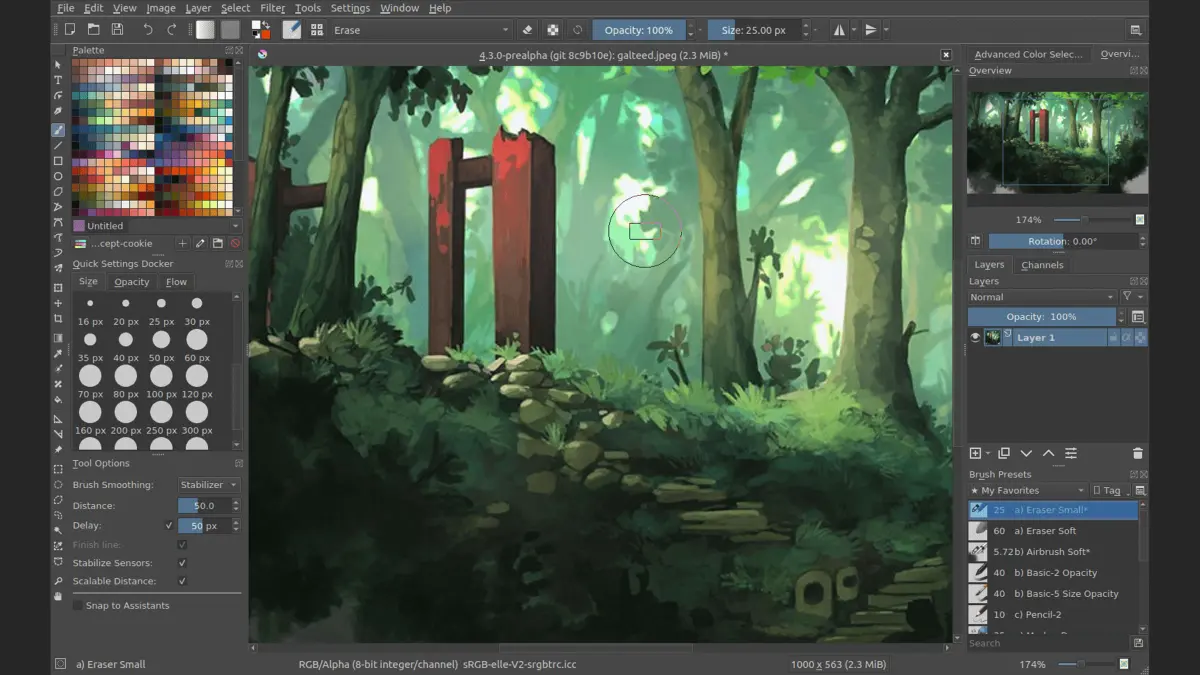
- Krita: A powerful, open-source painting program that features a highly customizable interface and a brush engine that rivals Procreate’s capabilities.
- Clip Studio Paint: Widely used by manga and comic artists, this software provides excellent stabilizer tools and a massive asset store for brushes.
- Corel Painter: Known for its realistic digital media simulation, which mimics traditional art tools like oils and watercolors.
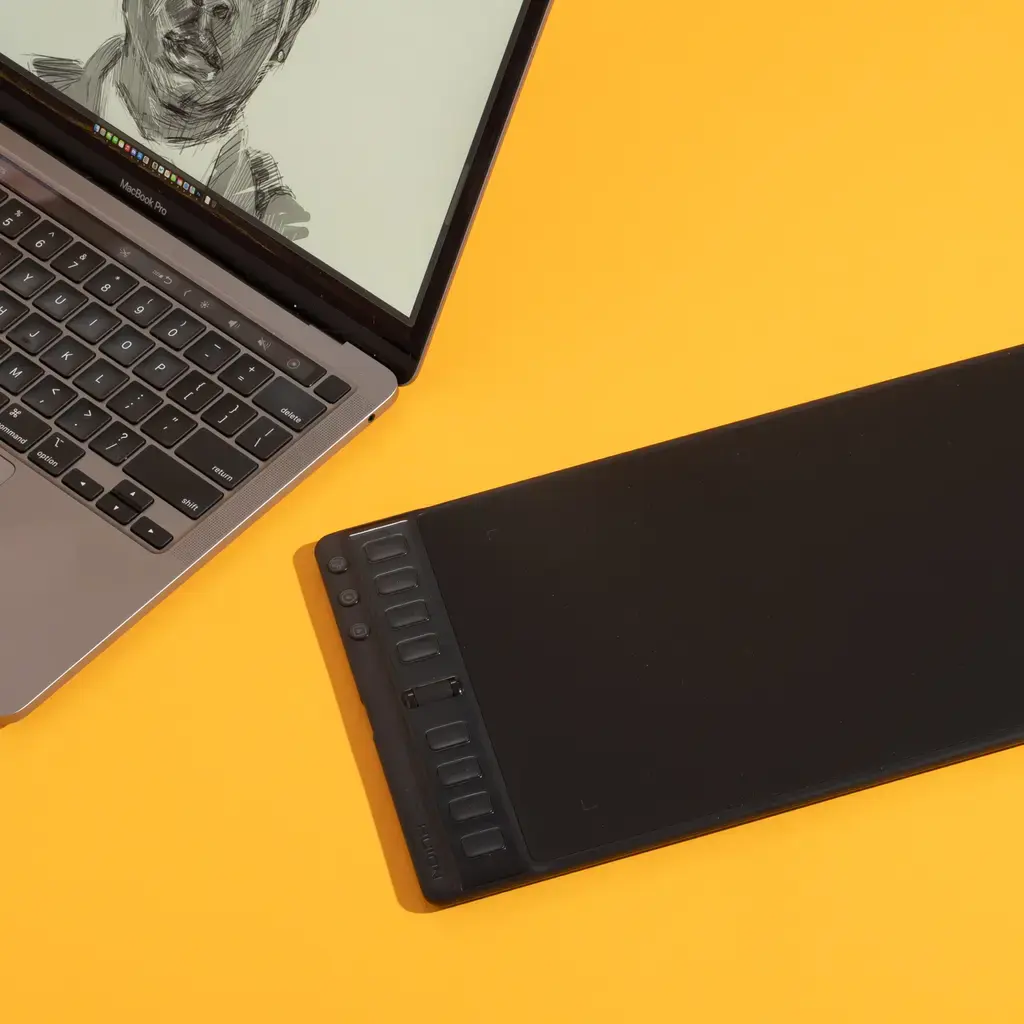
These applications are compatible with various Windows-based drawing tablets, including those from Wacom, Huion, and XP-Pen. They provide the professional tools necessary to create high-quality digital art without needing to switch to an Apple ecosystem.
How to choose a drawing tablet for Windows
To replicate the experience of drawing on an iPad, you must pair your Windows computer with a high-quality graphics tablet. There are two primary categories: pen tablets, which require you to look at your monitor while drawing, and pen displays, which feature a built-in screen.
- Determine your budget and workspace size, as pen displays occupy more desk space than standard tablets.
- Check the pressure sensitivity levels; look for devices offering at least 8,192 levels for the most natural stroke variation.
- Ensure the tablet drivers are compatible with your specific version of Windows and your preferred painting software.
- Consider the tilt recognition feature, which allows you to shade by angling the stylus, similar to a real pencil.
Common mistakes include buying a tablet without high-quality color accuracy or neglecting to calibrate the display. Always check independent reviews regarding the parallax, which is the gap between the pen tip and the digital line on screen.
Common mistakes when switching from Procreate
Many artists moving from Procreate to Windows software feel frustrated by the change in user interface and gesture controls. Procreate uses a unique system of tap-and-hold gestures that are not standardized across Windows applications. Expect a learning curve as you map your muscle memory to new keyboard shortcuts and menu layouts.
Another frequent error is attempting to import Procreate-specific file formats (.procreate) into Windows software. These files contain proprietary data structures that other programs cannot read or open. To move your work, you must export your files from the iPad as PSD (Photoshop document) files, which preserve layers and blend modes, allowing for a seamless transition between platforms.
Avoid the temptation to use generic, low-cost drawing tablets that lack palm rejection. Without proper palm rejection, your software may register your hand as a brush stroke, leading to constant errors and the need for frequent "undo" commands.
Can you run Procreate using an emulator?
You may encounter online tutorials suggesting the use of Android or iOS emulators to run Procreate on a Windows PC. It is important to understand that these methods are not reliable and generally do not work. Emulators struggle to interpret the specific hardware-level communication between the iPad’s screen and the Apple Pencil.
Even if an emulator successfully launches the application, the lack of pressure sensitivity and the extreme input lag make professional work impossible. You would likely experience frequent crashes, corrupted files, and an inability to use the advanced brush engine that defines the Procreate experience. Relying on these workarounds often leads to wasted time and potential security risks from downloading unverified emulator software.
Instead of seeking workarounds, invest your time in learning a native Windows application. Mastering a tool designed for your operating system ensures stability, better performance, and access to regular updates that keep your creative workflow efficient and professional.
Key facts
- Procreate is developed exclusively by Savage Interactive for iPadOS and visionOS.
- There is no native version of Procreate available for Windows, macOS, or Android operating systems.
- The software relies on Apple’s Metal graphics API, which is not compatible with Windows hardware.
- Attempting to install Procreate via unauthorized emulators often leads to malware risks and poor performance.
- Users seeking a similar experience on Windows often turn to professional alternatives like Clip Studio Paint or Krita.
- Apple Pencil integration is a core component of Procreate, which Windows hardware lacks natively.
The bottom line
Procreate remains an Apple-exclusive application, meaning it cannot be installed or used on Windows devices. While this may be frustrating for Windows users, the market offers several powerful alternatives that provide professional-grade digital illustration tools. By utilizing software such as Clip Studio Paint or Krita alongside a dedicated drawing tablet, you can achieve a workflow that matches the functionality and creative potential of Procreate.
People also ask
Is there a version of Procreate for PC?
No, Procreate is built specifically for the iPad and Apple Vision Pro. It is not available for desktop operating systems like Windows or Linux.
Can I use an emulator to run Procreate on Windows?
Emulators such as BlueStacks are designed for Android apps, not iPadOS apps. Because Procreate requires specific Apple hardware drivers, it will not function through standard emulation software.
What is the best alternative to Procreate for Windows users?
Clip Studio Paint is widely considered the closest professional equivalent due to its robust brush engine and layer management. Krita is another popular choice that is free, open-source, and highly capable for digital painting.
Will Savage Interactive ever release Procreate for Windows?
The developers have consistently stated that they focus their resources on the Apple ecosystem to maintain high performance. There are no current plans to expand the software to Windows platforms.
Can I use a drawing tablet with Windows to get a Procreate-like experience?
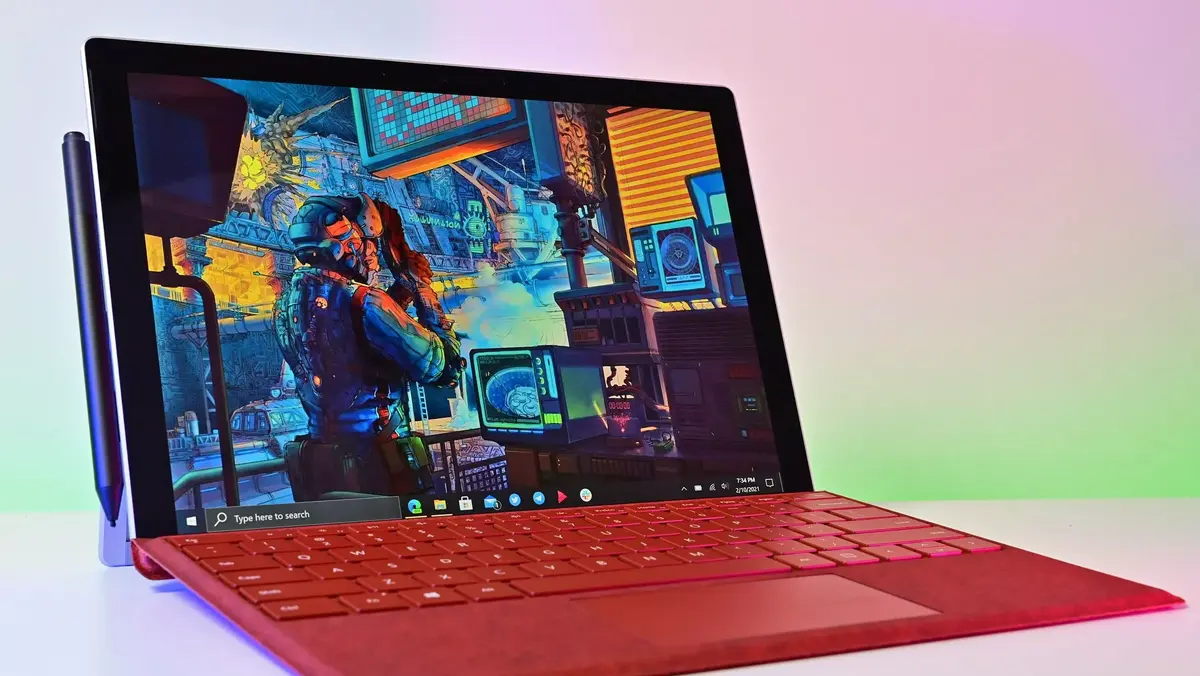
Yes, using a high-quality pen display like a Wacom Cintiq or a Microsoft Surface Pro provides a similar tactile drawing experience. When paired with software like Adobe Fresco or Corel Painter, you can achieve professional results on Windows.
Does Procreate Pocket work on Windows?
Procreate Pocket is the iPhone version of the app and is also restricted to Apple’s iOS ecosystem. It cannot be installed or used on a Windows computer.
This answer was created with the help of AI research tools and reference sources. Spotted an error? Let us know — we correct mistakes quickly. See our editorial policy.