Is Clip Studio Paint better than Procreate?
Short answer
Neither software is objectively better; they serve different creative needs. Procreate is the superior choice for intuitive, portable sketching and illustration on iPad. Clip Studio Paint is the industry standard for professional comic creation, complex animation, and long-form illustration projects, offering far more robust technical tools for desktop and tablet users alike.
On this page
Which software is better for beginners?
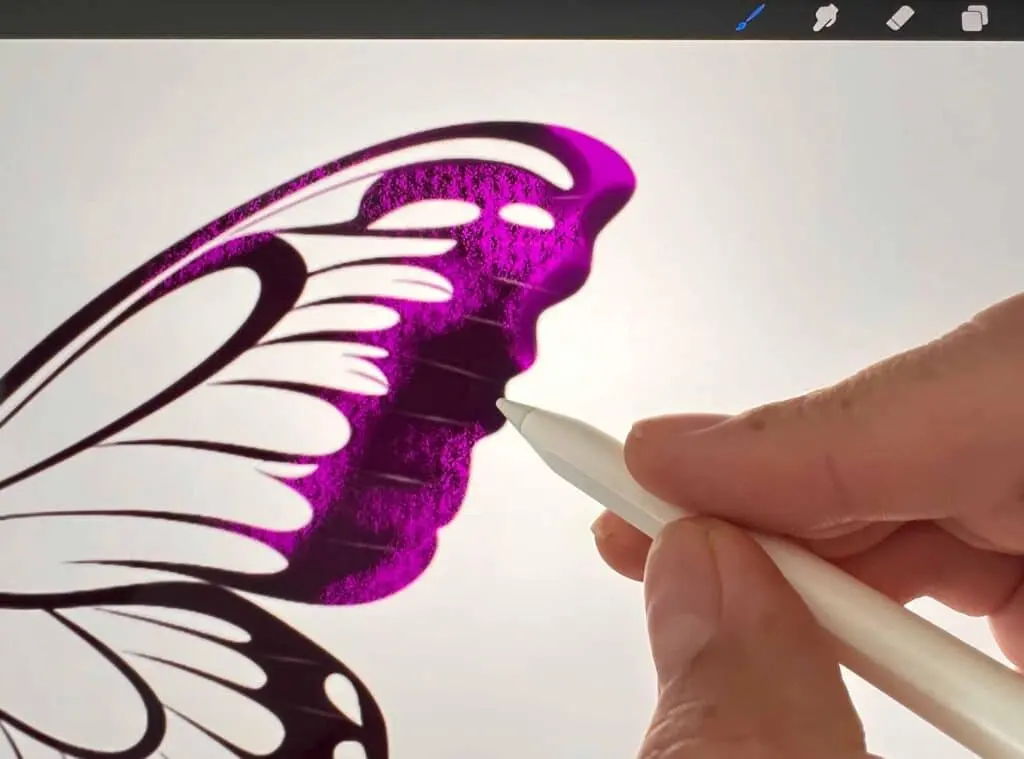
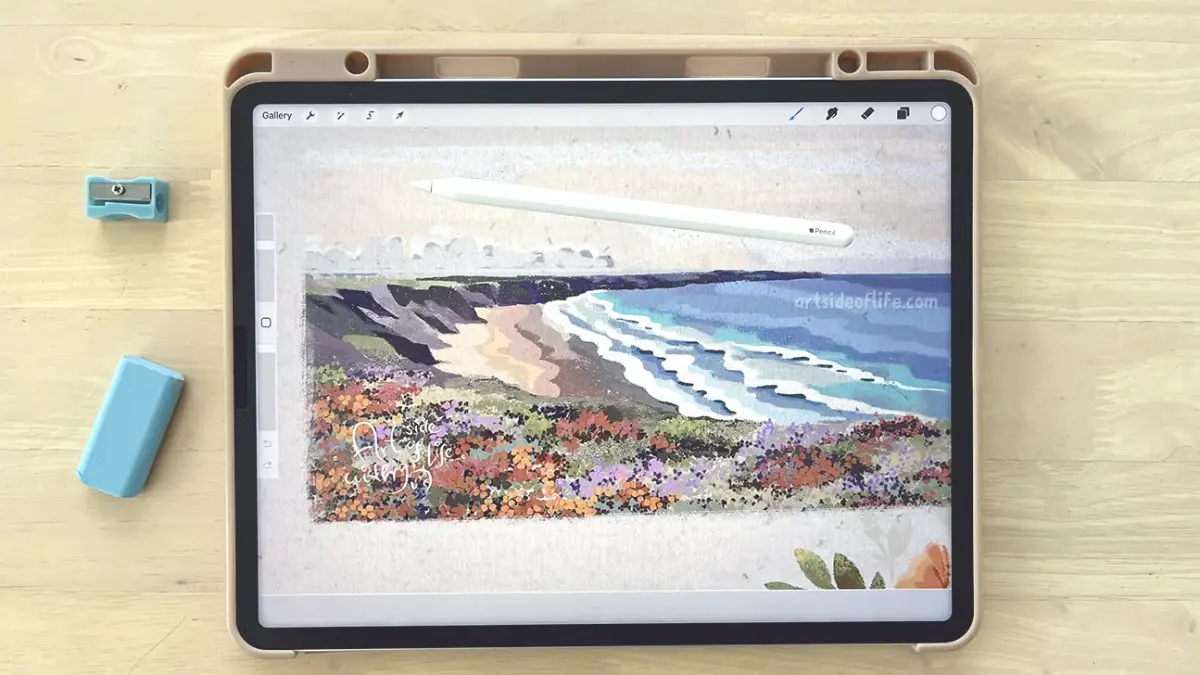
Procreate is widely considered the most accessible digital painting application for beginners. Its interface is minimalist, hiding complex settings behind intuitive gestures like two-finger taps for undoing actions. Because it was built exclusively for the iPad, the touch controls feel natural, allowing new artists to focus on drawing rather than navigating technical menus. The learning curve is shallow, enabling users to produce polished work within hours of installation.
Clip Studio Paint, conversely, presents a steeper learning curve due to its dense interface and professional-grade feature set. It feels more like a traditional desktop design program, similar to Adobe Photoshop, with numerous panels, toolbars, and customizable palettes. Beginners may feel overwhelmed by the sheer number of configuration options available. However, for those who intend to transition into professional comic book or manga production, learning this interface early provides a significant advantage in long-term workflow efficiency.
How to choose between Procreate and Clip Studio Paint
The decision rests on your specific creative goals and hardware setup. Procreate is a one-time purchase exclusive to iPadOS, making it a cost-effective solution for mobile artists. It excels at digital painting, sketching, and quick concept art. If you prioritize portability and a distraction-free environment, Procreate is the clear winner.
Clip Studio Paint operates on a subscription or one-time license model and is compatible with Windows, macOS, iPad, and Android. It is the premier choice for artists who need:
- Advanced vector line art tools for clean, scalable ink work.
- Built-in 3D model references to assist with complex character posing.
- Specialized paneling and speech bubble tools for comic and manga creation.
- Frame-by-frame animation capabilities that exceed basic sketching features.
If your workflow involves complex multi-page documents or professional print production, the technical depth of Clip Studio Paint is necessary.
Common mistakes when switching between platforms
A frequent error is assuming that brushes and assets are cross-compatible. While some file formats like .PSD can be imported into both, custom brush sets are proprietary. If you have spent years building a library of brushes in Procreate, you cannot simply drag them into Clip Studio Paint. You must recreate them or purchase new sets, which can be a time-consuming process for established artists.
Another mistake is ignoring the hardware limitations of your device. Procreate is optimized for the specific hardware architecture of the iPad, ensuring smooth performance even with high-resolution canvases. Clip Studio Paint, while powerful, can be resource-heavy on older tablets or laptops. Before committing, consider these factors:
- Evaluate your current hardware's RAM and processing power.
- Check if your specific creative workflow requires vector-based line art.
- Determine if you need to manage multi-page files or single-image illustrations.
- Assess whether you prefer a mobile-first touch interface or a traditional mouse-and-keyboard desktop environment.
What are the key technical differences?
The core engine of each program dictates how it handles data. Procreate utilizes a unique painting engine that prioritizes speed and fluidity, making it feel like traditional media. It handles large canvases well, but its layer management is relatively simple compared to professional desktop software. It lacks advanced features like true vector layers, which are essential for professional graphic design and high-end commercial printing.
Clip Studio Paint is built for heavy-duty production. It offers robust vector layers that allow you to resize and reshape lines without losing quality, a feature Procreate lacks. Furthermore, Clip Studio Paint includes a massive library of downloadable assets, including backgrounds, textures, and 3D props created by the community. This ecosystem significantly speeds up the production of complex scenes. While Procreate is excellent for the "art of the moment," Clip Studio Paint is designed for the "art of the project," providing structural tools that maintain consistency across hundreds of pages.
How to optimize your workflow in each program
To maximize your efficiency in Procreate, master the gesture controls and the QuickMenu. By assigning your most-used tools to a simple swipe or tap, you can eliminate the need to navigate menus entirely. Use the "Time-lapse" feature to review your process, which is an excellent way to identify where you are wasting time or struggling with technique. Always keep your iPad updated to ensure the software remains stable.
In Clip Studio Paint, focus on setting up custom Workspaces. You can save different layouts for sketching, inking, and coloring, allowing you to hide unnecessary tools and focus on the task at hand. Utilize the "Sub View" palette to keep reference images open without cluttering your main canvas. To avoid data loss, follow these steps:
- Regularly back up your files to a cloud service, as local storage can become corrupted.
- Use the "Auto-Save" feature, but set it to a reasonable interval to prevent performance lag.
- Organize your layers into folders early in the project to maintain clarity.
- Learn the keyboard shortcuts for your most frequent actions to save hours of manual clicking.
Key facts
- Procreate is exclusive to iPadOS, while Clip Studio Paint functions on Windows, macOS, iPad, Android, and smartphones.
- Clip Studio Paint uses a subscription-based model for most platforms, whereas Procreate requires a one-time purchase fee.
- Procreate is renowned for its intuitive, gesture-based interface designed specifically for touch and Apple Pencil input.
- Clip Studio Paint is the industry standard for manga and comic production, featuring built-in tools for panel borders, speech bubbles, and perspective rulers.
- Procreate offers a streamlined, minimalist workspace that minimizes distractions, while Clip Studio Paint provides a complex, highly customizable professional studio environment.
- Professionals often use Procreate for rapid sketching and illustration, while utilizing Clip Studio Paint for long-form narrative projects and complex multi-page layouts.
The bottom line
Choosing between these tools depends on your specific workflow. If you prioritize portability, a minimalist interface, and quick illustration, Procreate is the ideal choice. Conversely, if you require advanced features for comic creation, multi-page management, or complex animation, Clip Studio Paint is the superior professional solution. Most digital artists find that the best approach is to identify whether they need a simple canvas or a comprehensive studio.
People also ask
Can I transfer my Procreate files to Clip Studio Paint?
You can export your Procreate work as a PSD file and open it in Clip Studio Paint to retain your layer structure. However, specific Procreate-exclusive brush settings or blending modes may not translate perfectly between the two programs.
Which software is better for beginners?
Procreate is generally considered more accessible for beginners due to its clean interface and simple learning curve. Clip Studio Paint has a steeper learning curve because it includes a vast array of technical tools for professional comic and animation production.
Does Clip Studio Paint have a mobile version?
Yes, Clip Studio Paint offers a fully featured mobile version for smartphones and tablets. It provides the same core engine as the desktop version, though the interface is condensed to fit smaller screens.
Is Procreate capable of professional animation?
Procreate includes an Animation Assist feature that is excellent for creating simple GIFs and short frame-by-frame animations. For complex, multi-layered animation projects, Clip Studio Paint offers more robust tools like keyframe animation and audio support.
Do I need a subscription for Clip Studio Paint?
On Windows and macOS, you can choose between a one-time purchase for a perpetual license or a monthly subscription. On mobile devices like iPad and Android, the software is exclusively available through a monthly or annual subscription plan.
Which app is better for long-term project management?
Clip Studio Paint is superior for long-term projects because it allows you to manage multiple pages within a single file. Procreate treats each canvas as an individual file, which makes organizing large-scale graphic novels or books more difficult.
This answer was created with the help of AI research tools and reference sources. Spotted an error? Let us know — we correct mistakes quickly. See our editorial policy.
![How to Use a Clipping Mask in Procreate: What Does It Do and How Does It Work? [VIDEO]](/img/b3/how-do-you-use-clipping-masks-in-procreate-1.webp)