Who invented email?
Short answer
Ray Tomlinson is widely credited with inventing email in 1971 while working on the ARPANET system. He introduced the use of the "@" symbol to separate user names from machine names, enabling messages to be sent between different computers on a network. His innovation transformed digital communication into the global standard used today.
On this page
Who actually invented email?
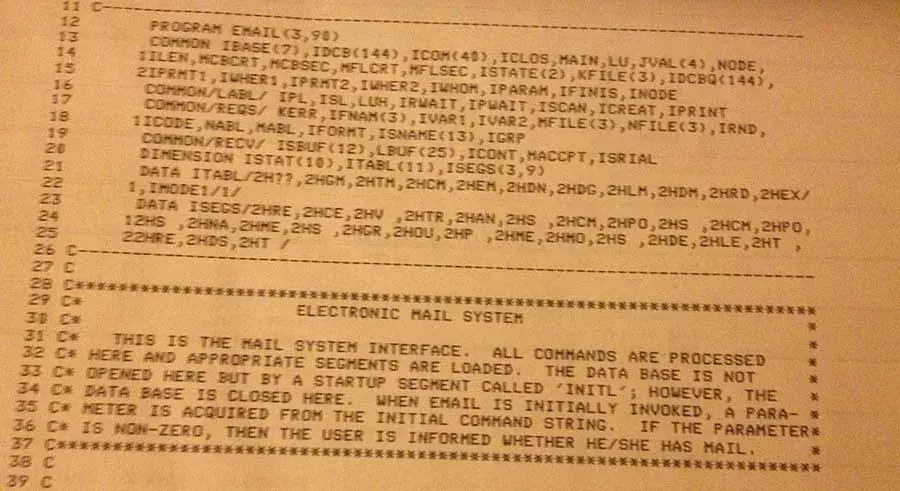
The history of email is often debated because it evolved through several experimental systems. In the mid-1960s, researchers at the Massachusetts Institute of Technology developed MAILBOX, a program that allowed users on the same mainframe computer to leave messages for one another. However, these systems were localized and could not transmit data across different hardware platforms.
Ray Tomlinson, a computer engineer at BBN Technologies, fundamentally changed this in 1971. He combined two existing programs, SNDMSG and CPYNET, to create a system capable of sending messages over the ARPANET, the precursor to the modern internet. By choosing the "@" symbol, he provided a clear syntax to distinguish the individual user from the host computer. This breakthrough allowed for the first networked communication, effectively creating the architecture for the email we use today.
How did early email work?
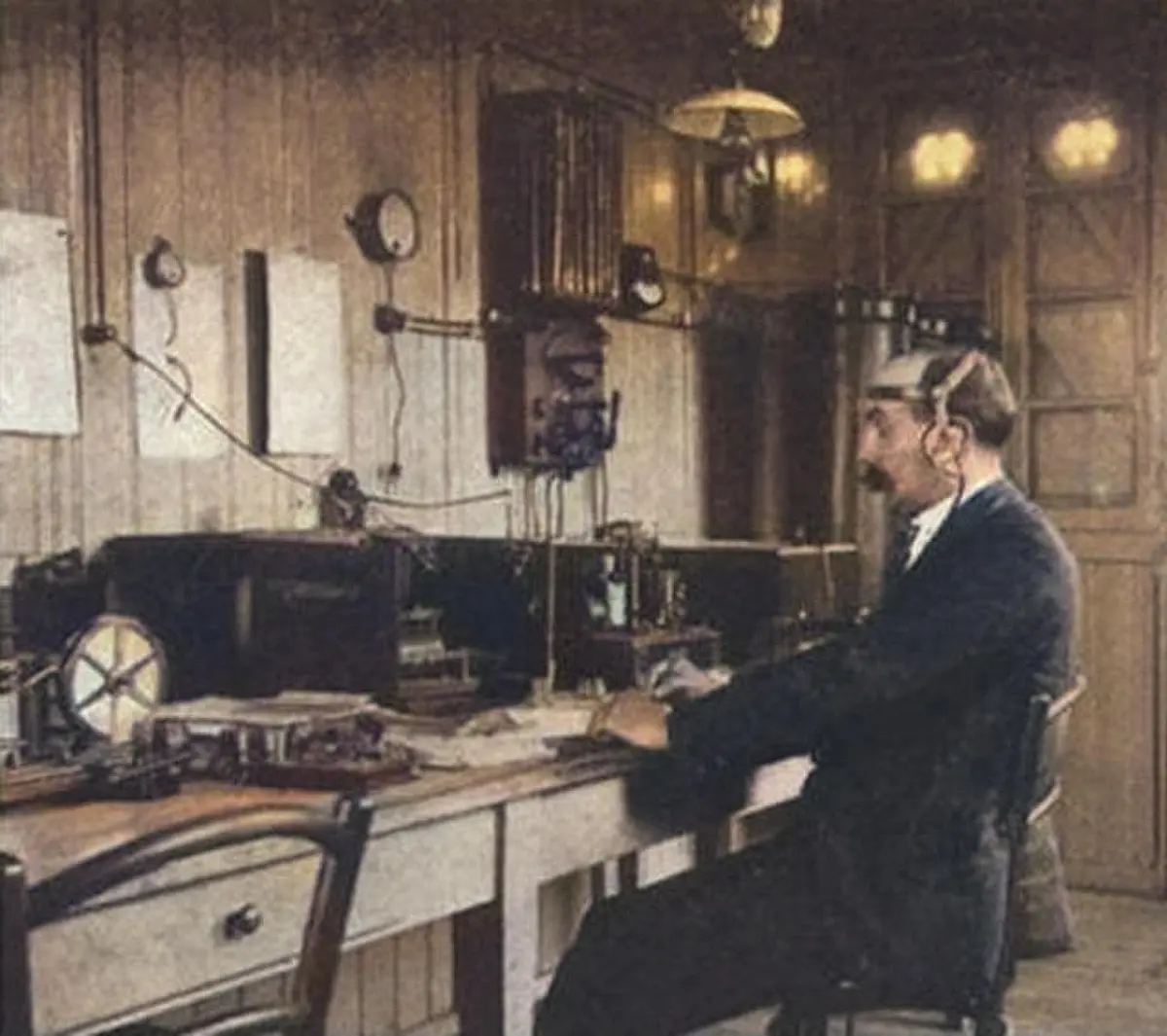
Early email systems were vastly different from the graphical interfaces found in modern web browsers. Users interacted with command-line interfaces where they had to manually specify the destination host and the recipient’s address. Because there were no centralized servers, messages were routed directly from one machine to another across the network.
The process relied on specific protocols that dictated how data packets were packaged and delivered. To send a message, a user had to follow a rigid sequence of commands:
- Log into the mainframe computer using a terminal connection.
- Launch the SNDMSG program to initiate the messaging interface.
- Define the destination using the syntax "user@host" to ensure the message reached the correct terminal.
- Compose the text and execute the send command to push the data across the network.
This manual process was prone to errors, as any typo in the host address would result in the message being lost or bounced back to the sender.
Why was the "@" symbol chosen?
The choice of the "@" symbol was a pragmatic decision rather than a creative one. Tomlinson needed a character that was clearly distinct from the names of users or computers and was unlikely to appear in a person's name. At the time, the symbol was rarely used in programming, making it an ideal separator.
When selecting the symbol, Tomlinson looked at his keyboard and realized the "@" sign was the only logical choice that could perform the role of "at." This simple design choice solved a complex technical problem: how to tell a computer that the user was located at a specific machine on the network. This convention became so successful that it remains the universal standard for email addresses across every platform, from corporate servers to personal accounts.

Common mistakes when using email
Modern email users often make technical and social errors that compromise their security or professional reputation. One of the most frequent mistakes is failing to verify the recipient's address, which can lead to sensitive information being sent to the wrong person. Users should always double-check the "To" and "Cc" fields before hitting send.
Another common pitfall involves poor email hygiene, which can lead to account compromise or digital clutter. To maintain effective communication, avoid the following habits:
- Using the same password for your email account and other online services.
- Opening attachments from unknown senders, which is a primary vector for malware.
- Neglecting to use the "Bcc" field when sending a message to a large group of people.
- Responding to phishing emails that request personal information or account credentials.
Practicing these basic safety measures helps protect your digital identity and ensures that your correspondence remains private and organized.
How to manage your inbox effectively
Managing an inbox requires a consistent strategy to prevent information overload. Many people struggle because they treat their inbox as a to-do list rather than a communication tool. Experts recommend processing messages in batches rather than checking for new mail every few minutes, as constant interruptions significantly reduce productivity and focus.
To keep your inbox under control, consider implementing these organizational steps:
- Archive or delete messages immediately after they are read and addressed.
- Utilize folders or labels to categorize emails by project or priority level.
- Unsubscribe from newsletters or promotional lists that you no longer read.
- Use templates for common responses to save time on repetitive inquiries.
By treating your email as a workflow system rather than a storage bin, you can maintain a clean, efficient environment that supports your daily tasks. Consistent maintenance prevents the accumulation of thousands of unread messages, ensuring that important communications are never buried or overlooked in the digital noise.
Key facts
- Ray Tomlinson is widely credited with sending the first network email in 1971 while working at BBN Technologies.
- Tomlinson chose the "@" symbol to separate the user's name from the machine name, a convention that persists today.
- The first message was a test string of characters, likely something like "QWERTYUIOP," sent between two side-by-side computers.
- V.A. Shiva Ayyadurai claimed to have invented "EMAIL" as a software program in 1978, though historians generally classify his work as a document management system.
- Early email systems required both the sender and receiver to be logged into the same mainframe computer.
- To avoid security risks, never click links or download attachments from unknown senders, as these are common vectors for phishing attacks.
The bottom line
The invention of email is attributed to Ray Tomlinson, who implemented the first network-based messaging system in 1971. By introducing the "@" symbol, he established the fundamental architecture for digital communication. While others later developed software packages for internal office messaging, Tomlinson’s work on ARPANET remains the true precursor to the global electronic mail system that serves as the backbone of modern professional and personal correspondence.
People also ask
What was the first email ever sent?
Ray Tomlinson sent the first network email in 1971 between two computers connected via ARPANET. He described the content as insignificant, likely just a random sequence of keyboard characters.
Did V.A. Shiva Ayyadurai invent email?
While Ayyadurai registered a copyright for a program he named "EMAIL" in 1982, his software was a digital version of an interoffice memo system. It lacked the network-based communication protocols that define modern email.
Why was the "@" symbol chosen for email addresses?
Tomlinson needed a symbol that would not appear in any user names to distinguish the individual from the host computer. The "@" symbol was available on his Model 33 Teletype and effectively indicated that the user was "at" a specific machine.
How did email become popular for the general public?
Email moved from academic and military networks to the public in the 1990s with the rise of commercial providers like AOL, Hotmail, and Yahoo. These services provided user-friendly interfaces that did not require technical knowledge of mainframe systems.
What is the difference between SMTP and POP3?
SMTP (Simple Mail Transfer Protocol) is used to send emails from a client to a server or between servers. POP3 (Post Office Protocol) is a standard used by email clients to retrieve messages from a server to a local device.
What is a common mistake when managing professional email?
A frequent error is using an unprofessional email address or failing to use a clear, descriptive subject line. This often leads to messages being ignored, deleted, or filtered into spam folders by the recipient.
This answer was created with the help of AI research tools and reference sources. Spotted an error? Let us know — we correct mistakes quickly. See our editorial policy.