What colors make dark green?
Short answer
To create dark green, mix a primary green with a touch of black, or combine blue and yellow before adding a dark pigment. Adding complementary colors like red or purple also deepens green by neutralizing its brightness. Adjusting these ratios allows you to achieve various shades, from forest green to deep olive.
On this page
How to mix dark green with paint
Creating a deep, rich green starts with understanding the color wheel. If you have a standard tube of green paint, you can darken it by adding small amounts of black, but be careful, as black can quickly turn the mixture into a dull, muddy gray. A more sophisticated approach involves using a dark blue, such as ultramarine or Prussian blue, mixed with a warm yellow like cadmium yellow. This combination creates a vibrant base that retains more character than a simple green-black mix.
To achieve specific dark tones, follow these steps:
- Start with a base of medium green or a mix of blue and yellow.
- Add a tiny amount of black or dark brown to deepen the value.
- Incorporate a small touch of red or purple to desaturate the color if it appears too neon.
- Mix thoroughly and test on a scrap surface, as the color may look different once it dries.
Why dark green changes when you add colors
The science behind color mixing relies on subtractive color theory, where pigments absorb certain wavelengths of light. When you add black to green, you are effectively reducing the amount of light reflected by the paint, which lowers the value of the hue. If you use a dark blue instead of black, you are shifting the temperature of the green toward a cooler, more oceanic tone. This creates a "chromatic black" effect, which often looks more professional and visually interesting than using pure carbon black.
Adding a complementary color, such as red, works because red and green are opposites on the color wheel. Mixing them cancels out the intensity of the green, effectively "graying" it down or turning it into an earthy olive. This process is essential for painters who want to create shadows or foliage that look natural rather than artificial. Understanding these relationships allows you to control the depth of your green without losing the vibrancy of the pigment.
Common mistakes when mixing dark green
One of the most frequent errors beginners make is adding too much black paint at once. Because black pigment is extremely potent, it can overpower the green, making it impossible to fix without using a large amount of additional paint. Always start with the smallest possible amount of the darkening agent, adding more only after testing the mixture. Another mistake is mixing too many different colors together, which often results in a "mud" color that lacks a distinct hue.
To avoid these issues, follow these best practices:
- Work in small batches to avoid wasting expensive materials.
- Clean your brush thoroughly between additions to prevent color contamination.
- Use a palette knife to mix, as it ensures a more consistent blend than a brush.
- Keep a reference chart of your mixes to replicate successful shades later.
- Test your paint on the actual surface you intend to use, as textures affect light absorption.

Best dark green shades for different projects
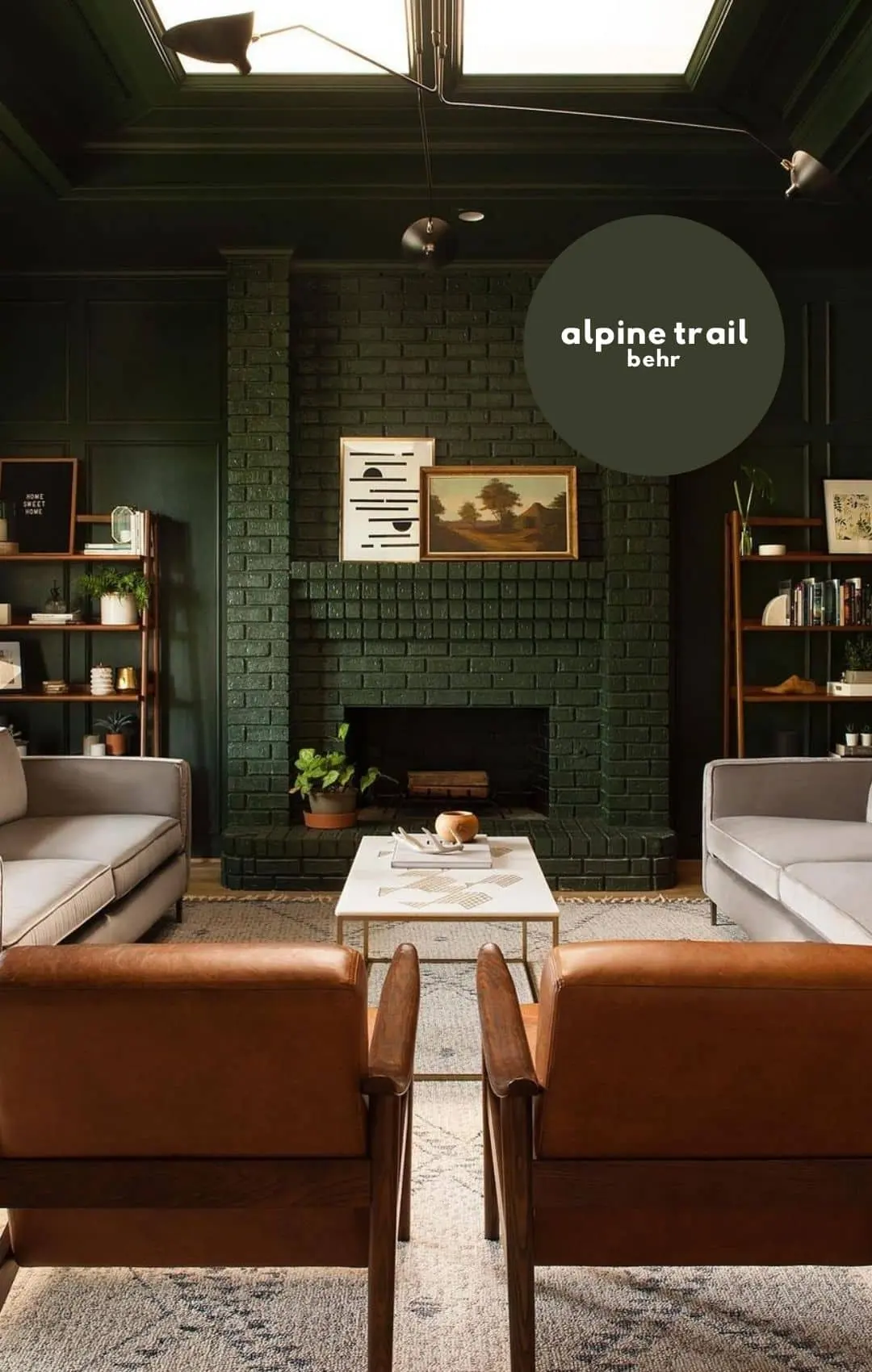
Different projects require different types of dark green. For landscape painting, a forest green—created by mixing viridian green with a touch of burnt umber—is ideal for capturing the depth of trees and shadows. If you are working on interior design or digital art, you might prefer a hunter green or a deep emerald. These shades often lean toward blue, providing a sense of calm and sophistication that pairs well with metallic accents or neutral backgrounds.
If you are mixing for specific aesthetics, consider these combinations:
- Forest Green: Mix sap green with a small amount of burnt umber.
- Hunter Green: Combine a deep blue with a bright yellow and a hint of black.
- Olive Green: Blend green with a significant amount of yellow and a touch of red.
- Teal-Green: Mix a bright green with a deep phthalo blue.
How to adjust dark green after mixing
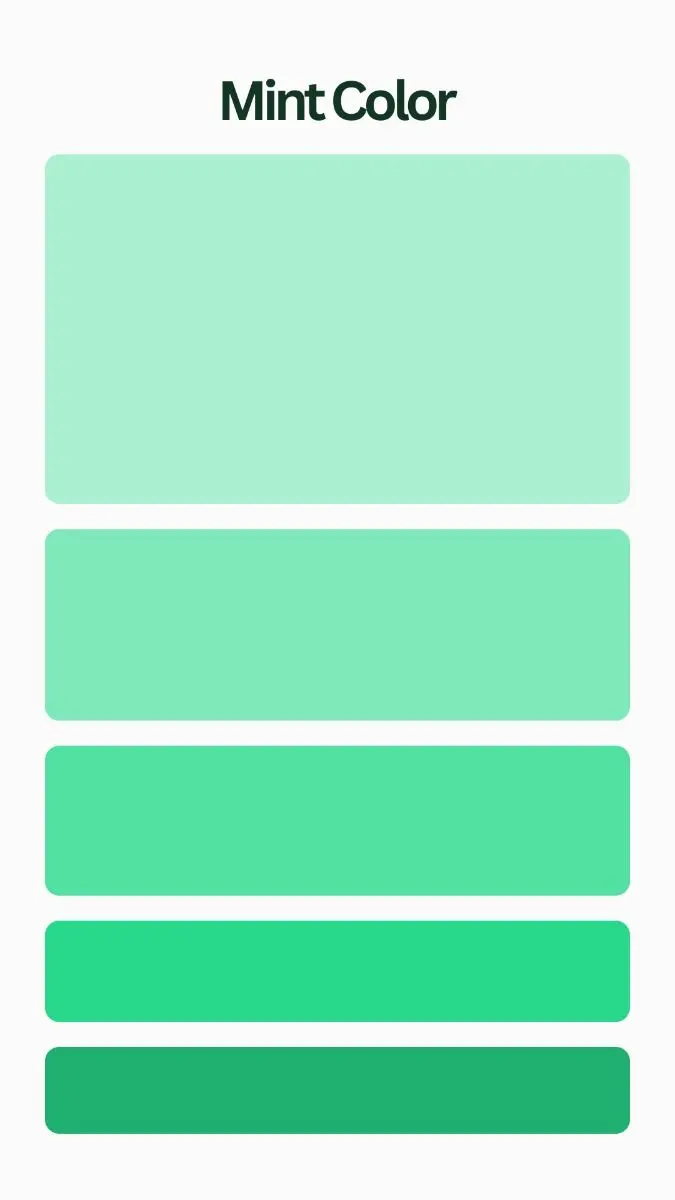
If your green is too dark, you can lighten it by adding white or a lighter shade of yellow. However, adding white will create a pastel or "minty" effect, which might not be the look you want. If you need to keep the color dark but make it more vibrant, add a small amount of pure green or yellow back into the mix. This reintroduces saturation, effectively "lifting" the color without making it significantly lighter in value.
If the green looks too flat or dead, try adding a tiny drop of a warm color like orange or yellow ochre. This adds a subtle glow that mimics the way sunlight hits leaves in nature. Always remember that paint often dries darker than it appears when wet, particularly when using acrylics. It is usually better to stop slightly before reaching your target shade and allow the paint to dry completely before deciding if another adjustment is necessary to achieve the perfect final result.
Key facts
- Mixing blue and yellow is the fundamental starting point for creating any shade of green.
- To darken green, add a small amount of black, but use caution as it can easily turn the color muddy.
- Complementary colors, specifically red, are the most effective way to darken green while maintaining a natural, rich tone.
- Adding a touch of brown will deepen green into an earthy, olive, or forest hue without losing its vibrancy.
- Use a ratio of roughly 10 parts green to 1 part darkening agent to maintain control over the final shade.
- Always mix your colors on a palette first rather than directly on your canvas or surface to ensure the desired consistency.
The bottom line
Creating dark green is a precise process of balancing primary hues with darkening agents. While black is a common choice, using complementary colors like red or earthy browns often yields more natural and sophisticated results. By adding these pigments in small, incremental amounts, you maintain full control over the depth and tone of your color, ensuring a professional finish for any artistic or practical project.
People also ask
How do I make forest green specifically?
Start with a standard medium green and slowly incorporate a small amount of black or deep blue. If the color looks too artificial, add a tiny drop of burnt umber to give it an organic, forest-like quality.
Can I use purple to darken green?
Yes, mixing a small amount of purple into green creates a deep, muted shade often described as a dark sage or slate green. This works because purple contains blue and red, both of which help neutralize the brightness of the green.
Why does my green turn gray when I add black?
Black paint often contains blue or white pigments that can desaturate green, making it look dull or grayish. To avoid this, try using a deep brown or a dark complementary color like alizarin crimson instead of pure black.
What is the best way to lighten a dark green?
Add white paint sparingly to create a tint, or use yellow if you want to keep the color warm and vibrant. Be careful with white, as it can quickly turn a deep green into a pastel mint color.
Does the type of paint affect how colors mix?
Yes, oil paints have different transparency levels compared to acrylics, which can change how colors blend. Always test your mixture on a scrap piece of material before applying it to your final project.
How do I fix a green that has become too dark?
If your mixture is too dark, slowly add more of your original base green or a bright yellow to bring the hue back to life. Avoid adding more black, as it is nearly impossible to lighten a color once it has been darkened too far.
This answer was created with the help of AI research tools and reference sources. Spotted an error? Let us know — we correct mistakes quickly. See our editorial policy.