What is Ibis Paint?
Short answer
Ibis Paint is a popular mobile and desktop illustration application developed by Ibis Inc. First released in 2011, it provides a comprehensive suite of digital art tools, including thousands of brushes, filters, and layer blending modes. It is widely used by hobbyists and professionals for drawing, painting, and creating digital manga.
On this page
What is Ibis Paint used for?
Ibis Paint is primarily designed for digital illustration, ranging from simple sketches to complex, multi-layered comic book pages. The software is highly regarded for its "manga-friendly" features, such as specialized screentones, frame dividers, and ruler tools that assist in creating precise panel layouts. Beyond traditional drawing, users frequently employ the app for photo editing, graphic design, and hand-lettering projects.
The platform functions as a social network as well, allowing users to upload their process videos to a community feed. This feature is particularly helpful for artists looking to study how others construct their work, as the app records every brushstroke from start to finish. Because it is optimized for touchscreens, it serves as a portable studio for artists who prefer drawing on tablets or smartphones rather than traditional desktop setups.
How to get started with Ibis Paint
Getting started involves downloading the application from the App Store, Google Play, or the Microsoft Store. Upon opening the app, you will find a gallery interface where you can manage your projects and import reference images. The interface is packed with icons, so it is helpful to spend a few minutes familiarizing yourself with the toolbar located at the bottom and sides of the canvas.
- Create a new canvas by tapping the "+" button and selecting a preset size or custom dimensions.
- Select the brush tool to experiment with different textures and pressure sensitivities.
- Tap the layer icon to add a new layer, which allows you to draw without affecting the base sketches.
- Use the "Undo" button (the left-pointing arrow) frequently to correct mistakes as you learn the interface.
- Save your progress regularly by returning to the "My Gallery" folder to ensure your work is backed up.
Best features for beginners
The application offers an extensive library of tools that can feel overwhelming, but several features are essential for those just starting out. The "Stabilizer" tool is arguably the most important for beginners, as it automatically smooths out shaky lines, making your digital strokes look cleaner and more professional. Additionally, the "Clipping" feature allows you to color within the bounds of a specific layer, which prevents your colors from spilling over your line art.
- Brushes: Access over 15,000 brushes including pens, pencils, and watercolors.
- Layers: Unlimited layers allow for complex compositions and easy edits.
- Rulers: Use symmetry, radial, or perspective rulers to maintain perfect geometry.
- Filters: Apply blur, color adjustments, or artistic effects to finish your piece.
- Selection Tools: Easily isolate parts of your drawing to move or transform them.
Common mistakes when using Ibis Paint
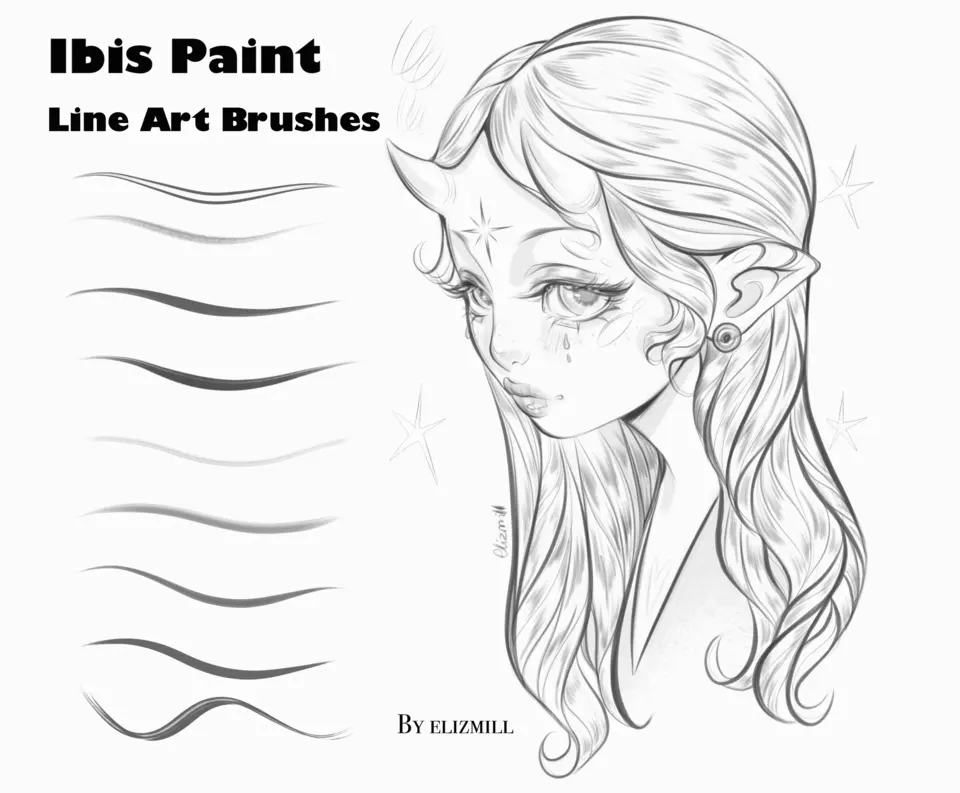
One of the most frequent errors beginners make is drawing everything on a single layer. When you consolidate your sketch, line art, and color on one layer, it becomes impossible to edit individual elements without ruining the rest of the image. Always separate your line art from your background colors to maintain flexibility throughout the creative process. Another mistake is ignoring the canvas resolution; starting with a canvas that is too small will result in pixelated, blurry images if you decide to print your work later.
Artists also often forget to utilize the "Layer Blending Modes" properly. Beginners might try to manually shade by picking darker colors, which can look muddy. Instead, try using the "Multiply" mode on a new layer to add shadows, or "Add" mode to create highlights. This method keeps your colors vibrant and allows you to adjust the intensity of the lighting effects by simply changing the layer's opacity slider without having to repaint the entire section.
How long does it take to learn Ibis Paint?
Learning the basics of Ibis Paint typically takes a few days of consistent practice. Most users can master the fundamental tools—such as layers, brush settings, and the color picker—within a week of daily use. However, becoming proficient with advanced features like complex masking, custom brush creation, and vector-style path tools can take several months. Because the interface is designed for touch input, the learning curve is often shorter for those already familiar with mobile devices compared to those transitioning from traditional desktop software.
To accelerate your learning, focus on replicating simple drawings rather than attempting complex masterpieces immediately. Watch the "speedpaint" videos of other artists within the app to see which tools they use for specific effects. By systematically exploring one new feature per day, such as the filter menu or the transformation tools, you will gain confidence in your technical abilities. Consistent practice is the most effective way to turn the software into an intuitive extension of your creative process.
Key facts
- Ibis Paint is a popular mobile drawing and painting application developed by Ibis Inc., first released in 2011.
- The software provides over 15,000 brushes, 1,000 fonts, and 80 filters to simulate traditional media like watercolors and oil paints.
- It supports high-resolution canvases up to 4K, allowing users to export files in formats like PNG, JPG, and PSD for desktop editing.
- A signature feature is the "movie" function, which automatically records the user’s entire drawing process as a time-lapse video.
- The app operates on a "freemium" model, offering a robust free version supported by ads and a subscription-based "Prime" membership.
- Users can utilize layers with various blending modes, clipping masks, and ruler tools to achieve professional-grade digital illustrations on tablets and phones.
The bottom line
Ibis Paint is a versatile and powerful digital art application that transforms mobile devices into professional-grade creative studios. By combining an extensive library of brushes with advanced layer management and time-lapse recording capabilities, it serves both hobbyists and professional illustrators. Whether you are sketching on a phone or creating complex manga pages on a tablet, the app provides the essential tools needed for high-quality digital artistry.
People also ask
Is Ibis Paint available on desktop computers?
While primarily designed for iOS and Android devices, Ibis Paint can be used on Windows PCs through the Microsoft Store. The desktop version offers a similar interface and feature set optimized for pen tablets.
Can I use Ibis Paint for professional work?
Yes, many professional illustrators and manga artists use the app for commercial projects. Its support for PSD files ensures that exported work remains compatible with industry-standard software like Adobe Photoshop.
How do I improve my brush strokes in the app?
Enable the "Stabilizer" feature in the brush settings to reduce jitter and smooth out shaky lines. Adjusting the stabilizer level helps achieve cleaner line art, especially when drawing on a glass screen.
Does the app work with a stylus?
Ibis Paint is fully compatible with pressure-sensitive styluses like the Apple Pencil or Samsung S Pen. These tools allow for varying line thickness and opacity based on the pressure applied to the screen.
What is the purpose of the layer system?
Layers allow you to separate different elements of your artwork, such as line art, color, and background, onto individual sheets. This makes it easy to edit specific parts of an image without affecting the entire composition.
Can I import custom brushes into the software?
You can import custom brush files or create your own by adjusting the brush parameters in the settings menu. This flexibility allows artists to build a personalized toolkit tailored to their specific drawing style.
This answer was created with the help of AI research tools and reference sources. Spotted an error? Let us know — we correct mistakes quickly. See our editorial policy.