Is digital art cheating?
Short answer
Digital art is not cheating; it is a legitimate medium requiring extensive technical skill, artistic theory, and creative labor. Like traditional painting, it relies on the artist’s hand and vision. Software tools function as digital brushes, providing efficiency and versatility rather than replacing the fundamental human effort required to create compelling visual work.
On this page
Is digital art considered real art?
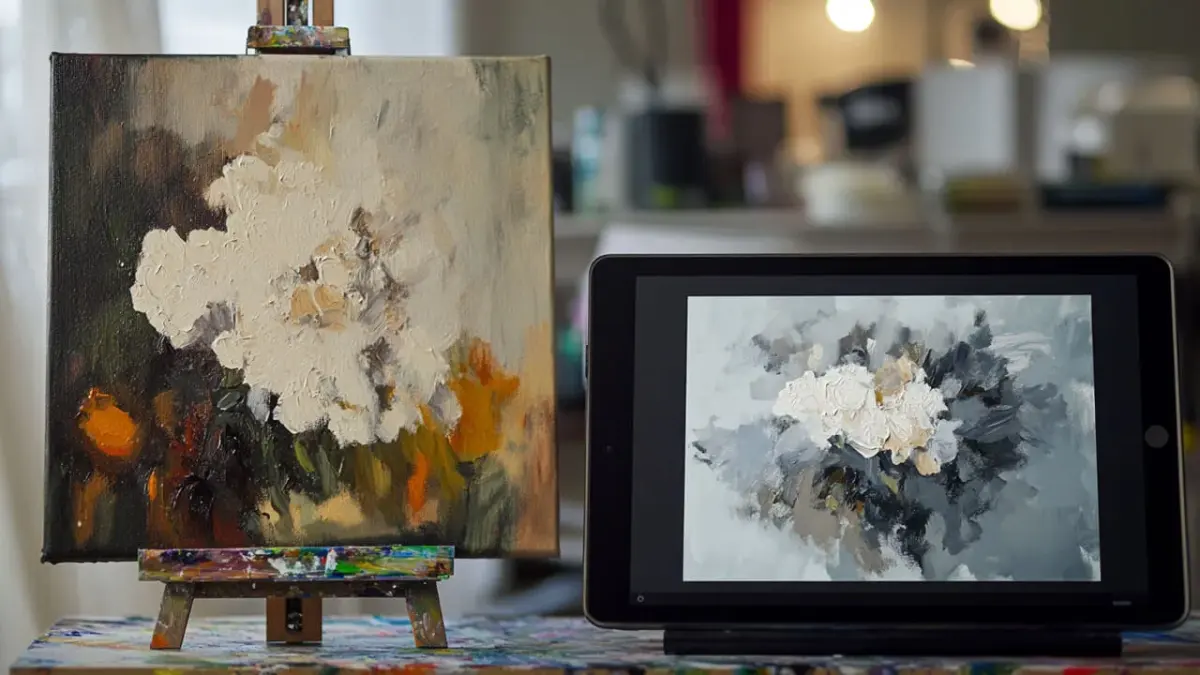
Digital art is a legitimate form of artistic expression that has been recognized by major institutions like the Museum of Modern Art and the Tate. The medium uses specialized hardware, such as graphics tablets and styluses, to translate physical hand movements into digital strokes. Because the artist must still understand principles like anatomy, perspective, lighting, and color theory, the creative process remains identical to traditional methods.
The primary difference lies in the tools rather than the talent. A digital artist must master complex software interfaces, layer management, and color profiles, which are skills as demanding as mixing pigments or stretching canvas. Critics who label digital art as cheating often misunderstand the role of technology, viewing "undo" buttons or layers as shortcuts. In reality, these features allow for a non-destructive workflow, enabling artists to experiment with compositions and color palettes in ways that would be prohibitively expensive or time-consuming in traditional media.
How does digital art differ from traditional art?
The core distinction between digital and traditional art is the medium of execution. Traditional art involves physical materials like oil, acrylic, charcoal, or clay, which possess inherent textures and physical limitations. Digital art exists as binary data on a screen, offering infinite canvas sizes, unlimited color palettes, and the ability to manipulate elements independently.
Despite these technical differences, the fundamental requirements for quality remain constant. Both mediums demand the following core competencies:
- Proficiency in composition and visual hierarchy.
- Understanding of light, shadow, and atmospheric perspective.
- Mastery of line quality and form construction.
- Knowledge of color harmony and value structures.
While digital tools provide shortcuts like symmetry rulers or shape-filling, these features do not generate finished art on their own. An artist must still guide every stroke, make every aesthetic decision, and refine the work until it meets their specific creative standard.
What are the common misconceptions about digital art?
A frequent misconception is that software "does the work" for the artist. While digital programs offer features like filters or automated gradients, these are merely tools in a kit, much like a stencil or a projector in a traditional studio. Using a digital brush that mimics watercolor does not paint the image; the artist must still understand how water and pigment interact to create a convincing effect.
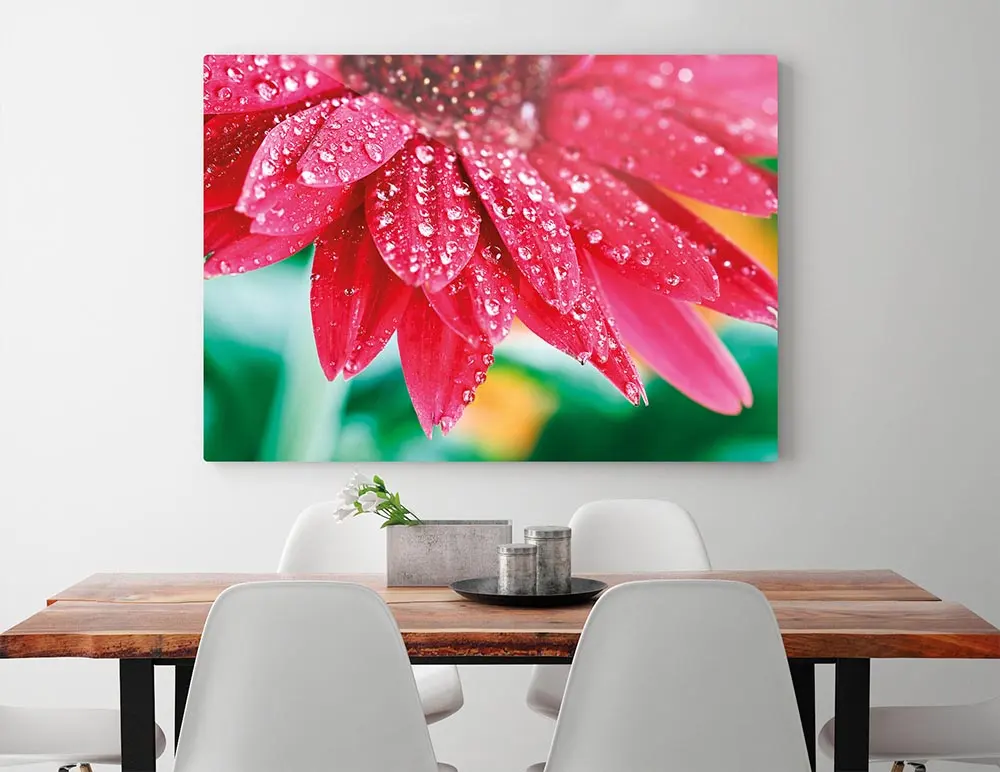
Another common myth is that digital art lacks "soul" because it is not a physical object. However, the value of art is derived from the artist’s intent and execution, not the material substrate. Digital files can be printed on high-quality archival paper or canvas, resulting in a physical output that is indistinguishable from traditional prints. The following list outlines common myths and the reality behind them:
- Myth: Digital art is easier because of the "undo" button. Reality: The undo button allows for more complex experimentation, not less effort.
- Myth: Digital art is cheaper. Reality: Professional hardware and software subscriptions represent significant financial investments.
- Myth: Digital artists cannot draw on paper. Reality: Most digital artists are trained in traditional techniques and use digital tools to scale their productivity.
How to get started with digital art?
To begin your journey in digital art, you need a reliable setup that balances performance with your budget. You do not need the most expensive equipment to produce professional-level work, but you do need a pressure-sensitive input device. Follow these steps to set up your workspace:
- Select a graphics tablet or a screen-based display that connects to your computer.
- Choose industry-standard software such as Adobe Photoshop, Clip Studio Paint, or Procreate.
- Calibrate your tablet settings to match your natural hand pressure and stroke speed.
- Dedicate time to learning the software interface, specifically layer modes, brush settings, and selection tools.
Common mistakes for beginners include spending too much time tweaking software settings instead of practicing drawing fundamentals. Many newcomers also rely too heavily on filters and effects to hide a lack of basic anatomical or perspective knowledge. Focus on mastering the basics of line and form before attempting to use complex digital effects.
Why do professional artists use digital tools?
Professional artists in fields like concept design, animation, and illustration rely on digital tools primarily for efficiency and collaboration. In a commercial environment, deadlines are often tight, and clients frequently request revisions. Digital media allows artists to make changes to specific parts of an image without having to repaint the entire composition, which is an essential requirement for modern creative industries.
Beyond speed, digital tools offer unparalleled precision and archival stability. Artists can work in high resolutions, ensuring their work is ready for various formats, from social media posts to large-scale billboard prints. Furthermore, the ability to organize complex projects into layers and folders allows for a level of project management that is impossible with traditional physical media. Ultimately, digital art is not a shortcut to talent; it is a sophisticated evolution of the artist's toolkit that empowers creators to push the boundaries of visual storytelling in the modern age.
Key facts
- Digital art relies on software like Adobe Photoshop or Procreate, which simulate traditional media like oil paint, charcoal, and ink.
- Artists use pressure-sensitive tablets and styluses to replicate the physical mechanics of drawing, requiring years of practice to master hand-eye coordination.
- Layers, a core digital feature, allow artists to separate elements of a composition, which is a technical workflow benefit rather than a replacement for skill.
- The "Undo" command saves time but does not create the underlying artistic vision, anatomy, or color theory necessary for a finished piece.
- Digital tools offer infinite color palettes and textures, yet the artist must still possess the fundamental knowledge of light, shadow, and perspective.
- Professional digital art is the industry standard for animation, game design, and film, proving its legitimacy as a rigorous creative profession.
The bottom line
Digital art is not cheating; it is a modern evolution of artistic expression that utilizes specialized tools to achieve complex results. Like traditional media, it demands significant practice, a grasp of fundamental design principles, and creative vision. While software offers efficiency, it cannot replace the human intent and technical skill required to execute a vision. Ultimately, the medium serves the artist rather than defining the quality of work.
People also ask
Do digital artists use shortcuts to avoid learning anatomy?
While digital tools allow for resizing and warping, these functions only work if the artist understands the underlying anatomy. A distorted drawing remains poor art regardless of the software used to manipulate it.
Is it easier to learn digital art than traditional art?
Digital art removes the cost of physical supplies, but the learning curve for software and digital hardware is steep. Both mediums require a deep understanding of artistic principles that cannot be bypassed by technology.
Does digital art lose value because it can be copied infinitely?
Digital files can be duplicated, but the artistic labor remains unique to the creator. Collectors often value digital work through digital signatures and verified ownership protocols.
Can you sell digital art as a professional career?
Yes, digital artists work in high-demand fields like concept art, graphic design, and illustration. These roles require a portfolio that demonstrates technical proficiency and creative problem-solving.
Should beginners start with digital or traditional media?
Many experts recommend starting with traditional pencil and paper to learn foundational skills without software distractions. Once the basics are understood, transitioning to digital tools becomes a matter of learning a new interface.
Is using a stylus the same as drawing by hand?
A stylus provides the same tactile feedback as a pen, translating physical movement into digital strokes. The hand-eye coordination required is identical to traditional drawing, making the physical act of creation authentic.
This answer was created with the help of AI research tools and reference sources. Spotted an error? Let us know — we correct mistakes quickly. See our editorial policy.