What is digital painting?
Short answer
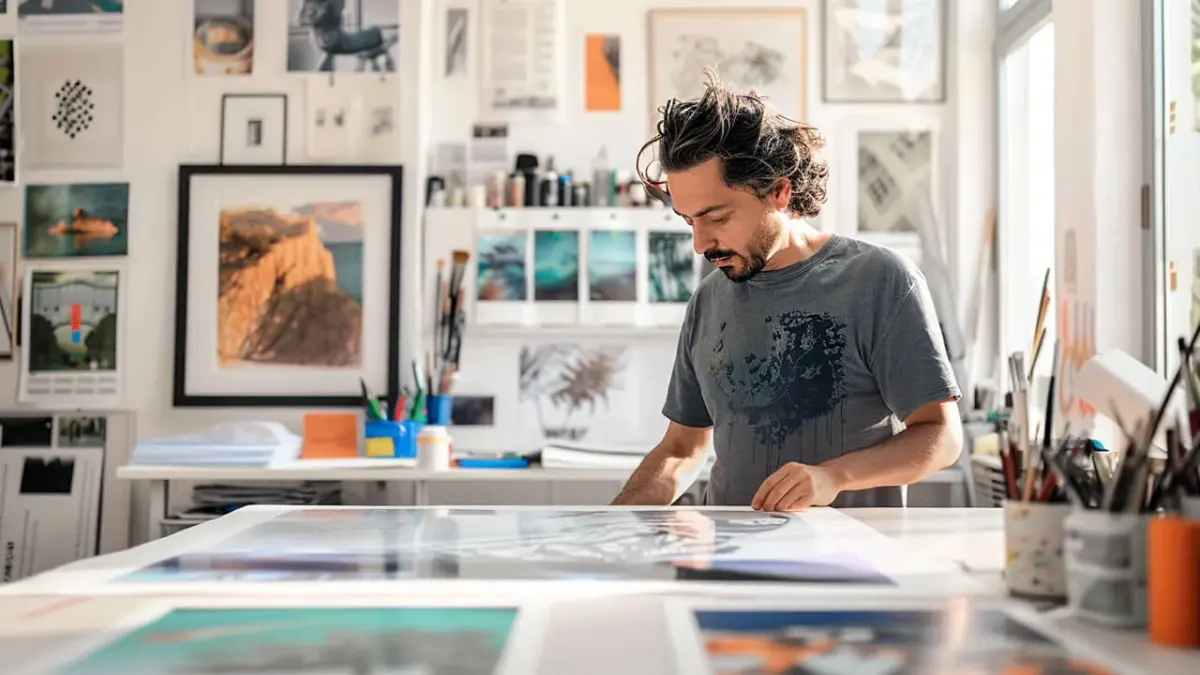
Digital painting is a medium where artists create visual imagery using electronic devices, such as tablets and computers, rather than physical media like paint or charcoal. By utilizing specialized software to simulate traditional techniques, artists manipulate digital brushes and layers to produce high-resolution artwork for entertainment, advertising, and fine art industries.

On this page
How does digital painting work?
Digital painting relies on the interaction between hardware and software to mimic the physical act of applying pigment to a surface. An artist uses a pressure-sensitive stylus on a digitizing tablet or a touch-sensitive screen, which translates the force and angle of the stroke into digital data. This information is processed by software, such as Adobe Photoshop, Corel Painter, or Procreate, to determine the size, opacity, and texture of the mark being made on the virtual canvas.
Unlike traditional media, digital painting operates on a system of layers. This allows artists to stack different elements of an image—such as the background, character, and lighting—independently. If an error occurs on one layer, it can be erased or modified without affecting the rest of the composition. This non-destructive workflow provides a level of flexibility that is impossible to achieve with oil or acrylic paints, where once a stroke is placed, it is often permanent.
Best digital painting tools for beginners
For those starting out, the barrier to entry is lower than in traditional art because you do not need to purchase expensive paints, canvases, or solvents repeatedly. The essential hardware consists of a computer or tablet and a stylus. Many beginners start with a screenless graphics tablet, which connects to a computer via USB, or an all-in-one tablet like an iPad, which allows for direct interaction with the screen.
When selecting software, consider the following options based on your specific goals and budget:
- Procreate: A popular, one-time purchase app for iPad that is highly intuitive and user-friendly.
- Adobe Photoshop: The industry standard for professional illustration, offering a vast array of brushes and editing tools.
- Krita: A powerful, free, and open-source program that is excellent for those who want professional features without a subscription cost.
- Clip Studio Paint: A preferred choice for comic and manga artists due to its specialized tools for line art and perspective.
How to start your first digital painting
Beginning a digital painting follows a logical progression that mirrors traditional sketching but benefits from digital shortcuts. Start by setting up your canvas with a high resolution, typically 300 dots per inch (DPI), to ensure the image remains sharp if you decide to print it later. Use a simple, hard-edged brush to block out your initial composition before moving on to more complex blending tools.
Follow these steps to complete your first project:
- Create a rough sketch on a new layer to establish the proportions and perspective of your subject.
- Add a new layer underneath your sketch to apply base colors, ensuring you keep different objects on separate layers.
- Use a soft brush or a blending tool to add shadows and highlights, focusing on a single light source.
- Merge your layers only when you are satisfied with the composition to finalize the piece.
- Export your file as a JPEG or PNG to share or print your completed work.
Common mistakes when learning digital painting
One of the most frequent errors beginners make is over-relying on the "undo" function, which can hinder the development of confident, intentional brushstrokes. While the ability to correct mistakes is a major advantage of the medium, spending too much time obsessing over minute details on a single layer can lead to stiff, lifeless results. Additionally, many novices ignore the importance of color theory and lighting, assuming that digital effects can compensate for a lack of foundational art knowledge.
Another common pitfall is the misuse of digital brushes. Beginners often download hundreds of complex, textured brushes, hoping they will do the work for them. However, professional artists usually rely on a small set of basic brushes to maintain control over their work. Avoid these specific habits to improve your craft:
- Zooming in too far, which causes you to lose sight of the overall composition and balance.
- Using pure black for shadows, which makes the image look flat and muddy.
- Neglecting to organize your layers, which makes the file difficult to edit later.
Why digital painting is used in industry
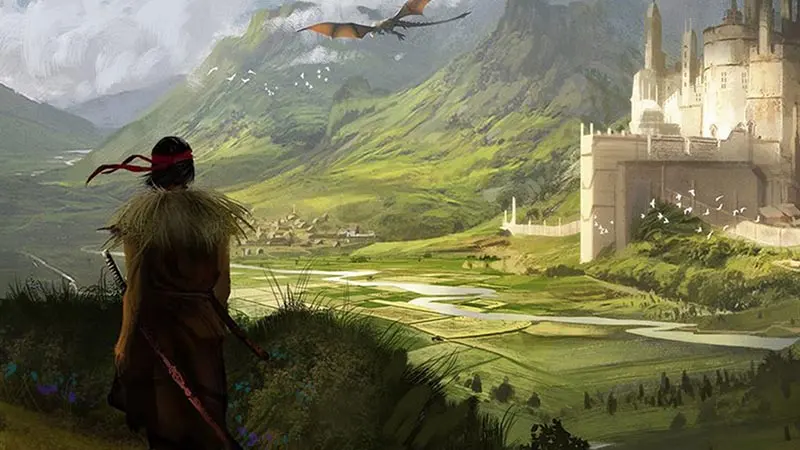
Digital painting has become the backbone of the modern entertainment industry, including film, video games, and animation. Because the output is a digital file, it can be easily integrated into 3D modeling pipelines or sent instantly to clients across the globe. Concept artists use this medium to rapidly iterate on designs, creating dozens of variations for a character or environment in the time it would take to paint one traditional canvas.
The efficiency of digital tools allows for rapid prototyping, which is essential in fast-paced production environments. Beyond commercial work, digital painting has expanded into the fine art world, where artists use high-quality inkjet printing to produce limited-edition prints. As technology advances, the line between traditional and digital continues to blur, with many artists using a hybrid approach—sketching on paper and finishing the painting digitally. This versatility ensures that digital painting remains a vital and evolving skill for any modern artist looking to adapt to the demands of the current creative landscape.
Key facts
- Digital painting is the process of creating artwork on a computer using specialized software and a pressure-sensitive stylus.
- Unlike traditional painting, digital artists use layers to separate elements of an image, allowing for non-destructive editing.
- The first commercial graphics tablet, the KoalaPad, was released in 1983 for home computers like the Apple II.
- Modern industry-standard software includes Adobe Photoshop, Corel Painter, Procreate, and Clip Studio Paint.
- Artists can simulate various traditional media, such as oil, watercolor, or charcoal, by adjusting brush settings and texture overlays.
- A common mistake for beginners is working on a single layer, which makes it difficult to adjust individual components later.
The bottom line
Digital painting provides a flexible, efficient alternative to traditional art by utilizing software to mimic physical media. By mastering layers, pressure-sensitive hardware, and brush customization, artists gain unprecedented control over their creative process. While it requires a learning period for software navigation, the ability to experiment without wasting materials makes it an accessible and powerful medium for both professional illustrators and hobbyists alike.
People also ask
Do I need an expensive computer to start digital painting?
You do not need a high-end workstation to begin. A basic laptop or a tablet like an iPad is sufficient for most entry-level projects.
What is the difference between a graphics tablet and a display tablet?
A graphics tablet connects to a separate monitor and requires hand-eye coordination to draw while looking at the screen. A display tablet features a built-in screen, allowing you to draw directly on the image.
Can digital art be printed like a physical painting?
Yes, digital files can be printed on canvas, paper, or metal. High-resolution files, typically 300 dots per inch (DPI), are necessary to ensure the print quality remains sharp.
How do I choose the right brush for my project?
Start with a hard-edged round brush to block in basic shapes and colors. Use softer, textured brushes later in the process to add detail, blending, and lighting effects.
Is digital painting easier than traditional painting?
Digital painting offers the convenience of "undo" buttons and easy color correction, which can speed up the learning curve. However, it requires mastering complex software interfaces and hardware tools.
How do I prevent my hand from cramping while drawing?
Ensure your tablet is positioned at an ergonomic height and take frequent breaks. Using a lighter grip on the stylus and adjusting the pressure sensitivity settings can also reduce physical strain.
This answer was created with the help of AI research tools and reference sources. Spotted an error? Let us know — we correct mistakes quickly. See our editorial policy.