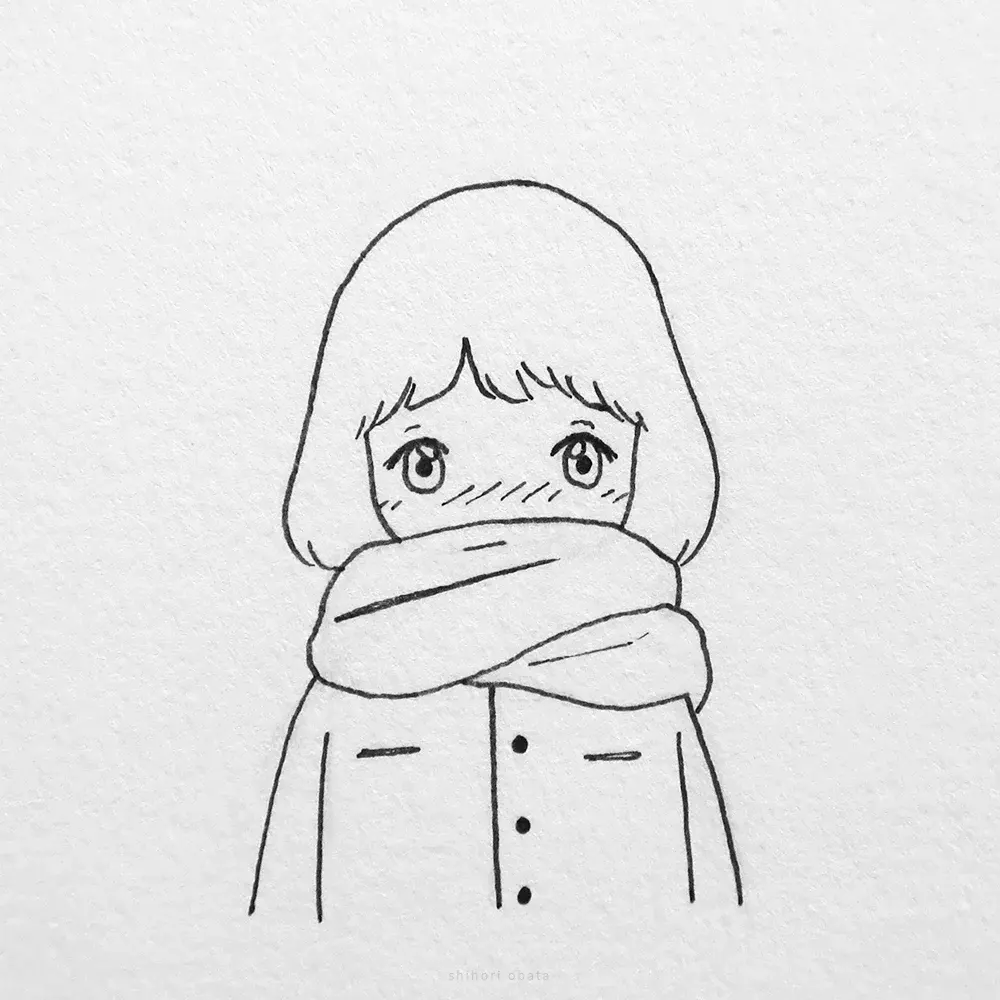
Is digital art easier than traditional art?
Short answer
Digital art is not inherently easier than traditional art; it simply presents a different set of challenges. While digital tools offer conveniences like undo buttons and layers, they require mastery of complex software and hardware. Both mediums demand the same fundamental understanding of anatomy, color theory, perspective, and composition to succeed.
On this page
Is digital art easier to learn than traditional art?
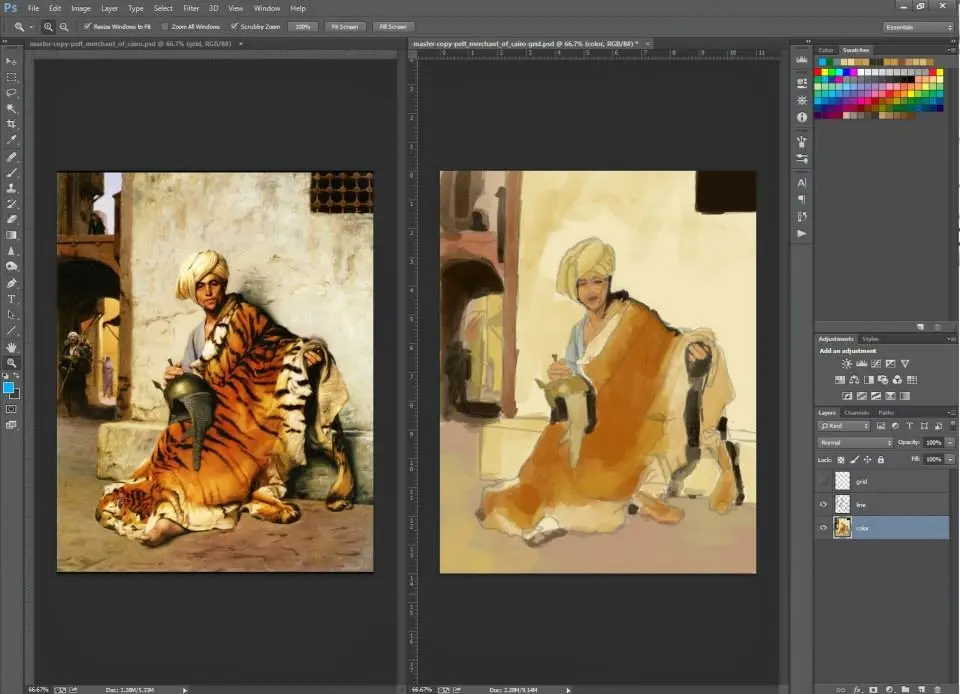
Digital art removes physical barriers like cleaning brushes or waiting for paint to dry, which can make the initial learning curve feel less intimidating. You do not need to worry about the cost of supplies or the physical space required for canvases and easels. However, the complexity of software like Adobe Photoshop or Procreate can be overwhelming for beginners. You must learn to navigate digital interfaces, manage file resolutions, and understand color profiles before you can focus entirely on your creative output.
Traditional art provides immediate tactile feedback, helping beginners understand how materials react to pressure and speed. In contrast, digital art often requires a period of adjustment to bridge the gap between hand movements on a tablet and the visual result on a screen. Neither path is objectively easier, as both require significant practice to develop muscle memory and artistic intuition. The primary difference lies in the nature of the frustration: traditional artists struggle with material limitations, while digital artists struggle with technical configuration and software mastery.
How to start digital art for beginners
To begin your journey in digital art, you need a reliable setup that balances performance with your budget. You do not need a professional-grade workstation to start, but your equipment should be responsive to prevent lag during brush strokes. Focus on mastering the basics of your chosen software before attempting complex digital painting techniques.
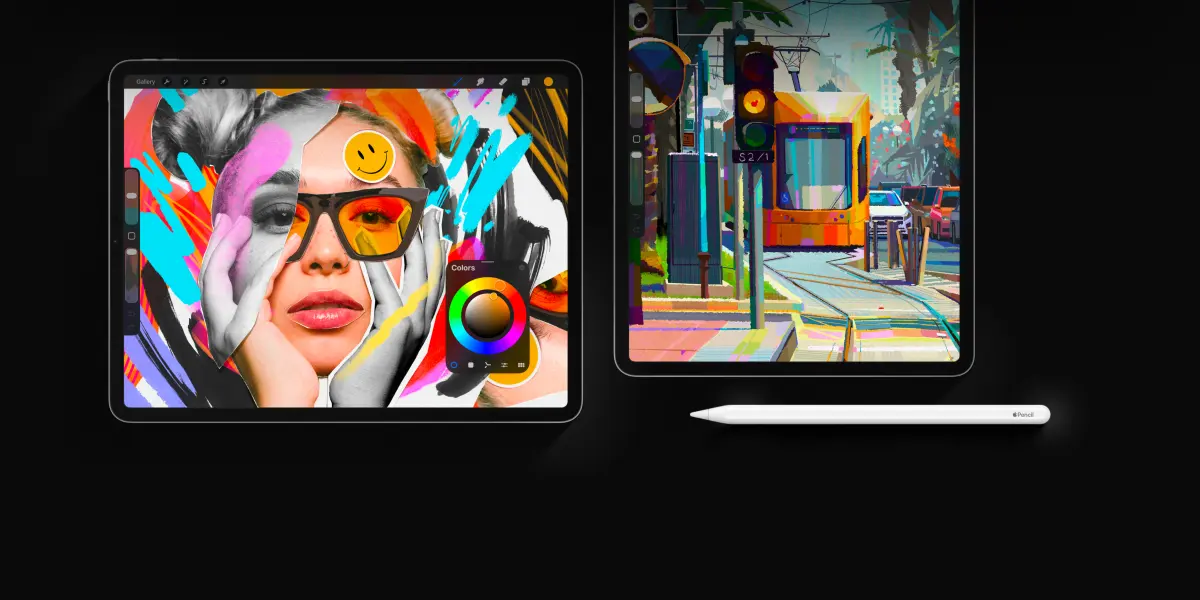
- Acquire a graphics tablet, such as a Wacom Intuos or an iPad with an Apple Pencil.
- Select entry-level software like Krita, Sketchbook, or Procreate.
- Dedicate time to learning layer management and brush settings.
- Practice drawing basic geometric shapes to acclimate to the surface friction.
- Watch tutorials on digital blending modes to understand how colors interact.
Consistency is more important than expensive gear. By focusing on fundamental drawing skills rather than relying on software effects, you ensure your artistic foundation remains strong regardless of the medium you choose to use.
Why digital art feels different than traditional art
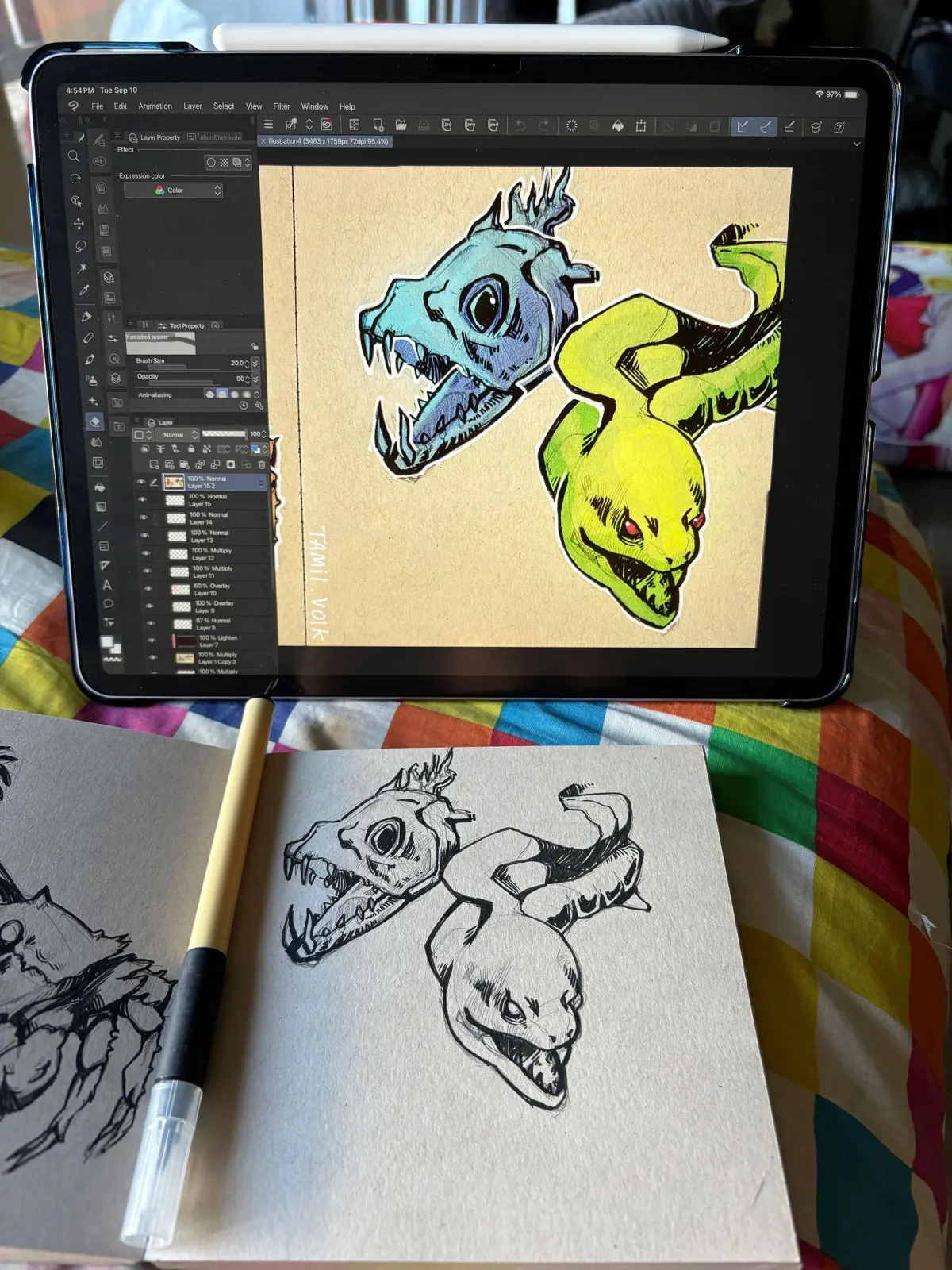
The most significant difference between these mediums is the concept of permanence. In traditional art, every stroke is a physical commitment; while you can paint over a mistake, the texture and history of the canvas remain. Digital art offers the "undo" command and layer systems, which allow for a non-destructive workflow. This can lead to a sense of freedom, but it can also encourage a lack of discipline if you rely too heavily on the ability to fix errors rather than planning your work carefully.
Another factor is the physical interaction with the medium. Traditional artists work with light reflecting off physical surfaces, whereas digital artists view their work through a backlit screen. This change in optics can affect how you perceive color and contrast. Digital artists must learn to calibrate their monitors and understand how their work will translate to print, a concern that is largely absent when working with traditional pigments on paper or canvas.
Common mistakes when switching to digital art
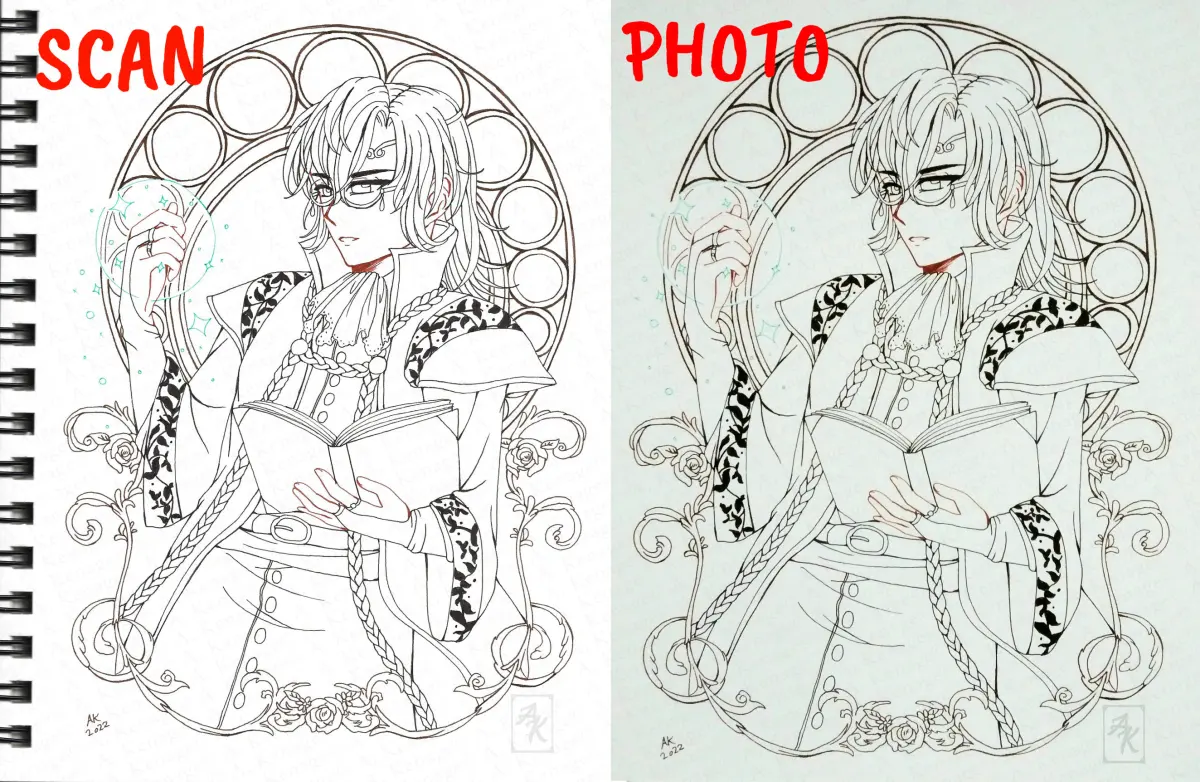
Many artists transitioning from traditional to digital media fall into common traps that hinder their progress. One frequent error is over-relying on digital shortcuts, such as the transform tool or automated filters, which can result in stiff, lifeless compositions. It is essential to maintain your manual drawing skills by practicing long, fluid strokes rather than relying on the computer to stabilize your lines.
- Neglecting to back up files, leading to the loss of hours of progress.
- Working at too low a resolution, which causes pixelation when exporting.
- Using too many layers, which makes the file difficult to organize and edit.
- Ignoring the importance of canvas rotation to achieve natural brush angles.
- Relying on the zoom tool too much, resulting in an obsession with micro-details at the expense of the overall composition.
Avoiding these pitfalls requires a methodical approach. Treat your digital canvas with the same respect as a physical one by planning your composition before applying color or fine details.
How long does it take to master digital art?
Mastery is a subjective term, but reaching a professional level of proficiency in digital art typically takes years of dedicated practice. Because digital software is constantly evolving, the learning process never truly ends. You must stay updated with new features, brush engines, and workflows that can improve your efficiency. While you may become comfortable with the tools within a few months, developing a unique style and technical mastery requires consistent daily effort.
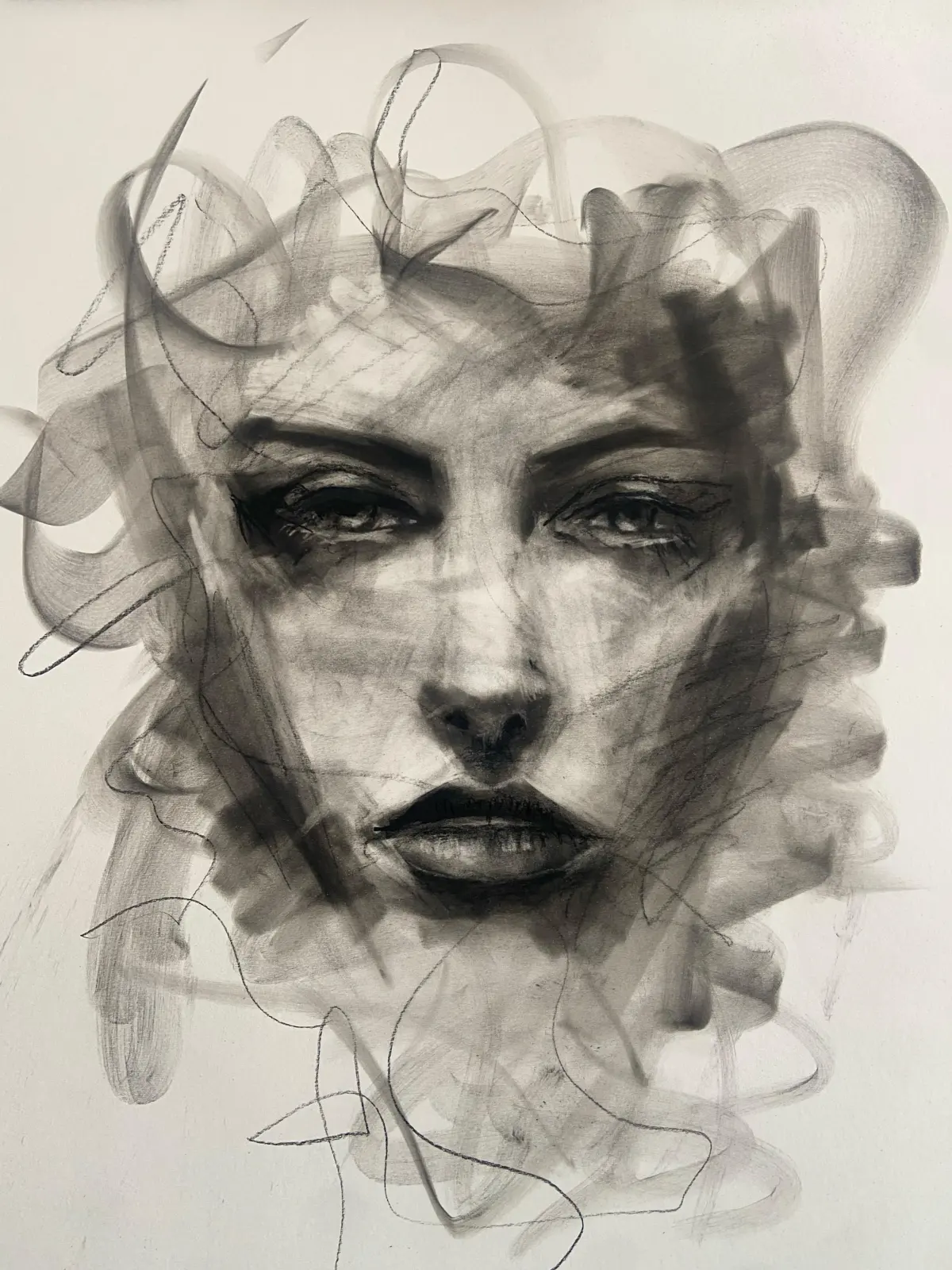
Focus on the principles of art rather than the software itself. Once you understand lighting, form, and perspective, you can apply those skills to any medium. The digital artist who ignores the fundamentals will always be surpassed by the artist who treats their tablet as a tool for expression rather than a magic wand. By maintaining a balance between technical learning and foundational practice, you will find that your ability to create grows steadily over time, regardless of whether you are working with a stylus or a charcoal pencil.
Key facts
- Digital art allows for non-destructive editing, meaning you can undo mistakes instantly with a simple keyboard shortcut like Ctrl+Z.
- Traditional media requires physical supplies like canvas, paint, and brushes, which incur recurring costs; digital art requires a one-time hardware investment.
- Digital software offers "layers," enabling artists to isolate elements of a composition so they can be adjusted independently without affecting the rest of the work.
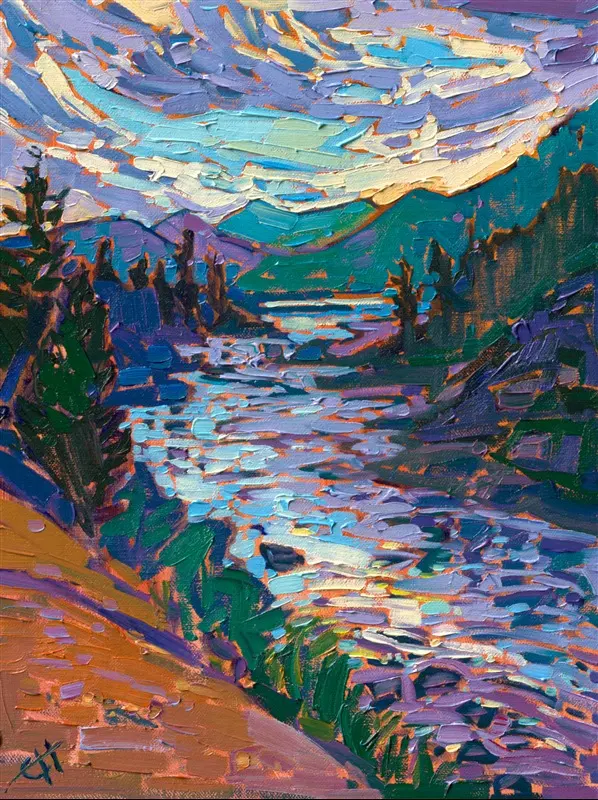
- Traditional art provides unique tactile feedback and physical texture, often referred to as "impasto," which digital tools can only simulate.
- Learning curves differ: digital art requires mastering software interfaces like Adobe Photoshop or Procreate, whereas traditional art requires mastering physical motor control.
- Digital files are easily shared and exported in multiple formats, whereas traditional artwork must be scanned or photographed for digital distribution.
The bottom line
Digital art is not necessarily easier than traditional art; it simply presents a different set of challenges. While digital tools offer convenience through editing and file management, they require mastering complex software and hardware. Traditional art demands physical discipline and material control. Ultimately, the difficulty lies in the artist's dedication to learning the fundamentals, regardless of whether they are holding a stylus or a paintbrush.
People also ask
Does digital art require a computer?
While many artists use desktop computers with drawing tablets, mobile devices like the iPad with an Apple Pencil are now standard. You do not necessarily need a high-end PC, but you do need a device that supports pressure-sensitive input.
Is it cheaper to start with digital or traditional art?
Traditional art has a lower barrier to entry, as a pencil and paper cost very little. Digital art requires a larger upfront investment in a tablet and software, though it saves money on materials over time.
Can I use my traditional art skills in digital painting?
Yes, the fundamental principles of art—such as color theory, composition, perspective, and anatomy—are identical. Digital software simply changes the medium, not the foundational knowledge required to create a compelling image.
How do I avoid the "undo" button trap?
Beginners often rely too heavily on undoing mistakes, which can hinder the development of confident brushwork. Try to treat your digital canvas like paper by limiting your use of the undo function during practice sessions.
What is the most common mistake for digital beginners?
Many beginners struggle with "layer clutter" by failing to name or organize their layers. This makes complex projects difficult to manage, so label your layers clearly from the start to maintain an efficient workflow.
Is digital art considered "real" art?
Yes, digital art is a legitimate medium that requires significant technical skill and artistic vision. Like oil painting or charcoal drawing, it is a tool used by artists to express ideas and create professional-grade visual content.
This answer was created with the help of AI research tools and reference sources. Spotted an error? Let us know — we correct mistakes quickly. See our editorial policy.