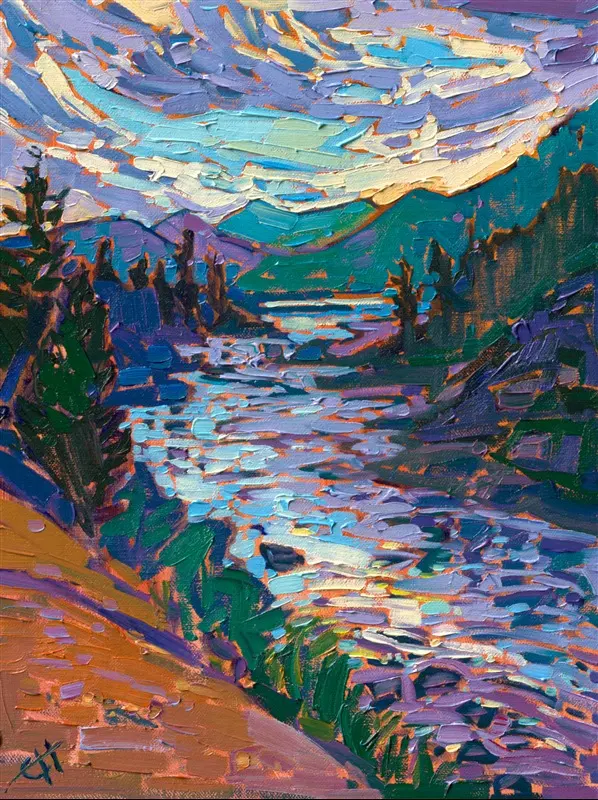
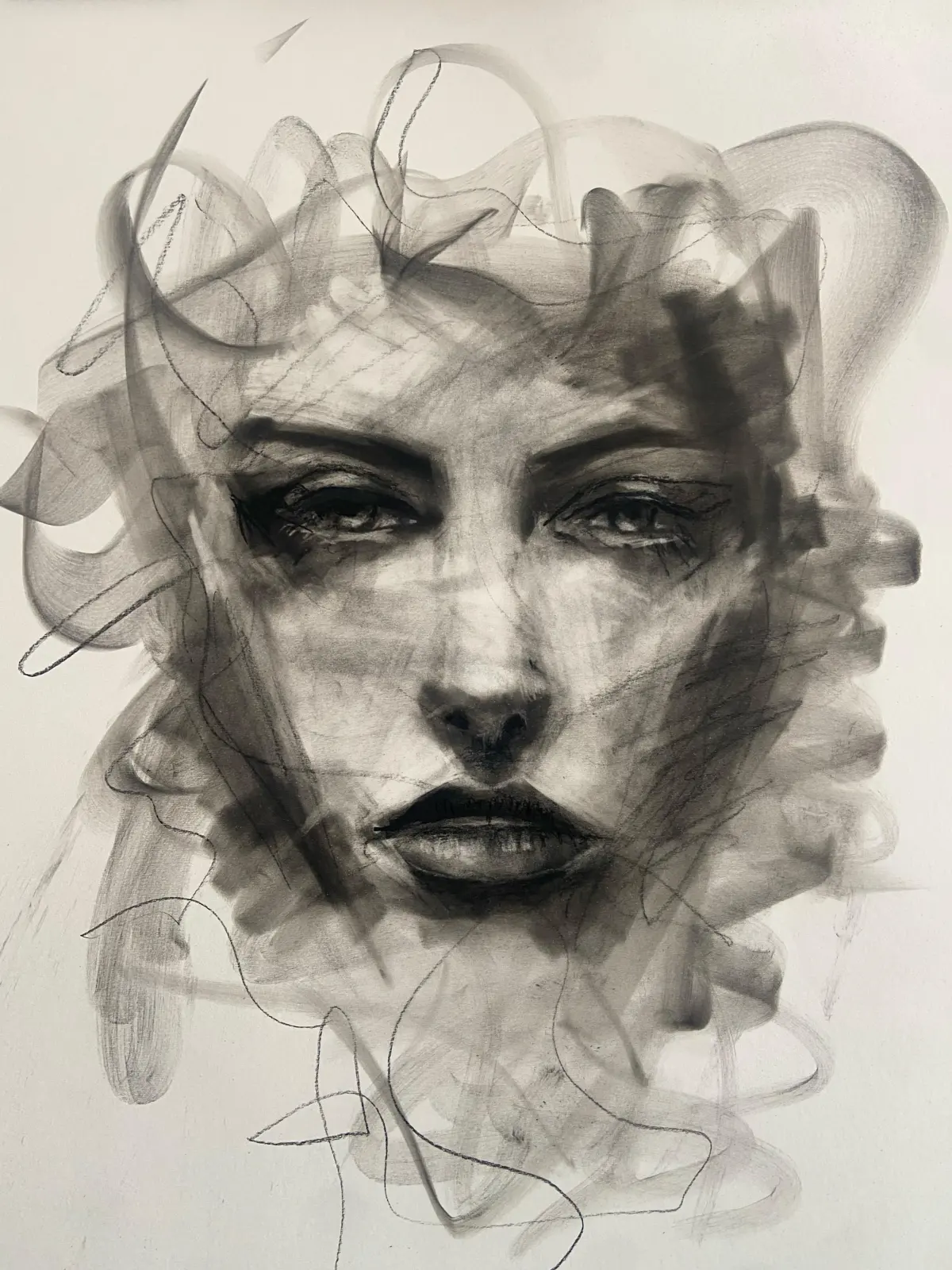
What is photobashing?
Short answer
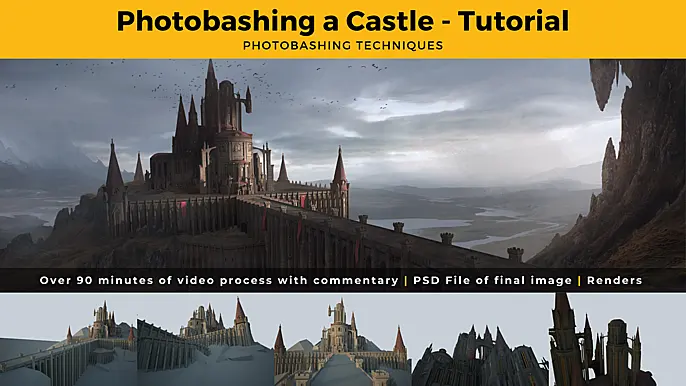
Photobashing is a digital art technique where artists combine photographs, 3D renders, and hand-painted elements to create a single, cohesive image. Widely used in concept art for film and video games, it allows professionals to achieve high levels of realism and intricate detail significantly faster than painting from scratch.
On this page
What is the purpose of photobashing?
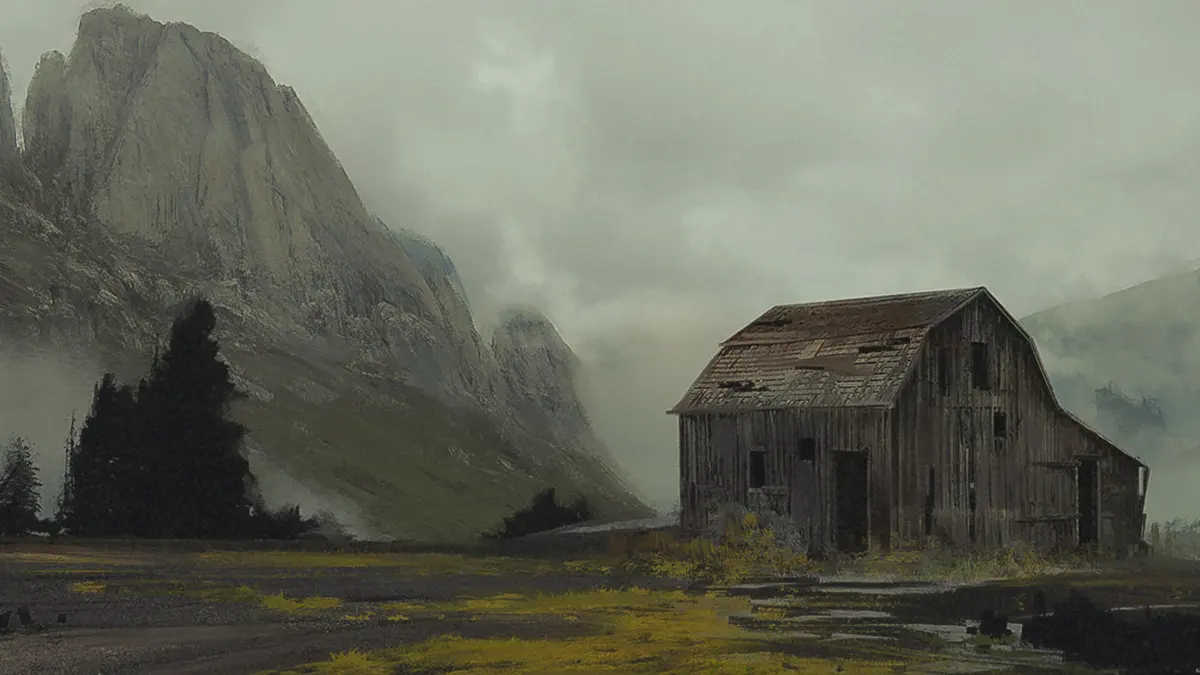
Photobashing serves as an essential workflow for concept artists who must produce high-quality visual assets under tight production deadlines. By integrating real-world photographic textures and architectural elements into a digital canvas, artists can establish complex lighting, perspective, and scale that would take hours or days to render manually. The technique acts as a bridge between raw photography and traditional digital painting.
The primary goal is to provide art directors and production teams with a clear visualization of a scene, character, or environment. Instead of spending time on the foundational structure of a building, an artist can "bash" together photos of existing structures to set the mood and composition. This efficiency ensures that creative teams can iterate on designs rapidly, allowing for multiple variations of a project to be presented for approval before final production begins.
How to get started with photobashing
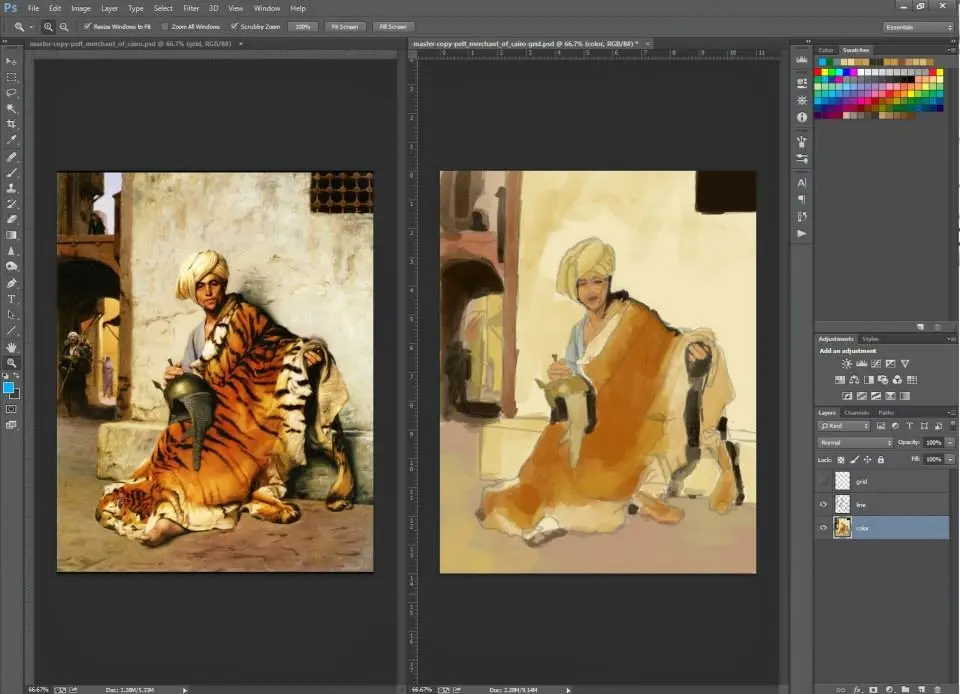
To begin photobashing, you need a digital painting application that supports layers and blending modes, such as Adobe Photoshop, Procreate, or Krita. You should also curate a library of high-quality reference images, including textures, landscapes, and architectural elements. Organizing these assets by category—such as "weathered metal," "gothic windows," or "cloud formations"—will significantly speed up your workflow.
Follow these steps to create your first photobashed piece:
- Establish a rough sketch or composition to define the perspective and focal point of your scene.
- Search your library for photographs that match the lighting and angle of your sketch.
- Use masking tools to cut out the relevant parts of the photos and place them onto your canvas.
- Apply adjustment layers, such as color balance and curves, to unify the disparate photos into a single color palette.
- Use a digital brush to paint over the seams, adding shadows and highlights that tie the elements together.
Why use photobashing in concept art?
The most significant advantage of photobashing is the sheer speed of production. In the entertainment industry, concept artists are often required to generate dozens of variations for a single environment. Photobashing allows them to focus on the "big picture" of composition and storytelling rather than getting bogged down in the minute details of surface rendering. It is a tool for rapid prototyping that maintains professional visual standards.
Furthermore, photobashing helps artists achieve a level of realism that is difficult to replicate through pure painting. By pulling textures directly from reality, the resulting image gains a sense of tactile authenticity. This is particularly useful when designing futuristic cities or historical settings where complex details like brick patterns, rust, or foliage are necessary to ground the viewer in the scene. When combined with traditional painting techniques, the result is a polished, cinematic image that feels both grounded and imaginative.
Common mistakes when photobashing
One of the most frequent errors is failing to unify the lighting across different photographic sources. If you combine a photo taken on a cloudy day with one taken under harsh, direct sunlight, the resulting image will look disjointed and amateurish. Always ensure that the light source in your reference photos matches the direction of the light in your primary composition. If the lighting does not match, the viewer will immediately perceive the image as a collage rather than a cohesive scene.
Another common mistake is neglecting the perspective of the imported photos. Even if the content of a photo is perfect, it will look wrong if the vanishing point does not align with your canvas. To avoid this, use transformation tools to warp or distort your images until they fit the perspective grid of your scene. Finally, avoid relying too heavily on raw photos; if you do not paint over the edges and blend the textures, the final piece will lack the artistic soul and intentionality that defines professional concept art.
Best tools for photobashing workflows
While software is essential, the quality of your source material is equally important. Many professional artists utilize digital asset libraries to find high-resolution, royalty-free images. Having a diverse collection of textures—such as concrete, skin, fabric, and vegetation—is the hallmark of a prepared artist. Using high-resolution images ensures that your final composition remains sharp and detailed, even when you scale or transform individual elements.
Consider these essential elements for a successful workflow:
- A high-resolution monitor to ensure color accuracy and detail visibility.
- A pressure-sensitive graphics tablet for painting over seams and adding custom details.
- A folder structure that allows for instant searching of your photo assets.
- A set of custom brushes that mimic the texture of the photos you are using.
- A consistent color grading process to ensure all elements share a unified mood.
By mastering these tools and maintaining a disciplined approach to organization, you can transform the way you approach digital illustration. The technique is not about taking shortcuts, but about utilizing available resources to elevate the complexity and efficiency of your creative output.
Key facts
- Photobashing is a digital art technique where artists combine multiple photographs, textures, and 3D renders into a single cohesive image.
- The primary goal of this method is to increase efficiency and realism in concept art for film, video games, and architectural visualization.
- Artists typically use layers in software like Adobe Photoshop to mask, blend, and paint over imported assets to hide the seams.
- Lighting consistency is the most important factor in making a photobashed image look like a single, unified scene.
- Professionals often use custom brushes to manually paint details over the photo elements to bridge the gap between realism and artistic style.
- A common workflow involves blocking out a rough 3D composition first, then using photobashing to add complex textures and intricate details.
The bottom line
Photobashing is a powerful professional technique that accelerates the concept art process by merging existing photographic assets with digital painting. By focusing on perspective, lighting consistency, and manual overpainting, artists can create highly detailed, realistic environments in a fraction of the time required for traditional painting. Mastering this workflow allows creators to iterate rapidly, making it an essential skill for modern visual storytelling and production design.
People also ask
Is photobashing considered cheating in the professional art industry?
No, it is widely accepted as a standard industry workflow for concept artists. The focus is on the final visual result and the speed of iteration rather than the method of creation.
What software is best for photobashing?
Adobe Photoshop is the industry standard due to its robust layer management, masking capabilities, and blending modes. Other programs like Procreate or GIMP are also capable but may lack advanced color-matching tools.
How do you make photobashed images look consistent?
You must adjust the color balance, contrast, and saturation of every imported image to match the scene's primary light source. Applying a global adjustment layer or a subtle color grade helps unify disparate elements.
What are the biggest mistakes beginners make when photobashing?
Beginners often fail to correct perspective differences between photos or leave edges too sharp. Failing to paint over the textures often results in a "collage" look rather than a professional illustration.
Do I need to be a good painter to use photobashing?
Basic painting skills are essential because you must manually blend the assets and add lighting effects. Photobashing is a tool to support your artistic vision, not a replacement for fundamental knowledge of light and form.
Where do artists find images to use for photobashing?
Artists typically use their own high-resolution reference photos or subscribe to stock photography sites. Using royalty-free assets is critical to avoid copyright issues in commercial projects.
This answer was created with the help of AI research tools and reference sources. Spotted an error? Let us know — we correct mistakes quickly. See our editorial policy.