How many frames per second is animation?
Short answer
Animation is typically produced at 24 frames per second (fps). This standard creates the illusion of fluid motion while remaining efficient for production. While modern digital animation often uses higher frame rates like 30 or 60 fps for smoothness, 24 fps remains the industry benchmark for cinematic, hand-drawn, and stop-motion projects.
On this page
Why is animation 24 frames per second?
The 24 fps standard originated with the transition to synchronized sound in motion pictures during the late 1920s. Engineers discovered that 24 frames per second was the minimum speed required to reproduce high-quality audio on a film strip without significant distortion. Because animators were already working within the established cinematic framework, they adopted this rate to ensure their work was compatible with standard theater projectors.
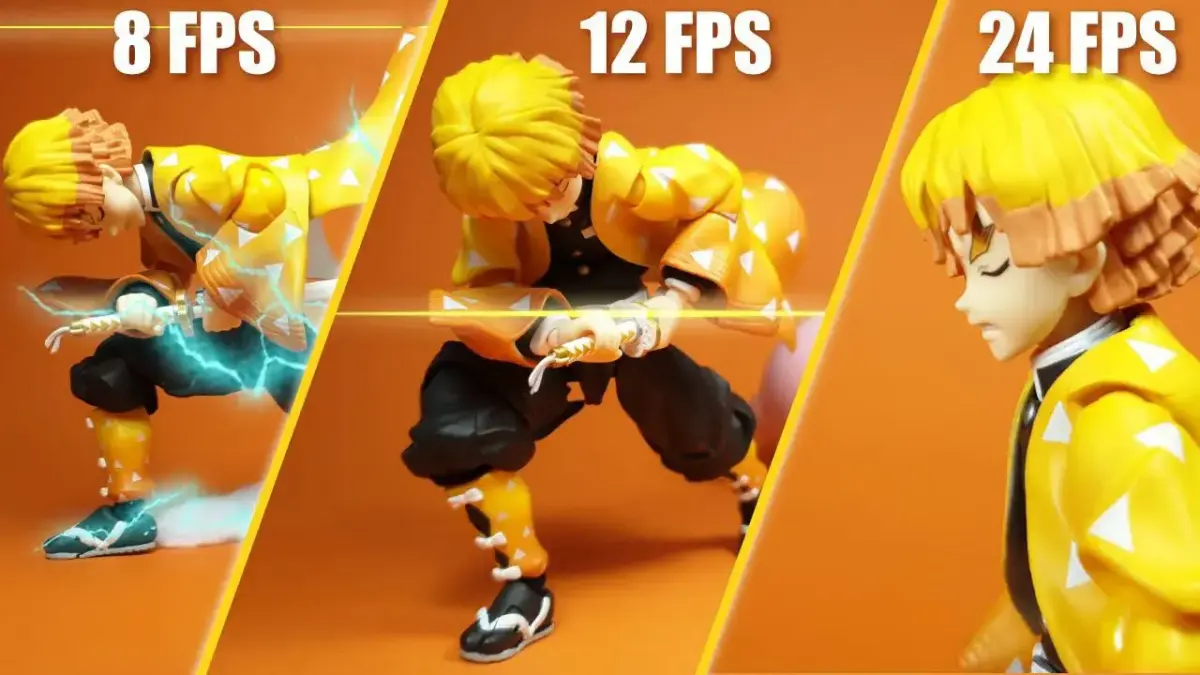
This specific speed provides a balance between fluid motion and production economy. Animators rarely draw 24 unique images for every second of footage; instead, they often animate "on twos," meaning one drawing is held for two frames. This technique results in 12 unique drawings per second, which provides a distinct, stylized aesthetic. Using 24 fps ensures that the motion remains consistent with live-action film, preventing a jarring visual experience for the audience.
How to choose the right frame rate
Selecting a frame rate depends entirely on the intended output and the desired aesthetic of your project. Cinematic productions almost exclusively use 24 fps to maintain a traditional filmic quality. If you are creating content for television or web broadcasts, you may consider higher rates to accommodate specific display technologies or to achieve a more realistic, lifelike motion.
- 24 fps: Best for traditional, cinematic, or hand-drawn animation styles.
- 30 fps: Often used for television broadcasts and some digital streaming content.
- 60 fps: Ideal for high-motion video games, sports broadcasts, and ultra-smooth digital effects.
- 12 fps: Frequently used for stylized, "scratchy," or experimental animation to save time.
When choosing, consider your target platform. Most web players and social media platforms handle 24 fps and 30 fps without issue. However, if your animation contains fast-moving objects, higher frame rates can prevent the motion blur and strobing effects that occasionally occur at lower speeds.
How to animate on ones, twos, and threes
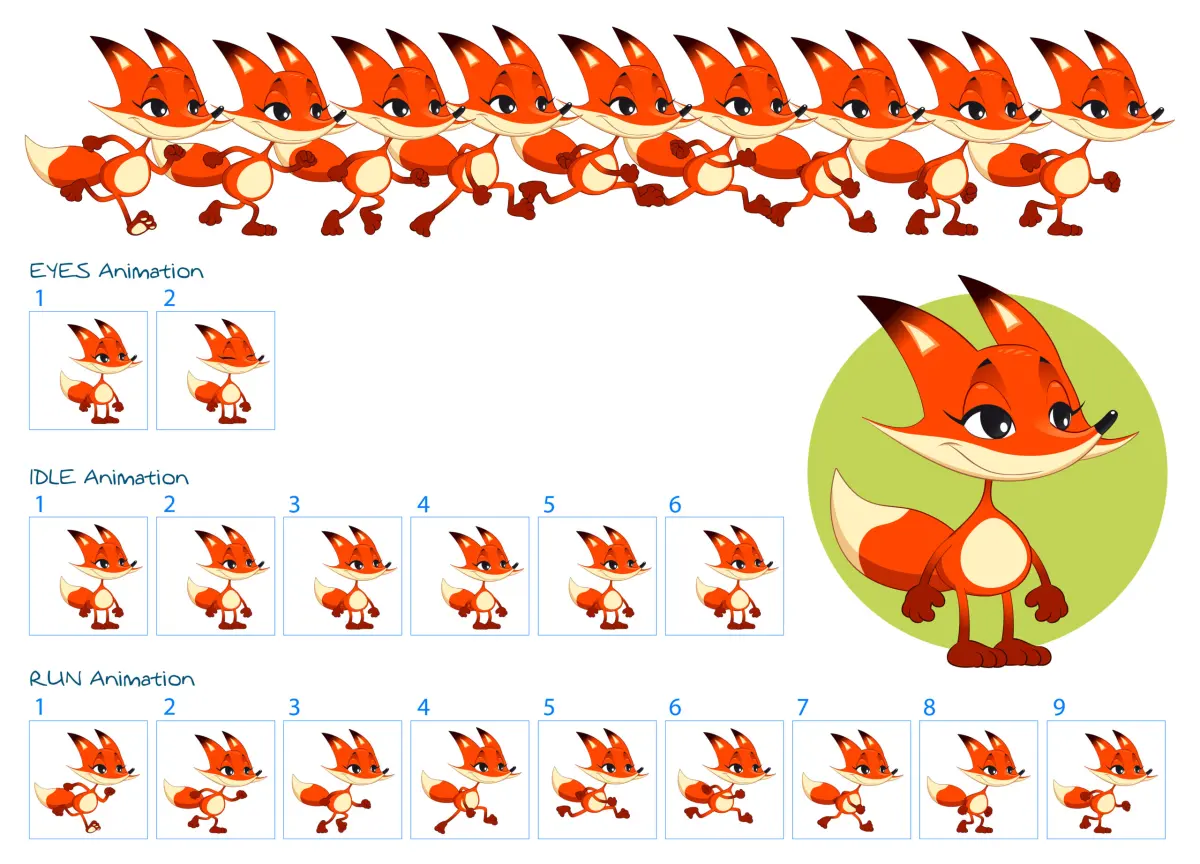
Animators use the concept of "holding" drawings to manage the workload of creating frame-by-frame movement. Animating "on ones" means creating a new drawing for every single frame, resulting in 24 unique images per second. This is the most labor-intensive method but provides the smoothest possible motion, often reserved for high-budget feature films or complex action sequences.
- On ones: 24 drawings per second; extremely smooth, high effort.
- On twos: 12 drawings per second; standard for most traditional animation.
- On threes: 8 drawings per second; used for limited animation or specific artistic pauses.
Animating on twos is the industry standard for traditional 2D animation. By holding each drawing for two frames, you reduce the number of required drawings by half while maintaining the 24 fps playback speed. This technique is efficient and gives the animation a classic, rhythmic quality that audiences associate with traditional hand-drawn cartoons.
Common mistakes when setting frame rates
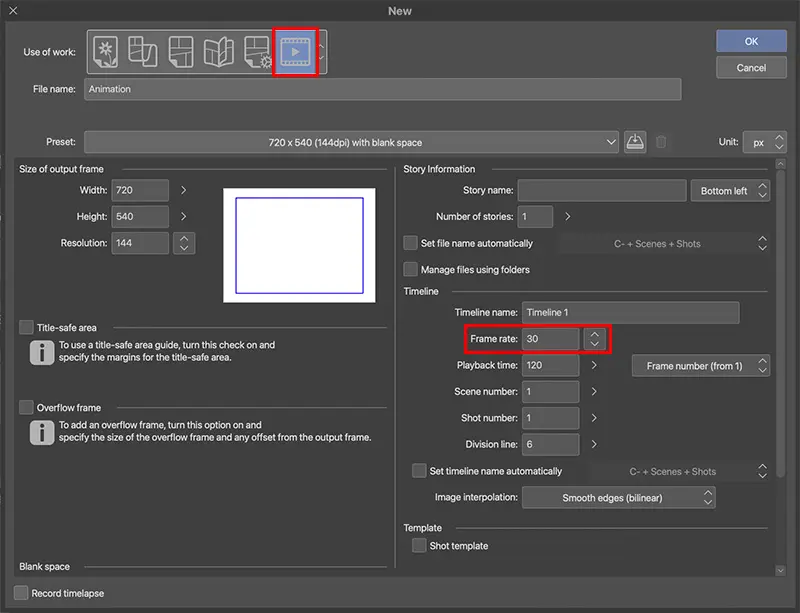
A frequent mistake for beginners is changing the frame rate mid-project. If you begin a project at 12 fps and decide to switch to 24 fps later, your timing will be ruined, and your motion will appear sluggish or disjointed. Always define your frame rate in your project settings before you draw your first frame to ensure the software calculates the timing correctly.
Another error is ignoring the relationship between frame rate and shutter speed. In live-action, a 180-degree shutter rule is used to create natural motion blur. Animators often forget to simulate this blur, leading to "staccato" movement where the animation looks like a series of flickering images. To fix this, ensure your timing is consistent and consider adding subtle motion blur in post-production if you are working at lower frame rates.
Best practices for smooth animation
To achieve professional results, prioritize consistent timing over high frame counts. A common misconception is that more frames always equal better animation. In reality, the quality of the "spacing"—the distance between objects in consecutive frames—is far more important than the raw number of frames. If your spacing is uneven, the animation will look jittery regardless of whether you are working at 24 or 60 fps.
- Use a "timing chart" to map out your key poses before drawing in-betweens.
- Test your animation by playing it back at full speed frequently during the process.
- Focus on the "arcs" of movement to ensure smooth transitions between keyframes.
- Keep your key poses clear and readable to guide the viewer’s eye effectively.
By mastering the relationship between your keyframes and the timing of your playback, you can create compelling movement. Whether you choose to animate on ones or twos, the goal is to maintain a consistent rhythm that supports your story. Consistent practice will allow you to develop an intuitive sense of timing that makes your animation look natural and fluid.
Key facts
- Standard cinematic film is projected at 24 frames per second (fps) to create smooth motion.
- "Animating on twos" means drawing one unique image for every two frames, resulting in 12 frames per second.
- Television animation often uses 12 fps or 24 fps depending on the budget and desired fluidity.
- Video games typically target 60 fps to ensure responsive controls and fluid visual feedback.
- High-frame-rate (HFR) cinema, such as The Hobbit, experimented with 48 fps for increased clarity.
- A common mistake is using too many frames for simple movements, which can make animation look "floaty" or robotic.
The bottom line
The ideal frame rate depends entirely on your specific medium and artistic goals. While 24 fps remains the gold standard for cinematic storytelling, 12 fps provides a classic, hand-drawn aesthetic, and 60 fps is essential for interactive gaming. By understanding these standards, you can choose the right balance between smooth motion and production efficiency, ensuring your final animation looks professional and intentional to your audience.
People also ask
Why is 24 fps the industry standard for movies?
This rate was established in the late 1920s as the minimum speed required to sync audio with film while minimizing hardware costs. It provides a natural motion blur that the human eye interprets as realistic movement.
What is the difference between frame rate and refresh rate?
Frame rate refers to how many images an animation source produces per second, while refresh rate is how often a display updates its screen. If your frame rate is lower than your monitor's refresh rate, you may experience visual stuttering.
Do I need to draw 60 unique images for one second of 60 fps animation?
Not necessarily, as many digital tools interpolate motion between keyframes. You only need to define the start and end points, and the software generates the intermediate frames automatically.
Why do some animations look "choppy" compared to others?
Choppiness often results from a low frame rate or inconsistent timing between frames. If the spacing between drawings is not uniform, the motion will appear jittery rather than fluid.
How does frame rate affect the file size of an animation?
Higher frame rates require more data to store each second of video because there are more individual images to process. This leads to larger file sizes and higher bandwidth requirements for streaming or playback.
Can I mix different frame rates in the same project?
Yes, but it is technically challenging and often results in motion artifacts. It is generally recommended to stick to a single project frame rate to ensure consistent playback across all devices.
This answer was created with the help of AI research tools and reference sources. Spotted an error? Let us know — we correct mistakes quickly. See our editorial policy.