What is animation?
Short answer
Animation is the process of creating the illusion of motion by displaying a rapid sequence of static images that differ slightly from one another. By manipulating drawings, models, or digital objects, animators trick the human eye into perceiving fluid movement, a phenomenon known as persistence of vision, typically at 24 frames per second.
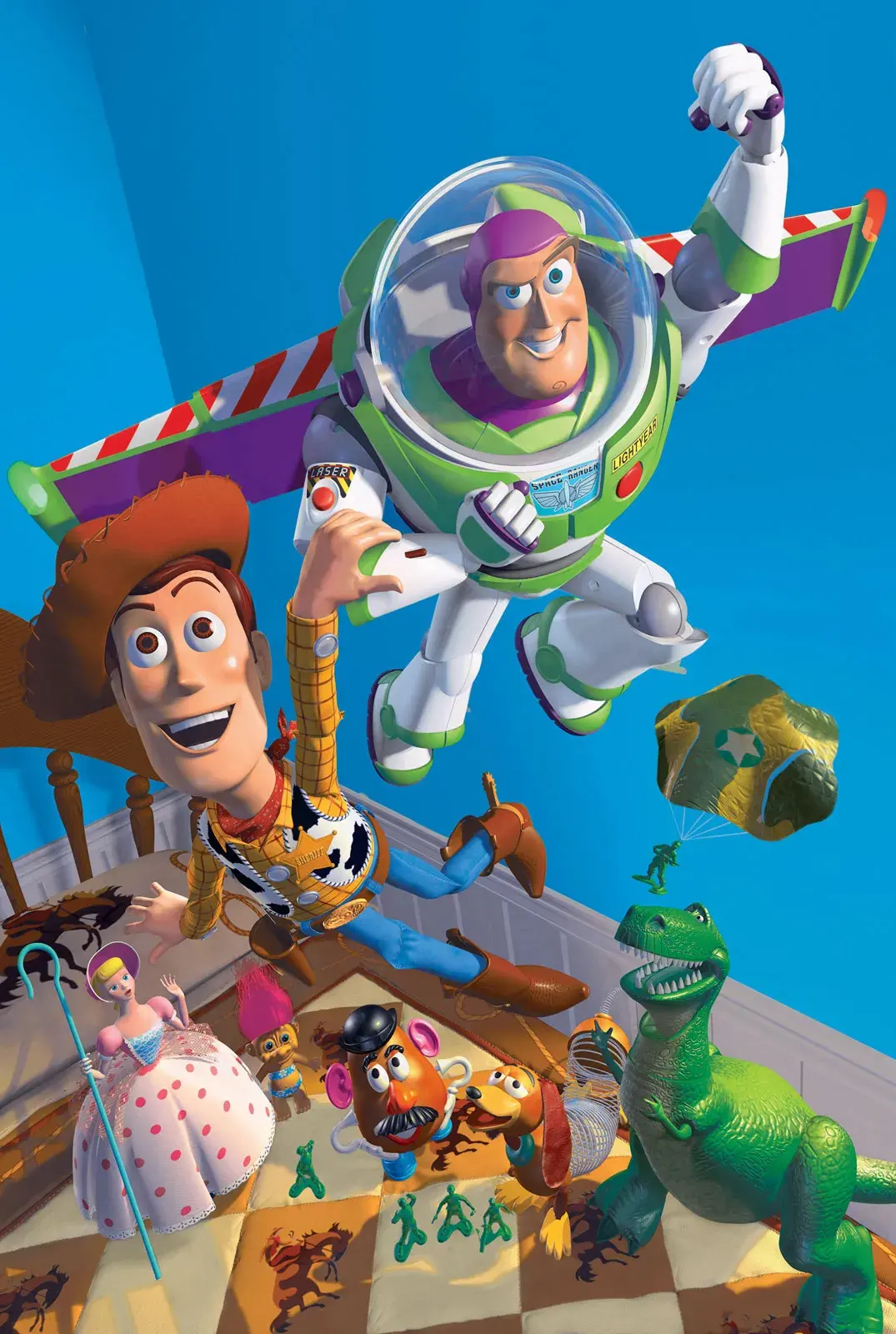
On this page
How does animation work?
Animation relies on a physiological phenomenon called the persistence of vision. This occurs when the human eye retains an image for a fraction of a second after it disappears. When a series of images are shown in quick succession, the brain blends them together, creating the perception of continuous motion. This is the same principle behind traditional film projection and modern digital displays.
To achieve this effect, animators must meticulously craft each individual frame. In traditional hand-drawn animation, artists create thousands of distinct sketches on paper or transparent celluloid sheets. In stop-motion, photographers move physical puppets or clay figures in tiny increments, capturing a single frame after every adjustment. Digital animation uses software to interpolate between key poses, but the fundamental goal remains the same: convincing the viewer that a static object is alive and moving through space.
What are the main types of animation?
The field of animation is diverse, encompassing techniques that range from simple paper cutouts to complex three-dimensional digital environments. Each method requires a unique set of skills and tools, often dictating the aesthetic and production timeline of the final project.
- 2D Animation: Traditional hand-drawn frames or vector-based digital graphics that move on a flat plane.
- 3D Animation: Creating models in a virtual space, allowing for depth, lighting, and camera movement.
- Stop-Motion: Manipulating physical objects like clay, puppets, or LEGO bricks in the real world.
- Motion Graphics: The animation of text, logos, and geometric shapes, commonly used in advertising and broadcast design.
- Cutout Animation: Using flat characters with jointed parts to create movement, a technique popularized by early television.
How long does it take to make an animation?
The time required to produce animation varies wildly based on the complexity of the project and the size of the team. A simple five-second motion graphic might take a single designer a few hours to complete. Conversely, a feature-length film produced by a major studio can involve hundreds of artists working for three to five years. The process is labor-intensive because every second of screen time requires 12 to 24 unique frames.
Production timelines are generally broken down into three distinct phases:
- Pre-production: Scriptwriting, storyboarding, and character design.
- Production: The actual creation of the frames, including layout, background painting, and animation.
- Post-production: Compositing, sound design, music scoring, and final color correction.
Efficiency depends heavily on the planning phase. If the storyboard is not finalized before production begins, animators may waste hundreds of hours creating scenes that are eventually cut from the final film.
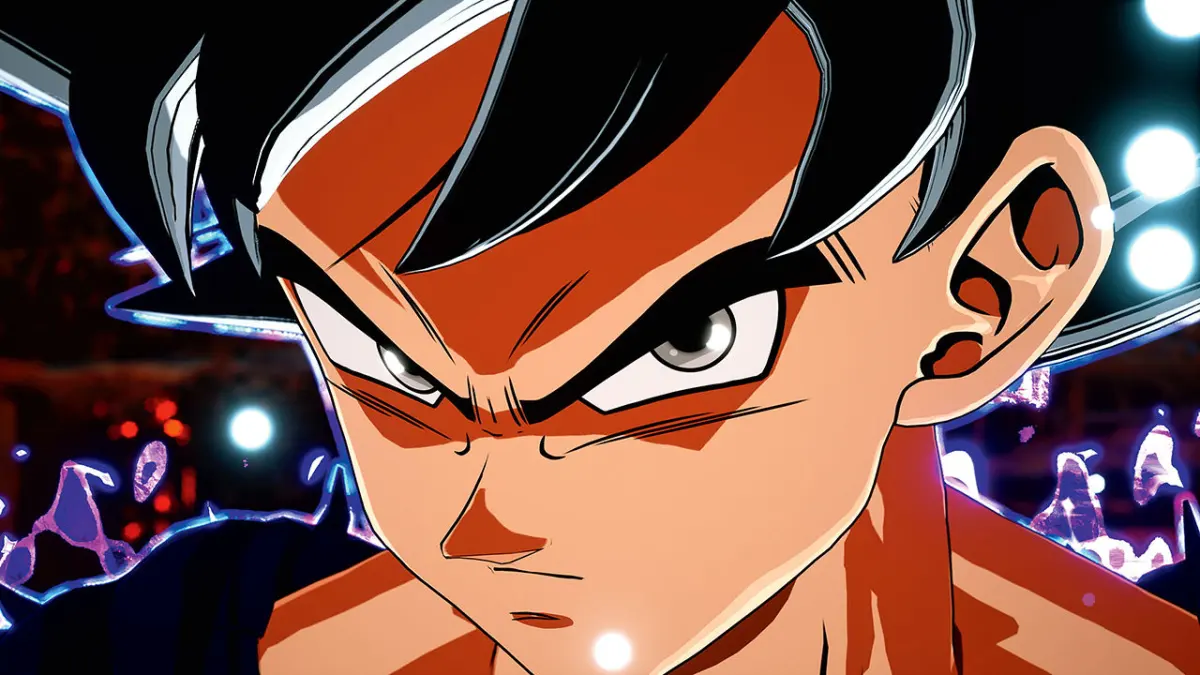
Best tools for animation beginners
For those just starting, the barrier to entry is lower than ever before. You do not need a professional studio to experiment with animation; a smartphone or a basic laptop is often sufficient. Many free or low-cost software options provide the essential features needed to understand the core principles of timing and spacing.
- Stop Motion Studio: A mobile app that allows users to create stop-motion films using a phone camera.
- Pencil2D: An open-source, beginner-friendly program for traditional 2D hand-drawn animation.
- Blender: A powerful, free, and open-source suite for 3D modeling and animation.
- Wick Editor: A browser-based tool perfect for learning the basics of animation and interactivity.
Beginners should focus on mastering the "12 Principles of Animation," such as squash and stretch, anticipation, and follow-through. These rules, codified by Disney animators in the 1930s, provide the foundation for making movement feel natural and expressive regardless of the medium.
Common mistakes when animating
The most frequent error beginners make is neglecting the importance of timing and spacing. If an object moves at a constant speed, it will look robotic and lifeless. Animators must learn to use "ease-in" and "ease-out" to simulate physics, where an object starts slowly, accelerates, and then decelerates before coming to a stop. Ignoring these subtle shifts in velocity makes motion feel jarring to the viewer.
Another common mistake is trying to animate too much detail too early. It is better to focus on the silhouette and the primary action of the character before worrying about secondary details like hair movement or clothing folds. Furthermore, failing to use a reference—such as filming yourself performing the action—often leads to unnatural poses. Always study how real-world objects move and react to gravity. By observing the world closely and applying the fundamental principles of motion, you can transform simple drawings or models into compelling, believable performances that resonate with an audience.
Key facts
- Animation is the process of creating the illusion of motion by displaying a rapid sequence of static images, typically at 24 frames per second.
- The persistence of vision phenomenon allows the human brain to perceive a series of still pictures as a continuous, fluid movement.
- J. Stuart Blackton is often credited with creating the first animated film, The Enchanted Drawing, in 1900.
- Stop-motion animation involves physically manipulating objects in small increments between individually photographed frames to simulate movement.
- Keyframing is a fundamental technique where an animator defines the start and end points of a transition, leaving the "in-between" frames to be filled.
- To avoid "jittery" movement, ensure that the distance an object travels between frames is consistent and proportional to its intended speed.
The bottom line
Animation is the art of bringing static images to life through the careful manipulation of timing and movement. By understanding fundamental principles like persistence of vision, arcs, and easing, you can transform simple drawings or models into dynamic stories. Whether using traditional hand-drawn methods or modern digital tools, the key to successful animation lies in patience, observation of physical reality, and consistent practice of frame-by-frame movement.
People also ask
What is the difference between 2D and 3D animation?
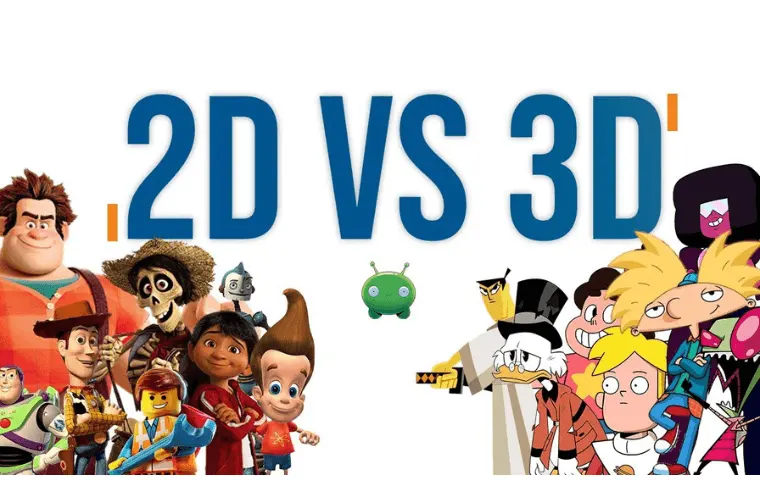
2D animation involves creating characters and backgrounds in a flat, two-dimensional space, often using hand-drawn or vector-based techniques. 3D animation utilizes digital models that exist in a virtual three-dimensional environment, allowing for complex rotation and lighting effects.
Read the full answer →How many frames per second do I need for smooth animation?
While 24 frames per second is the industry standard for film, you can achieve smooth results at 12 frames per second by using "doubles," where each drawing is held for two frames. Beginners should start with 12 frames per second to reduce the total workload while learning timing.
What is "squash and stretch" in animation?
This principle involves deforming an object to emphasize its speed, momentum, and weight. By squashing a character when it lands and stretching it when it jumps, animators add a sense of life and physical reality to their work.
Why do my animations look stiff or robotic?
Stiffness often occurs when movement follows a perfectly straight line rather than a curved path. Incorporating "arcs" into your character's motion ensures that the movement feels natural and organic rather than mechanical.
What is the most common mistake for beginners?
A frequent error is neglecting "ease-in" and "ease-out," which refers to the way objects accelerate and decelerate. Nothing in nature starts or stops instantly, so adding extra frames at the beginning and end of a motion makes the animation feel much more realistic.
Can I animate without expensive software?
Yes, you can start with free tools like Pencil2D for 2D animation or Stop Motion Studio for mobile devices. The core principles of timing and spacing are more important than the software you choose to use.
This answer was created with the help of AI research tools and reference sources. Spotted an error? Let us know — we correct mistakes quickly. See our editorial policy.