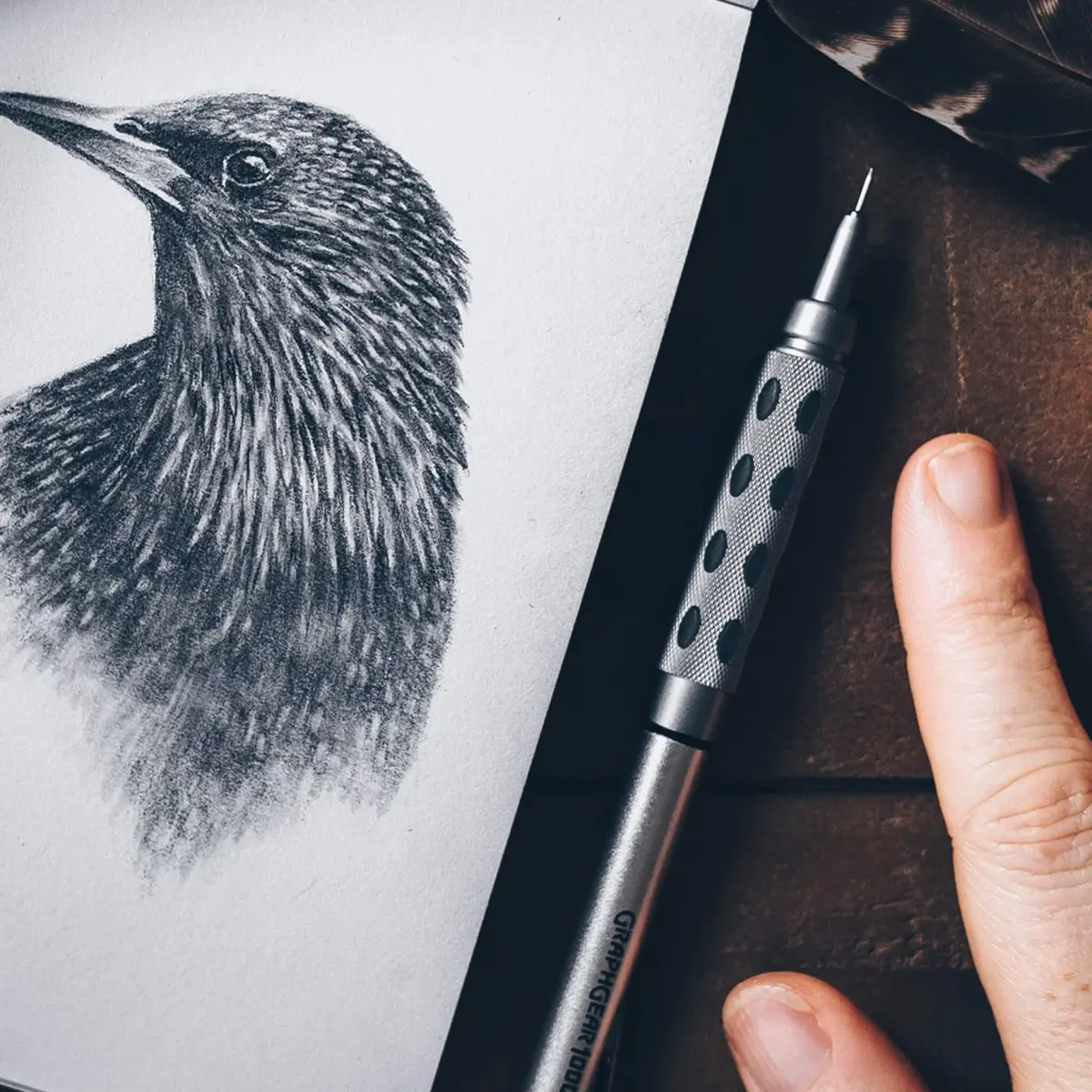
How do you use an electric eraser?
Short answer
An electric eraser uses a small, high-speed motor to rotate a rubber tip, allowing for precise, mechanical pigment removal without manual scrubbing. To use one, lightly touch the rotating tip to the paper surface, letting the friction lift the graphite or ink. Always use a light touch to avoid damaging the paper fibers.
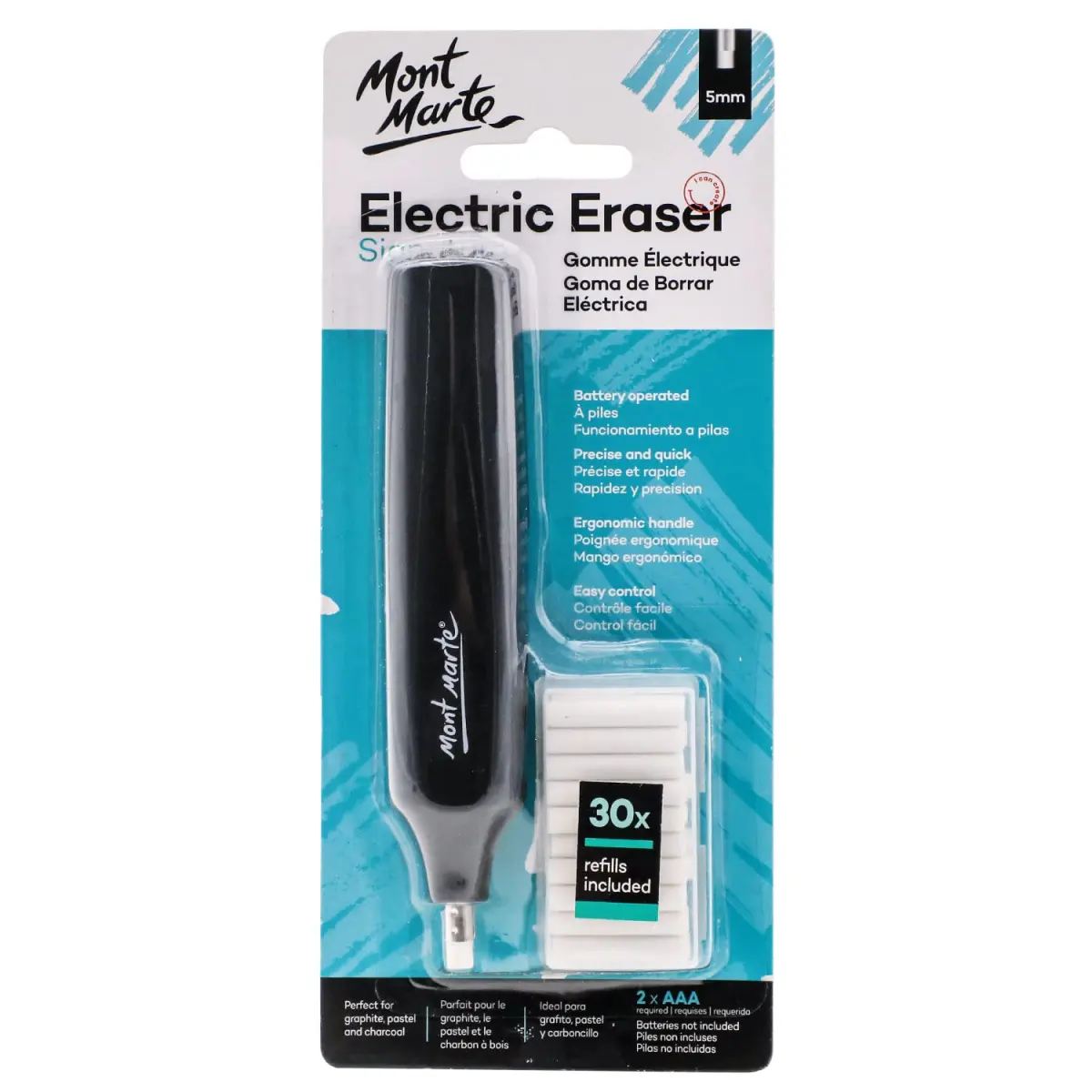
On this page
How to use an electric eraser effectively
Using an electric eraser requires a delicate touch rather than heavy pressure. The device does the work for you through rapid rotation, so pressing down hard will only tear the paper or overheat the motor. Hold the device like a pen, keeping it at a slight angle to the surface.
- Insert the eraser refill into the metal chuck, ensuring it is secure.
- Press and hold the power button to activate the rotation.
- Lightly touch the rotating tip to the area you wish to remove.
- Move the eraser in small, circular motions or back-and-forth strokes.
- Lift the eraser frequently to clear away debris and check your progress.
- Use a soft brush or a dry cloth to wipe away the eraser dust before continuing your work.
How to choose the right eraser refill
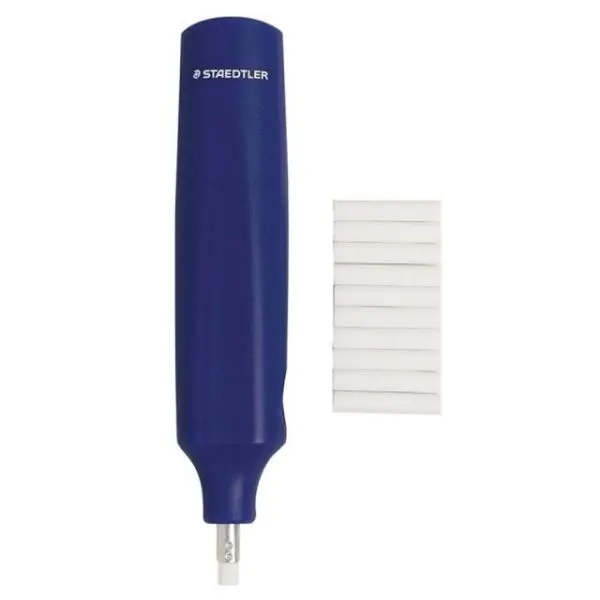
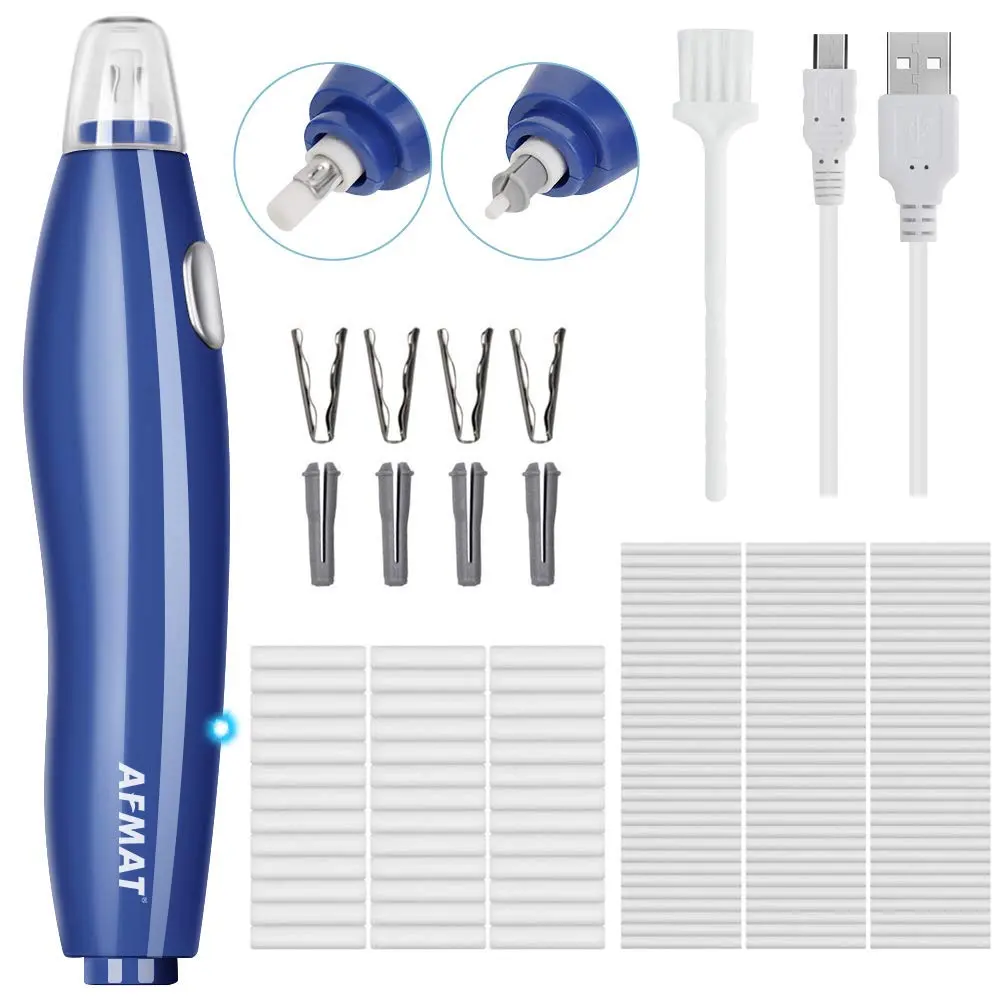
Electric erasers typically come with two types of refills: white vinyl for graphite and blue or grey abrasive tips for ink. Vinyl refills are soft and gentle, making them ideal for delicate sketching paper. Abrasive refills contain fine grit, which is necessary for cutting through stubborn ink lines or heavily pigmented colored pencils.
- White vinyl: Best for standard graphite, charcoal, and light pencil marks.
- Blue/Grey abrasive: Designed for ink, ballpoint pen, and intense colored pencil layers.
- Diameter size: Most devices use 2.3mm or 5mm refills, so check your model’s specifications.
Always match the refill hardness to the paper type. If you use an abrasive tip on thin or low-quality paper, you risk wearing through the surface almost instantly. If you are unsure, test the eraser on a scrap piece of the same paper first.
Why paper damage happens during erasing
Paper damage occurs primarily when the user applies too much downward pressure or leaves the eraser spinning on one spot for too long. The friction generates heat, which can soften the paper fibers and cause them to pill or tear. When the surface fibers are compromised, the paper will no longer hold graphite or ink properly, leading to unsightly patches.
To prevent this, treat the eraser like a precision tool rather than a heavy-duty sander. If a mark is not coming up easily, do not increase pressure. Instead, stop the eraser, clear the dust, and try again with a fresh, clean tip. If you must erase a large area, use a traditional block eraser first and reserve the electric tool only for the fine details or tight corners.
Common mistakes when using electric erasers
One of the most frequent errors is failing to clean the eraser tip during use. As the rubber wears down, it accumulates graphite and debris, which can then smear across your drawing instead of lifting pigment. Regularly rub the tip against a scrap piece of paper or a clean cloth to refresh the surface.
Another common mistake involves holding the eraser perfectly perpendicular to the paper. While this can work for tiny dots, holding it at a 45-degree angle provides better control and visibility. Additionally, users often forget to replace the batteries or recharge the unit, leading to inconsistent rotation speeds. A slowing motor will drag across the paper rather than lifting the pigment, which increases the likelihood of smudging your artwork or damaging the delicate fibers of the page.
How to maintain your electric eraser
Proper maintenance ensures your tool lasts for years. Periodically remove the eraser refill and check the chuck for dust buildup. If you notice the motor struggling or making unusual noises, it may be time to replace the batteries or clean the internal housing. Never submerge the device in water or use liquid cleaners, as the electronic components are highly sensitive to moisture.
- Store the device in a cool, dry place to prevent battery corrosion.
- Remove batteries if you plan to store the device for an extended period.
- Keep a supply of spare refills handy, as the high speed of the motor causes them to wear down much faster than manual erasers.
- If the rubber tip becomes flattened or uneven, use a craft knife to trim the end or simply rotate the refill to a fresh section.
By following these simple care steps, you ensure that your eraser remains a reliable, precise companion for your artistic projects. Consistent maintenance prevents mechanical failure and keeps your work clean and professional, allowing you to focus entirely on your creative process without the frustration of equipment malfunctions or accidental paper tears.
Key facts
- Electric erasers use a small motor to rotate a rubber tip at high speeds, allowing for precise, friction-based removal of graphite or charcoal.
- Most models are powered by two AAA batteries or a rechargeable lithium-ion internal battery.
- The eraser tip should be held at a slight angle to the paper rather than perfectly flat to prevent tearing the surface.
- Use a light, feathering touch; applying heavy pressure can damage paper fibers or cause the motor to stall.
- Always keep the eraser moving in small, circular motions to ensure an even finish and prevent heat buildup from friction.
- Replace the eraser refill once the rubber wears down to the metal clutch to avoid scratching your drawing surface.
The bottom line
An electric eraser is an essential tool for artists and drafters seeking precision. By utilizing high-speed rotation, it lifts graphite cleanly without the smudging common with manual erasers. Success depends on maintaining a light, constant motion to protect your paper fibers. By mastering the pressure and keeping your tips fresh, you can achieve professional-grade corrections and crisp highlights in your work with minimal effort.
People also ask
Can I use an electric eraser on delicate paper like vellum or newsprint?
You should exercise extreme caution on thin or fragile papers. Because these tools rely on high-speed friction, they can easily burn through or tear delicate surfaces if held in one spot for too long.
Do electric erasers work on ink or permanent marker?
Standard electric erasers are designed specifically for graphite and charcoal. They generally cannot remove permanent ink, though some abrasive refill types can lighten ink marks by physically sanding away the top layer of paper.
How do I know when the eraser tip needs to be replaced?
You should replace the tip when it is worn down to the metal holder or if it becomes clogged with graphite debris. Continuing to use a worn-down tip risks scratching your paper with the metal clutch mechanism.
Is it better to use a rechargeable or battery-operated model?
Rechargeable models are more cost-effective and environmentally friendly for frequent users. Battery-operated models are often more portable and convenient for artists who work in locations without easy access to power outlets.
Why does my paper get hot when I erase?
Heat is generated by the friction of the spinning rubber against the paper fibers. To minimize this, use a light touch and move the eraser continuously rather than holding it in a single position.
Can I sharpen an electric eraser tip?
You can sharpen the tip by running it against a piece of sandpaper or a rough scrap of paper for a few seconds. This restores a pointed shape, which is helpful for erasing fine details or small highlights.
This answer was created with the help of AI research tools and reference sources. Spotted an error? Let us know — we correct mistakes quickly. See our editorial policy.