How do you blur the background in photos?
Short answer
Blurring the background, known as shallow depth of field or bokeh, is achieved by using a wide aperture, increasing the distance between the subject and the background, or using a longer focal length lens. You can also simulate this effect in post-processing software by applying a blur filter to selected areas.

On this page
How to use aperture to blur backgrounds
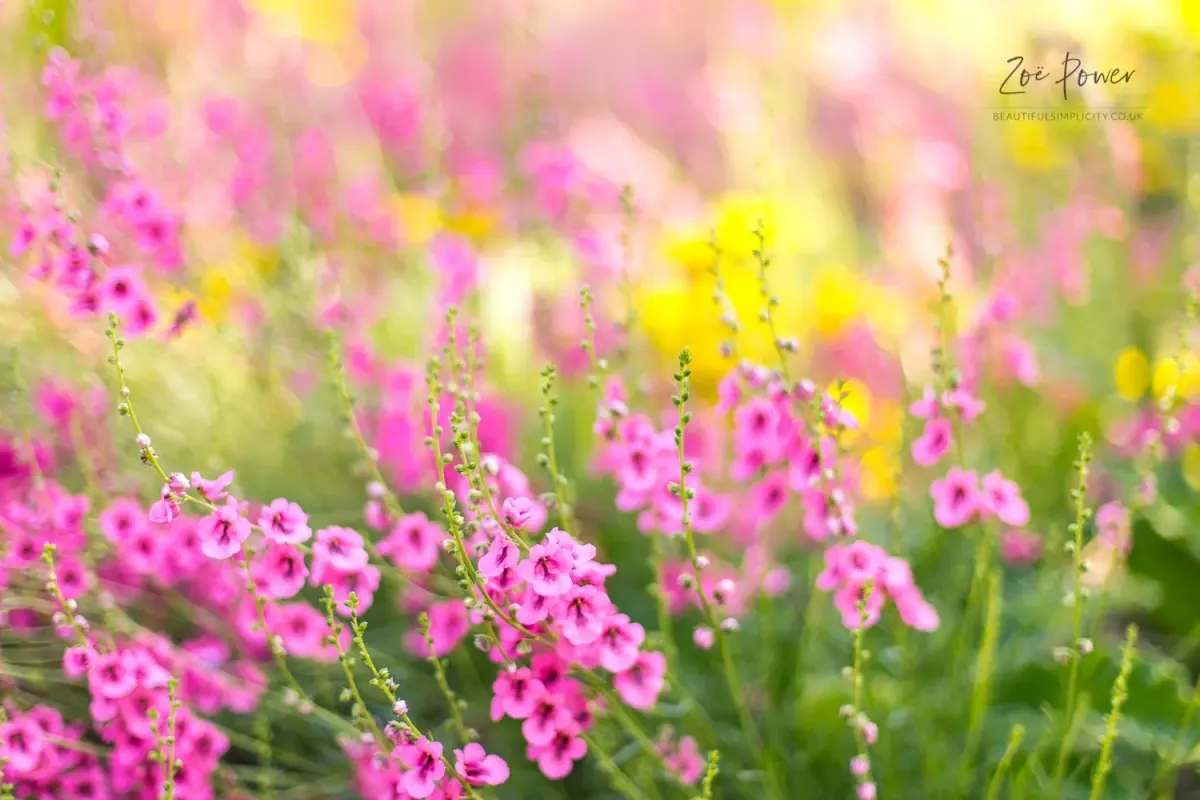
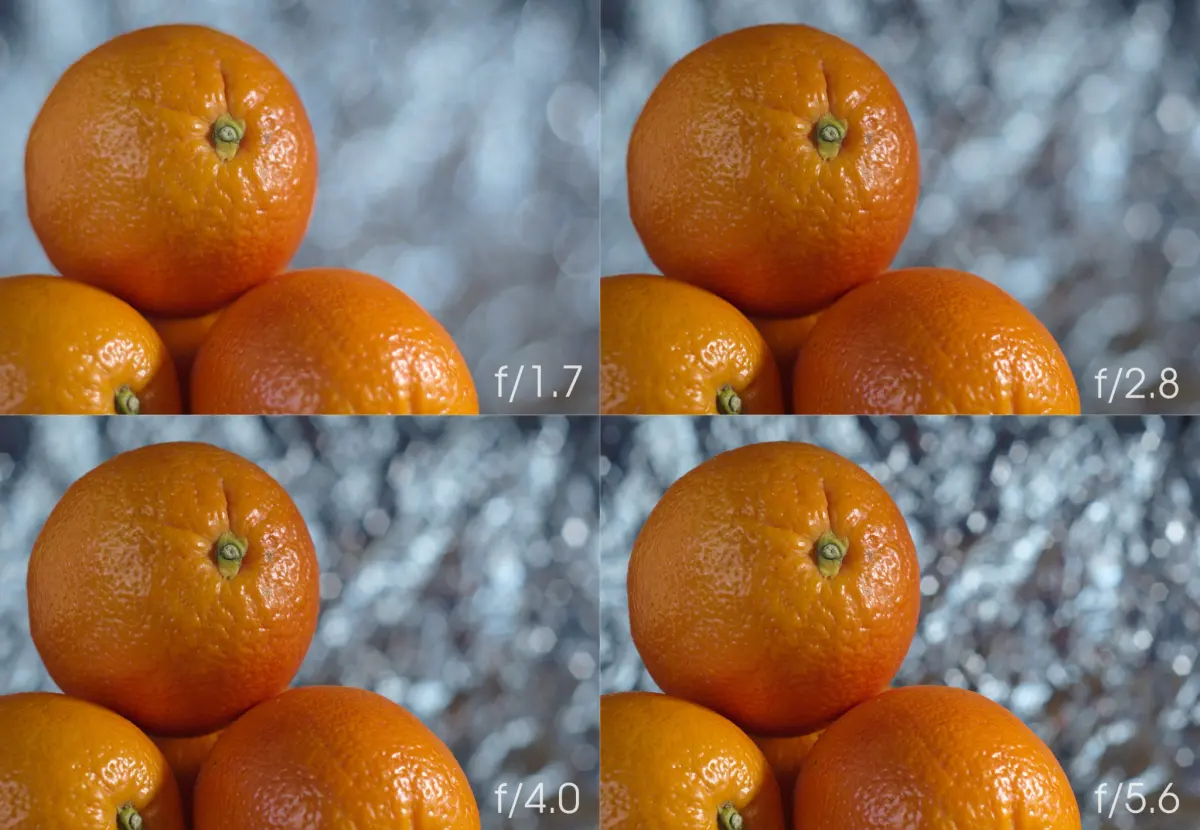
The most effective way to create a blurred background is by adjusting your camera’s aperture, which is the opening in the lens that controls light. Aperture is measured in f-stops, such as f/1.8, f/2.8, or f/5.6. A lower f-number indicates a wider opening, which naturally narrows the depth of field, causing the background to fall out of focus while keeping your subject sharp.
To achieve this look, set your camera to Aperture Priority mode (often marked as "A" or "Av" on the dial). Select the lowest f-number your lens allows, such as f/1.8 or f/2.8. If you are using a zoom lens, you may find that the lowest possible f-number increases as you zoom in. Experimenting with these settings will help you understand how light and focus interact to isolate your subject from distracting surroundings.
How to use distance to improve bokeh
Physical positioning is just as critical as camera settings when you want to create a professional-looking blur. The distance between your camera, your subject, and the background determines how much blur you can achieve. If your subject is standing directly against a wall, the background will remain in focus regardless of your aperture settings.
Follow these steps to maximize the separation between your subject and the background:
- Move your subject as far away from the background as possible.
- Position yourself as close to your subject as the lens allows.
- Keep the background elements, such as trees or city lights, at a significant distance behind the subject.
- Ensure there is enough space between the subject and the background to allow the lens to render the out-of-focus areas smoothly.
Applying these techniques creates a natural compression that makes the background appear softer and more aesthetically pleasing.
What focal length is best for background blur
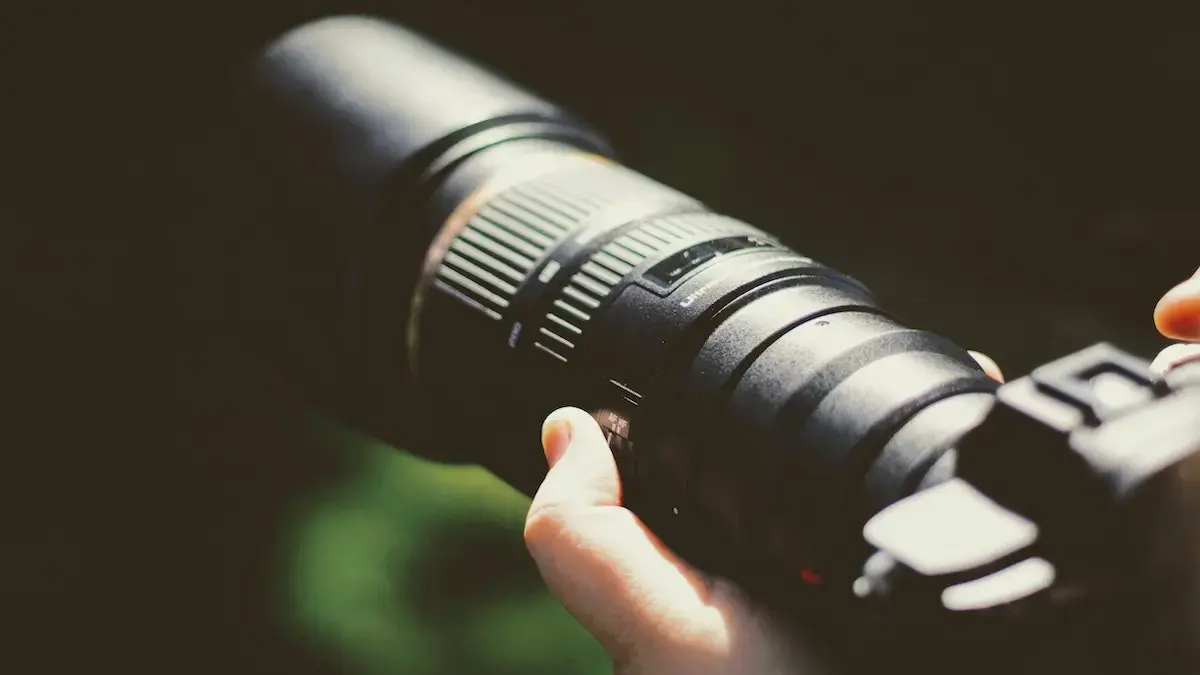
The focal length of your lens plays a major role in how much background blur you can produce. Telephoto lenses, which have higher focal lengths like 85mm, 100mm, or 200mm, naturally compress the perspective of a scene. This compression makes the background appear closer to the subject and significantly increases the intensity of the blur.
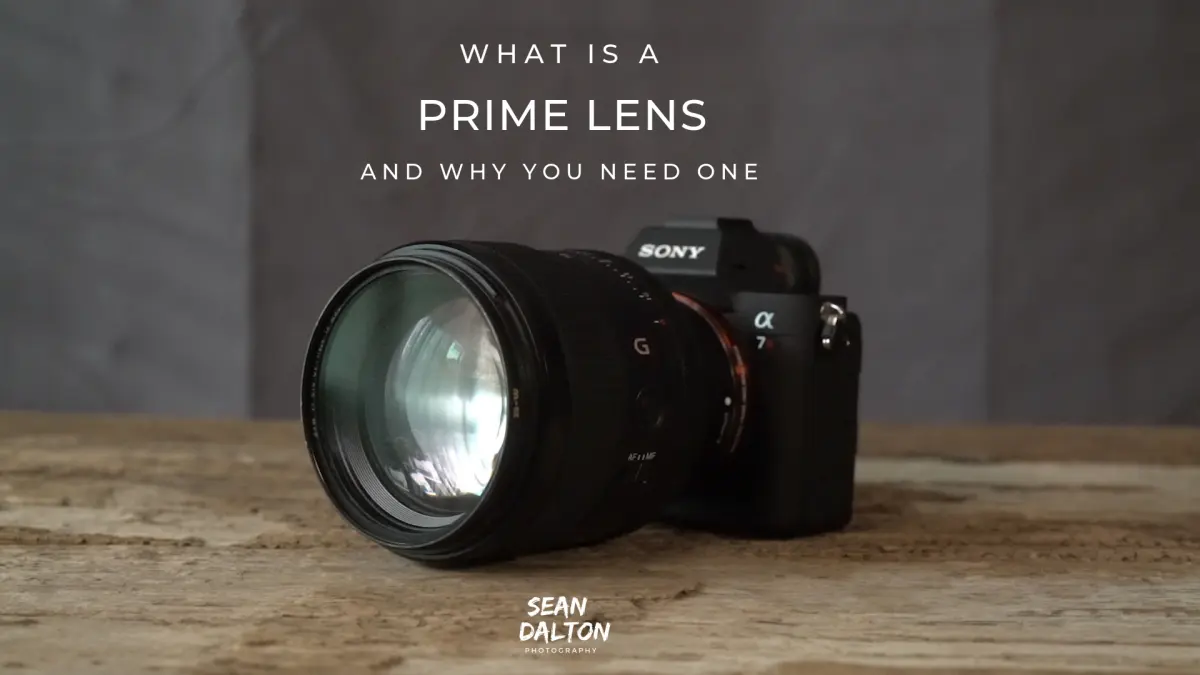
While wide-angle lenses are great for landscapes, they have a deep depth of field that keeps most of the scene in focus. If you want to blur the background, a prime lens with a focal length of 50mm or higher is usually the best choice. These lenses allow you to stand further back from your subject while maintaining a tight frame, which enhances the separation between the subject and the background.
Common mistakes when blurring backgrounds
Many beginners struggle to achieve the desired effect because they overlook simple environmental factors. One common mistake is choosing a background that is too busy or cluttered, which can make the blur look messy rather than smooth. Even with a wide aperture, a background with high-contrast patterns or bright, distracting objects will remain visible and draw attention away from the subject.
Another frequent error is failing to focus precisely on the subject's eyes. When using a very wide aperture, the area in focus is often only a few millimeters thick. If your focus point drifts to the subject's nose or ears, the eyes will appear blurry, ruining the impact of the portrait. Always double-check your focus point to ensure the most important part of your subject remains tack-sharp.
How to blur backgrounds in post-processing
If you have already taken a photo and want to add a blur effect, you can use photo editing software to simulate a shallow depth of field. This process involves masking the subject to keep them sharp while applying a blur filter to the rest of the image. Modern editing tools provide specialized brushes or selection tools that allow you to paint the blur exactly where you want it.
To achieve a natural result in editing, follow these guidelines:
- Use a soft-edged brush to ensure the transition between the sharp subject and the blurred background looks gradual.
- Apply a "Lens Blur" or "Gaussian Blur" filter to the background layer to mimic the look of a real camera lens.
- Gradually increase the blur intensity as the distance from the subject increases to create a realistic sense of depth.
- Avoid over-blurring, as an excessively smooth background can look artificial and distract from the overall quality of the photograph.
Key facts
- Use a wide aperture, represented by a low f-number like f/1.8 or f/2.8, to create a shallow depth of field.
- Increase the physical distance between your subject and the background to enhance the blur effect.
- Move the camera closer to your subject to decrease the depth of field and soften the background.
- Utilize a longer focal length, such as 85mm or 200mm, to compress the background and intensify blur.
- Ensure your subject is in sharp focus, as the blur effect relies on the contrast between subject and background.
- Avoid using small apertures like f/16 or f/22 if you want a blurred background, as these keep the entire scene in focus.
The bottom line
Achieving a blurred background is a fundamental skill that relies on the relationship between aperture, focal length, and distance. By choosing a wide aperture and increasing the space between your subject and the background, you create a professional look that emphasizes the main subject. Mastering these physical adjustments will significantly improve your photographic composition and help you create images with a distinct, artistic sense of depth.
People also ask
What is the "bokeh" effect in photography?
Bokeh refers to the aesthetic quality of the out-of-focus areas in a photograph. It is determined by the shape of the aperture blades and how the lens renders points of light.
Does a smartphone camera have a real aperture?
Most smartphones use a fixed physical aperture, so they simulate background blur using software processing. This technique identifies the subject and applies a digital blur filter to the remaining image area.
Why is my background still sharp when I use a low f-number?
This often happens because the subject is too far from the camera or too close to the background. You must decrease the distance to the subject while maximizing the distance between the subject and the background.
Do zoom lenses work better for blurring backgrounds than prime lenses?
Prime lenses with wide maximum apertures are generally superior for background blur. However, zoom lenses can achieve similar results if set to their maximum focal length and widest available aperture.
Can I blur the background of a photo after I have already taken it?
Yes, editing software allows you to apply depth-of-field effects to existing images. These tools use depth maps to distinguish the subject from the background, allowing for selective blurring.
What is the "nifty fifty" lens?
The "nifty fifty" is a 50mm prime lens with a wide f/1.8 aperture. It is popular because it is affordable, compact, and excellent at creating a natural-looking blurred background for portraits.
This answer was created with the help of AI research tools and reference sources. Spotted an error? Let us know — we correct mistakes quickly. See our editorial policy.