What is the best free drawing app?
Short answer
Krita is widely considered the best free drawing app for desktop users due to its professional-grade feature set and open-source nature. For mobile artists, ibis Paint X stands out for its extensive library of brushes and intuitive interface. Both applications provide industry-standard tools that cater to both hobbyists and professional illustrators.
On this page
Which free drawing app is best for beginners?
For those just starting their digital art journey, Krita is the most robust choice for desktop computers. It offers a clean, customizable workspace that does not overwhelm the user with unnecessary complexity. Beginners often appreciate the vast library of pre-installed brushes, which allows them to experiment with various textures and painting styles without needing to download external assets. The software is completely free, meaning there are no hidden paywalls or subscription fees to access essential tools like layers, blending modes, or selection masks.
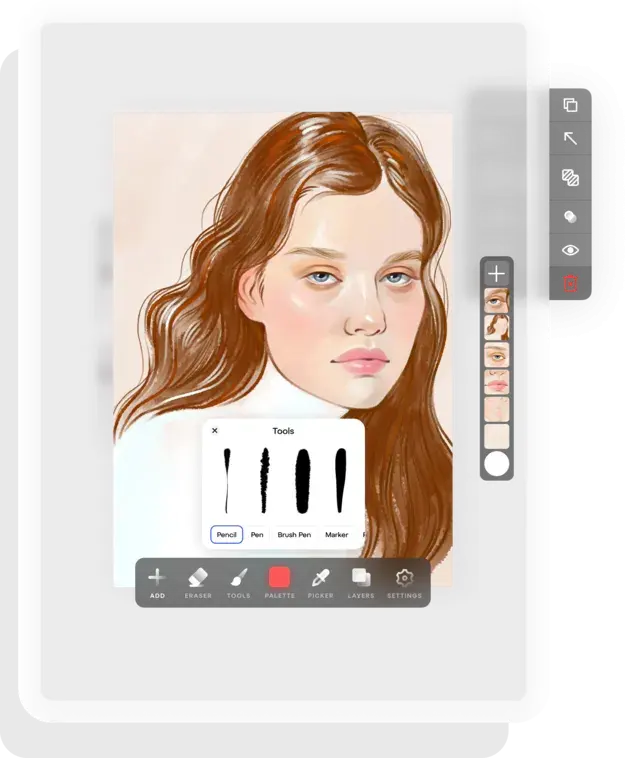
If you prefer working on a tablet or smartphone, ibis Paint X is the premier choice for newcomers. It features a simplified interface that is optimized for touch controls, making it easy to navigate menus with your fingers or a stylus. The app includes a unique recording feature that allows you to watch a playback of your drawing process, which is an excellent way to learn new techniques from other artists. Its accessibility makes it the most popular entry point for mobile digital illustration.
How to choose the right software for your needs
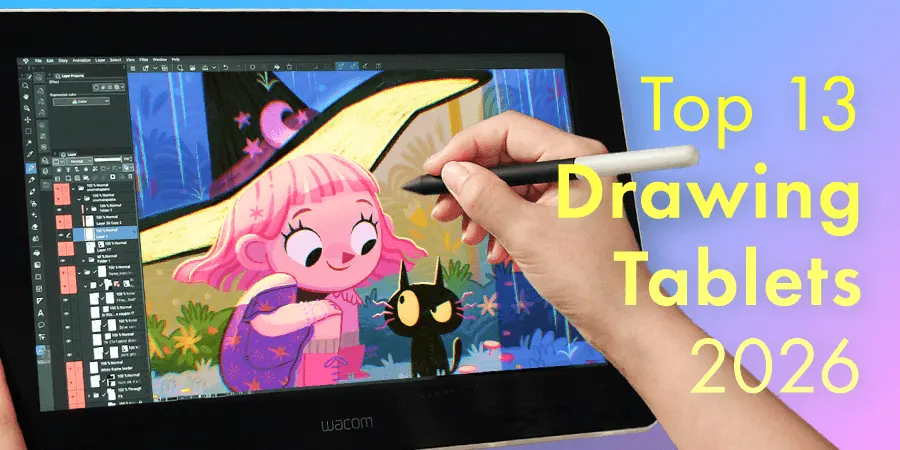
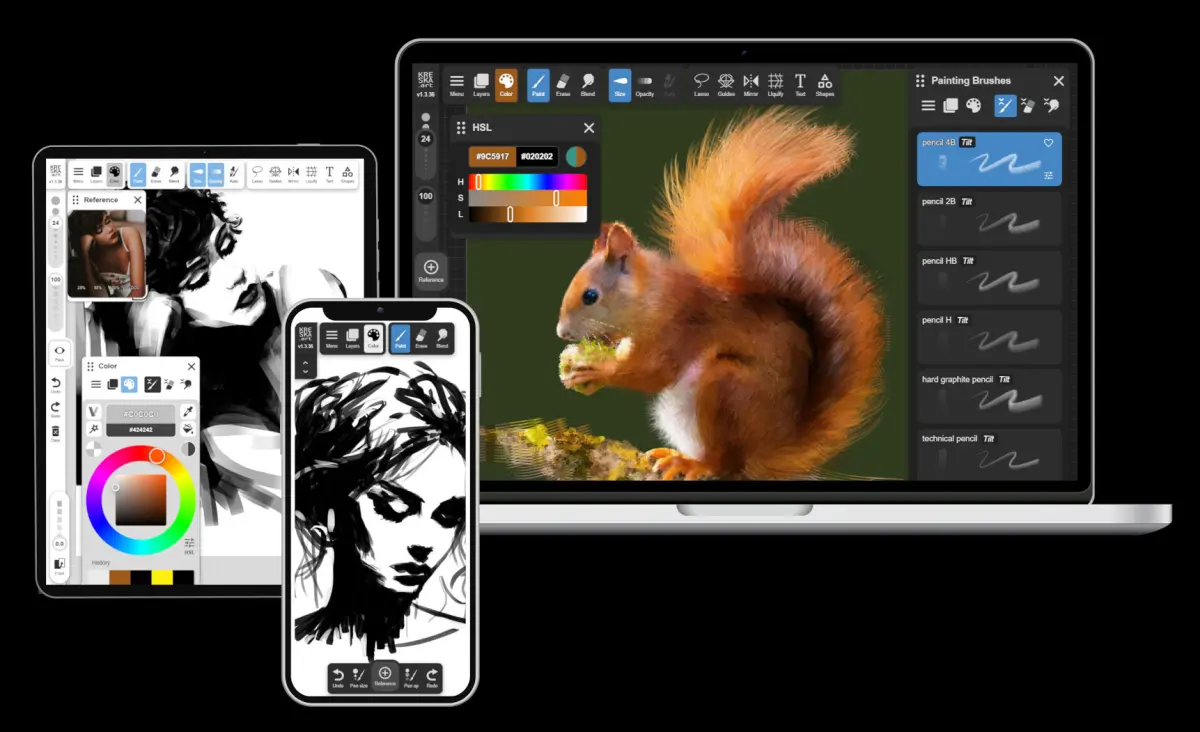
Selecting the right tool depends heavily on your hardware and your specific artistic goals. If your primary focus is on high-end digital painting, concept art, or detailed illustration, you should prioritize desktop software that supports pressure-sensitive drawing tablets. Conversely, if you enjoy sketching on the go or creating social media content, a mobile-first application will be significantly more convenient. Consider the following factors when making your decision:
- Hardware compatibility: Does the app work on your current PC, Mac, or tablet?
- File support: Can the software export files in formats like PSD, PNG, or JPEG for easy sharing?
- Community support: Are there tutorials available on YouTube or dedicated forums to help you troubleshoot?
- Customization: Can you rearrange the toolbars to suit your specific workflow and hand preference?
Beyond these technical specs, think about your long-term goals. If you intend to pursue professional work, choosing an industry-standard interface will make transitioning to paid software like Adobe Photoshop much easier later on.
Common mistakes when starting digital art
One of the most frequent errors beginners make is attempting to draw everything on a single layer. This practice makes it nearly impossible to edit specific elements, such as changing the color of a character's shirt without accidentally erasing the background. Always separate your sketch, line art, and colors onto distinct layers so you can refine your work systematically. Another common mistake is neglecting to flip your canvas horizontally while working; this simple action helps you spot anatomical errors or perspective issues that your brain has ignored during the drawing process.
- Create a new layer for every major element of your composition.
- Use the "flip canvas" tool frequently to check for symmetry and balance.
- Keep your brush opacity settings at a reasonable level to build colors gradually.
- Save your progress every few minutes to prevent data loss during unexpected crashes.
Avoiding these pitfalls early on will save you hours of frustration and help you develop a more efficient, professional workflow.
How to learn digital drawing techniques quickly
Mastering digital art requires a combination of traditional drawing fundamentals and software-specific knowledge. Start by focusing on line quality and color theory, as these principles apply regardless of the software you use. Many free apps offer stabilizer settings that smooth out shaky lines, which is a massive advantage over traditional paper and pencil. Experiment with these settings to find a balance between natural movement and clean, crisp strokes. You should also dedicate time to learning keyboard shortcuts, as they drastically increase your speed and efficiency.
Most professional artists recommend following structured tutorials that focus on specific tasks, such as shading a sphere or sketching a human face. Instead of trying to learn every button in the software at once, pick one tool—like the brush or the lasso—and master it before moving to the next. By isolating your practice, you prevent cognitive overload and build muscle memory faster. Consistent, short practice sessions are significantly more effective than occasional, long sessions that lead to burnout.
Why free apps are professional enough
Many people assume that free software lacks the power of expensive, subscription-based programs, but this is a misconception. Modern open-source projects like Krita have reached a level of maturity where they are used by professional concept artists and animators globally. These applications support high-resolution canvases, complex layer management, and advanced brush engines that rival the capabilities of industry-standard paid software. Because these projects are community-driven, they often receive updates and bug fixes at a faster rate than commercial products.
Furthermore, the lack of a price tag does not indicate a lack of quality. Many free apps are developed by professionals who want to lower the barrier to entry for aspiring artists. By using these tools, you are not sacrificing quality; you are simply choosing a different distribution model. Whether you are creating professional-grade illustrations or casual sketches, these free applications provide all the necessary infrastructure to bring your creative vision to life without the recurring financial burden of monthly software subscriptions.
Key facts
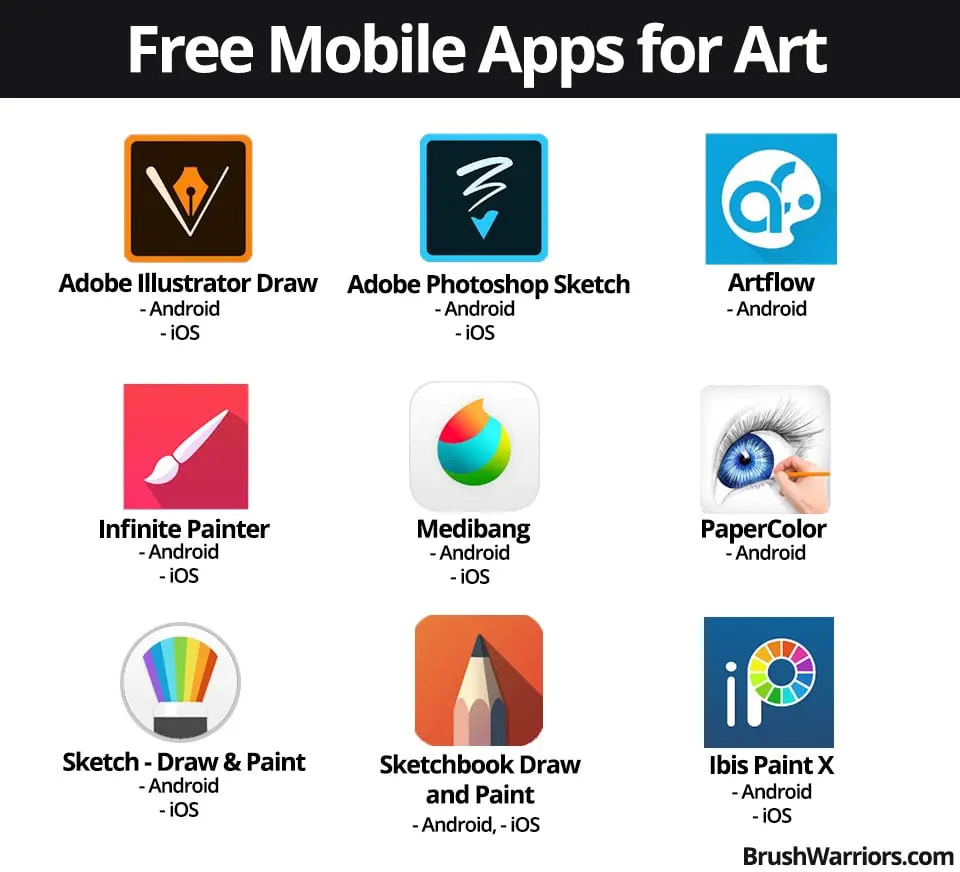
- Krita is widely considered the best free, professional-grade desktop software for digital painting and 2D animation.
- MediBang Paint is a top choice for comic and manga creators due to its specialized paneling tools and cloud-saving features.
- Sketchbook by Autodesk offers a clean, distraction-free interface that is ideal for quick sketching and industrial design.
- Ibis Paint X is the most popular mobile-first application, offering over 15,000 brushes and extensive layer support for tablets.
- Always check the hardware requirements, as high-resolution canvases require significant RAM to prevent lag during brush strokes.
- Avoid using "free" apps that lock essential features like layer blending modes or file export formats behind a subscription paywall.
The bottom line
The "best" app depends entirely on your specific creative goals. For desktop illustration and animation, Krita remains the gold standard for its comprehensive feature set. If you prefer mobile convenience or comic creation, Ibis Paint X and MediBang Paint offer superior specialized tools. Regardless of your choice, prioritize software that supports industry-standard file formats to ensure your work remains accessible as your technical skills grow over time.
People also ask
Can I use professional drawing apps on a tablet?
Yes, many professional-grade apps like Ibis Paint X and Sketchbook are specifically optimized for touch and stylus input on iPads and Android tablets.
Do I need a pressure-sensitive stylus to draw digitally?
While you can draw with a mouse or finger, a pressure-sensitive stylus is essential for controlling line thickness and opacity, mimicking traditional media.
Which app is best for beginners?
Sketchbook is often recommended for beginners because its interface is intuitive and avoids overwhelming users with complex technical settings.
Can I export my files to Photoshop?
Most robust free apps, such as Krita, support PSD file formats, allowing you to move your layered artwork into Adobe Photoshop seamlessly.
Is it better to draw on a computer or a mobile device?
Computers provide more processing power for large, complex files, while mobile devices offer portability and a more direct, tactile drawing experience.
How do I choose between vector and raster software?
Choose raster software like Krita for painting and shading, and vector software like Inkscape if you need scalable lines for logos or graphic design.
This answer was created with the help of AI research tools and reference sources. Spotted an error? Let us know — we correct mistakes quickly. See our editorial policy.