What is a shutter release?
Short answer
A shutter release is the button or mechanism on a camera that triggers the exposure process. When pressed, it opens the camera shutter to allow light to strike the sensor or film for a predetermined duration. This action captures the image, effectively freezing a moment in time through precise mechanical or electronic timing.
On this page
How does a shutter release work?
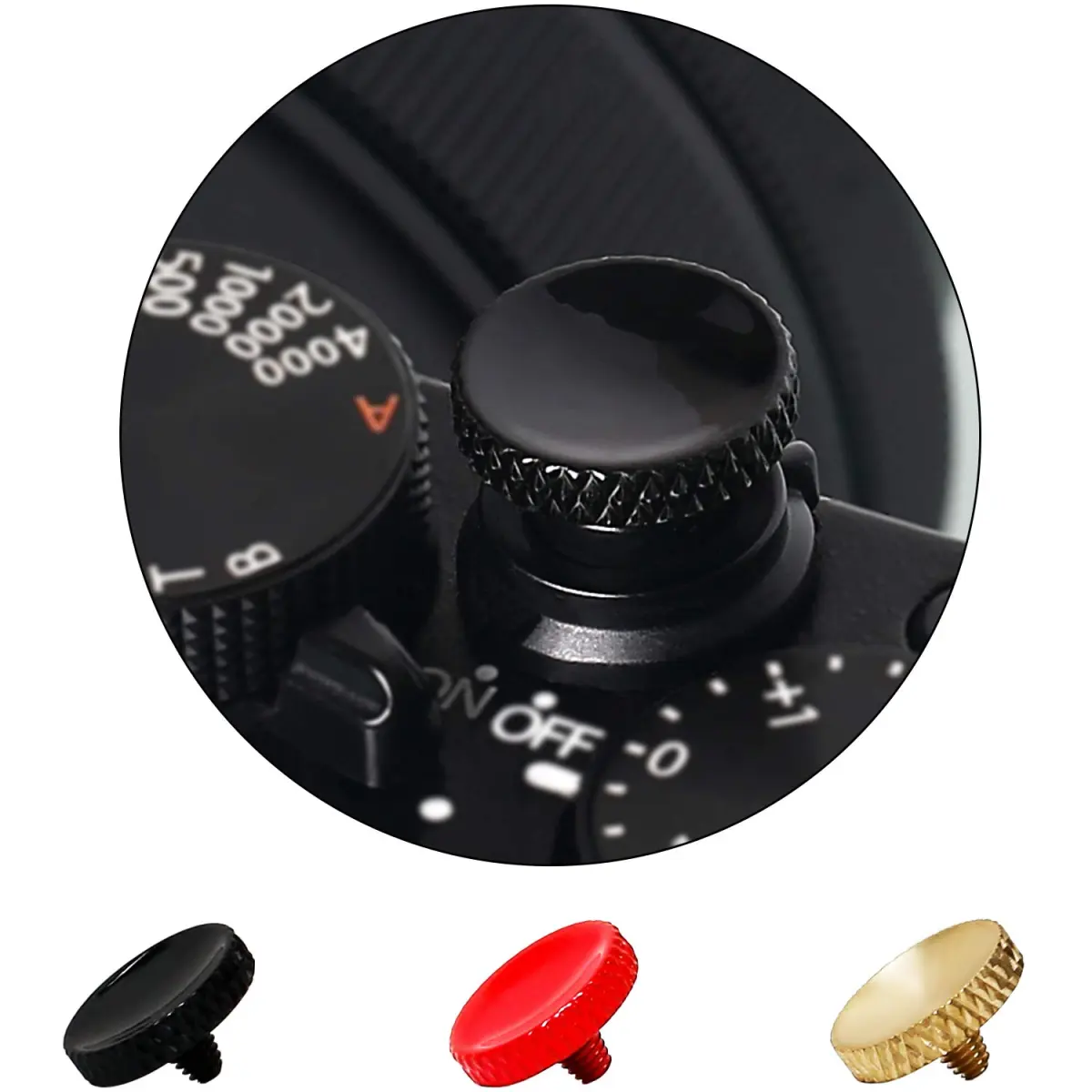
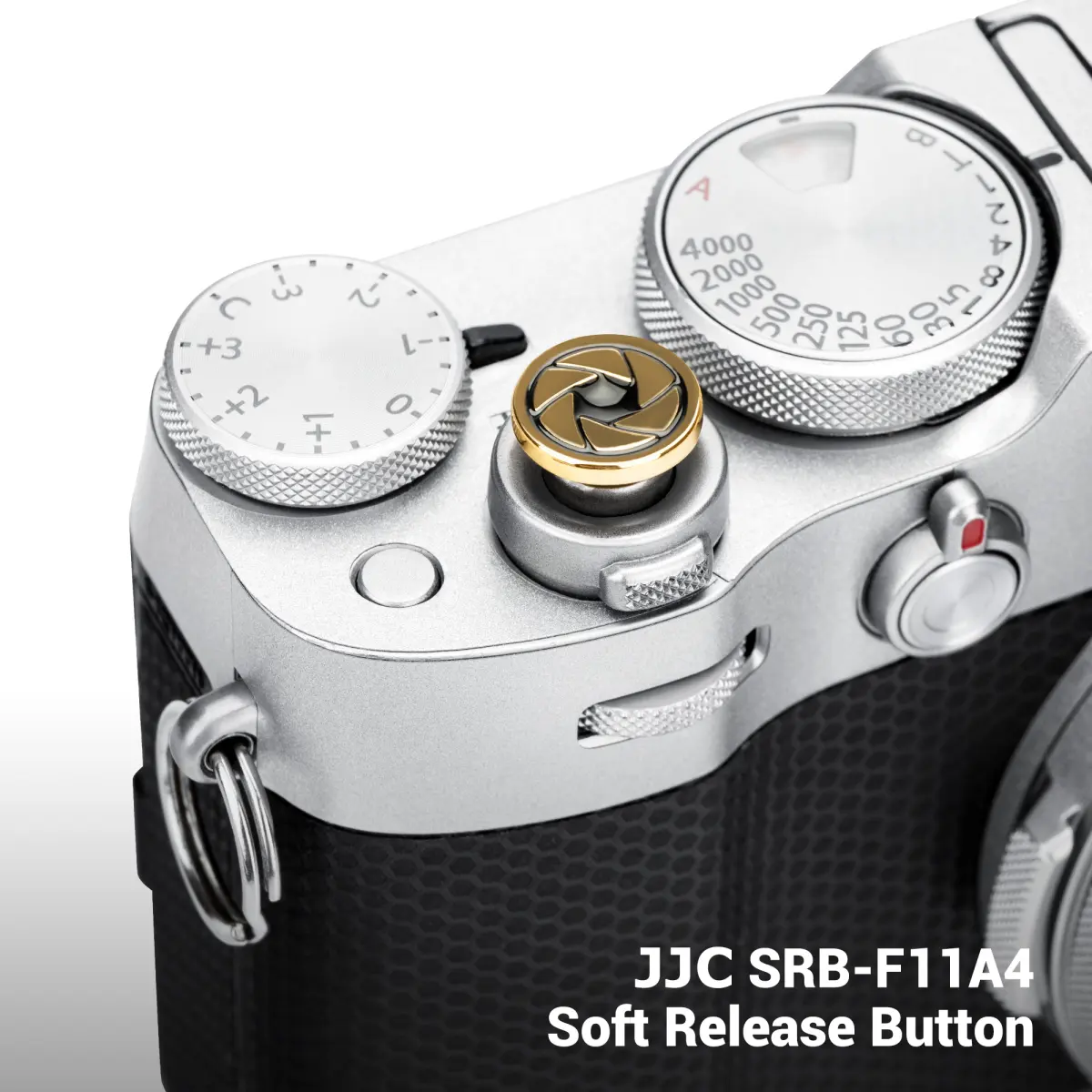
The shutter release acts as the primary interface between the photographer and the camera’s internal imaging system. In traditional film cameras, pressing the button triggers a mechanical spring that moves a curtain or leaf shutter across the focal plane. In modern digital cameras, the process is primarily electronic, sending a signal to the camera’s processor to begin the exposure sequence.
When you press the button, the camera performs a series of rapid tasks. It first engages the autofocus and light metering systems if the button is held halfway down. Once pressed fully, the shutter opens, the sensor records the incoming light, and the shutter closes to end the exposure. This cycle can happen in fractions of a second, ranging from 1/8000th of a second for fast action to several minutes for long exposures.
- Half-press: The camera locks focus and calculates exposure settings.
- Full-press: The shutter opens, and the sensor begins capturing light.
- Completion: The shutter closes, and the image data is processed.
Why is the two-stage press important?
Most modern cameras utilize a two-stage shutter release to ensure image clarity and proper exposure. By pressing the button halfway, you activate the camera's internal computer to evaluate the scene. This allows the device to adjust the aperture, shutter speed, and focus point before the actual image is recorded. Skipping this step often results in blurry photographs or poorly lit subjects.
Mastering the half-press is essential for professional-grade photography. It allows you to compose your shot, lock the focus on your subject, and then wait for the perfect moment to execute the final capture. If you press the button all the way down in one quick motion, the camera may struggle to focus in time, leading to missed opportunities or out-of-focus results.
- Half-press to lock focus on the subject's eyes.
- Maintain the half-press while recomposing the frame.
- Press fully only when the subject is in the desired position.
Common mistakes when using a shutter release
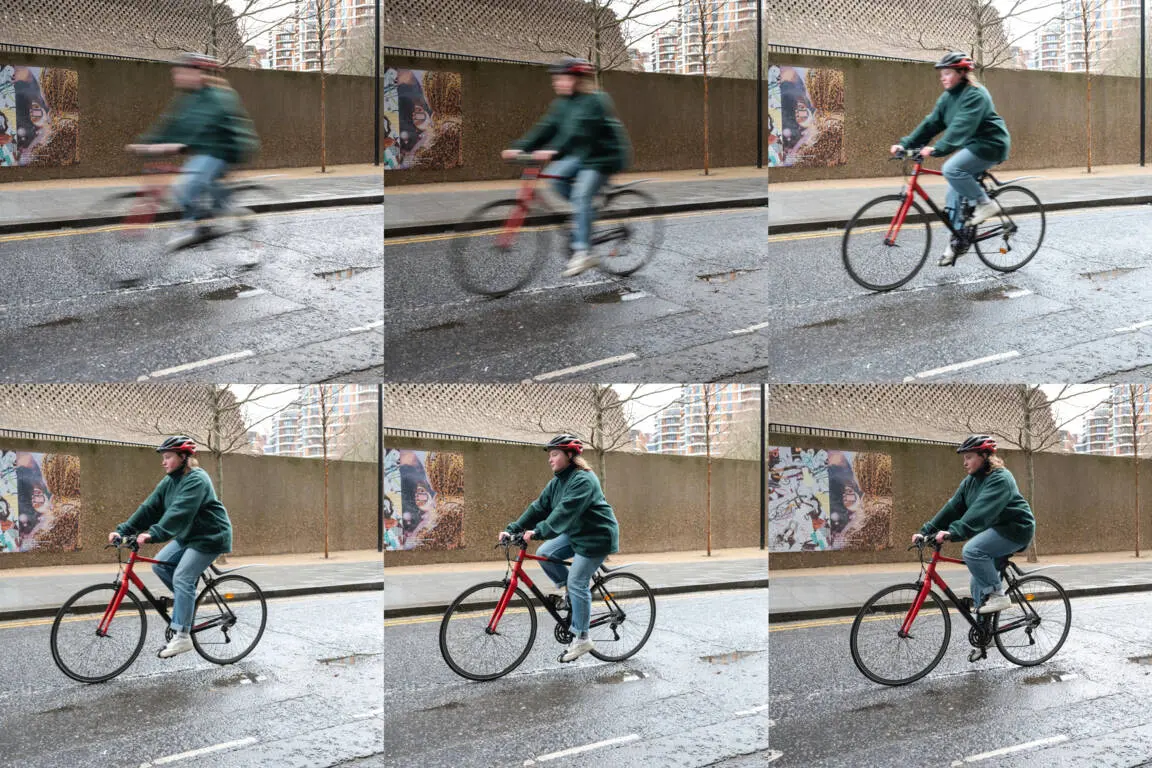
One of the most frequent errors beginners make is "stabbing" at the shutter button. This sudden, forceful movement can cause the entire camera to shake, especially when using slower shutter speeds. This vibration is often transmitted to the lens, resulting in a blurry image known as camera shake. To avoid this, use the pad of your index finger to apply smooth, consistent pressure.
Another common mistake is failing to hold the button down long enough during long-exposure photography. If you are using "Bulb" mode, the shutter remains open as long as the button is depressed. Releasing it too early will result in an underexposed image. Conversely, keeping your finger on the button for extended periods can also introduce unwanted movement, which is why professionals often use external remote triggers for long-exposure work.
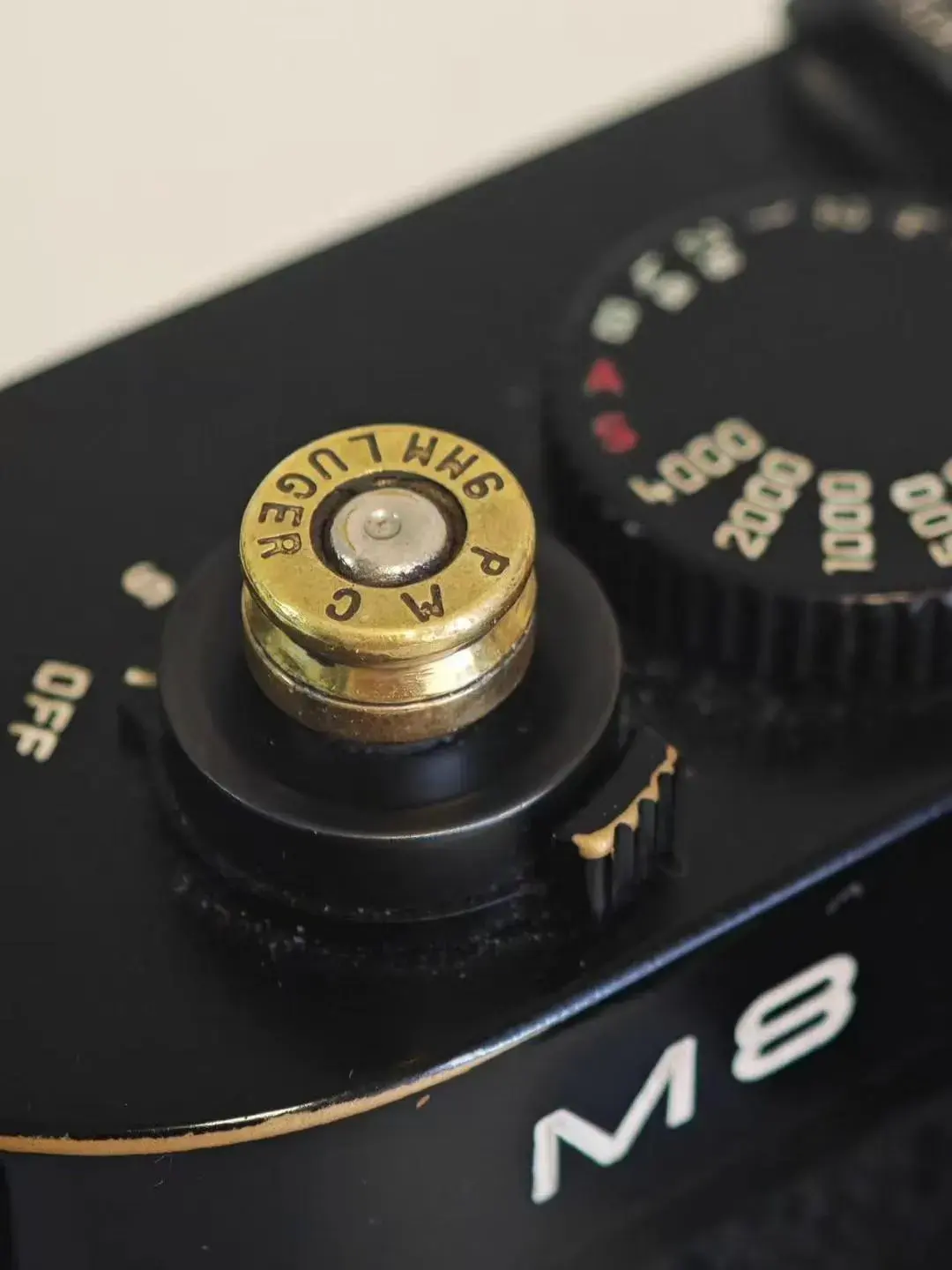
How to use a remote shutter release
A remote shutter release is an accessory that allows you to trigger the camera without physically touching the camera body. These devices are invaluable for tripod-based photography, such as landscape or night sky imaging. By removing the physical contact between your hand and the camera, you eliminate the risk of vibration caused by the act of pressing the button.
Remote releases come in two primary forms: wired and wireless. Wired remotes plug directly into the camera’s accessory port, providing a reliable connection that does not require batteries. Wireless remotes use infrared or radio frequency signals, offering more freedom of movement. Both types often include a "lock" feature, which holds the shutter open indefinitely for long-exposure photography without requiring you to keep your finger on the device.
- Connect the remote to the camera's designated port.
- Ensure the camera is set to the correct remote trigger mode.
- Use the remote button to focus and fire the shutter.
Best practices for sharp photos
Achieving maximum sharpness requires more than just a fast shutter speed; it requires proper technique during the release. When shooting handheld, tuck your elbows into your torso to create a stable base. Exhale slowly as you press the shutter button, as this minimizes the subtle body movements that occur during natural breathing. This technique is borrowed from marksmanship and is highly effective for photography.
Additionally, consider using the camera’s built-in "self-timer" mode as a substitute for a remote release. By setting a two-second or ten-second delay, you ensure that any vibrations caused by your finger pressing the button have dissipated before the shutter actually opens. This is a simple, free way to improve the clarity of your images when you do not have specialized equipment available. Consistent practice with these techniques will significantly improve your success rate in difficult lighting conditions.
Key facts
- The shutter release is the button on a camera that triggers the mechanism to capture an image.
- Pressing the button halfway typically activates the camera's autofocus and exposure metering systems.
- A full press completes the electrical circuit, opening the shutter to expose the sensor or film to light.
- Using a remote shutter release or the camera's self-timer prevents camera shake during long exposures.
- "Shutter lag" refers to the brief delay between pressing the button and the actual capture of the image.
- Modern digital cameras often allow for "back-button focus," which separates the focus function from the shutter release.
The bottom line
The shutter release is the fundamental interface between the photographer and the camera, serving as the bridge that captures a moment in time. By mastering the two-stage press—focusing halfway before fully engaging the shutter—you gain greater control over image sharpness and timing. Whether using the built-in button or an external remote, a steady hand is essential to producing clear, professional-quality photographs every single time.
People also ask
Why is my camera not taking a picture when I press the shutter button?
This usually happens because the camera cannot achieve focus on the subject. Ensure you are not too close to your subject for the lens to focus, or switch to manual focus mode to override the system.
What is the difference between a cable release and a shutter release button?
The shutter release button is built into the camera body. A cable release is an external accessory that connects to the camera, allowing you to trigger the shutter without physically touching the camera body.
Can I use my smartphone volume button as a shutter release?
Yes, many smartphones are designed to use the volume up or down buttons as a physical shutter release. This feature makes it easier to hold the phone steady while taking photos in landscape orientation.
What happens if I press the shutter button too hard?
Pressing the button forcefully can cause the camera to move, leading to blurry images, especially in low-light conditions. Always use a gentle, steady squeeze to keep the camera stable during the exposure.
Does holding the shutter button down take multiple photos?
Yes, if your camera is set to "continuous" or "burst" mode, holding the button down will continue to take photos in rapid succession. This is ideal for capturing fast-moving subjects like athletes or wildlife.
Why does the shutter release feel like it has two stages?
The two-stage design allows the camera to perform preparatory tasks like focusing and calculating light before the final exposure. This ensures the image is sharp and properly illuminated before the shutter actually opens.
This answer was created with the help of AI research tools and reference sources. Spotted an error? Let us know — we correct mistakes quickly. See our editorial policy.