How do you make pixel art?
Short answer
Pixel art is the practice of creating digital images by editing individual pixels, often on a low-resolution grid. To begin, use specialized software to place pixels one by one, focusing on limited color palettes and deliberate placement to define shapes, light, and texture within a constrained canvas size.
On this page
What software is best for pixel art?
Choosing the right tool is the first step in your pixel art journey. While you can technically use any image editor, dedicated software provides features that make the process efficient and precise. Beginners often start with free, web-based tools that handle the grid system automatically, while professionals prefer more robust software that offers advanced layer management, animation timelines, and custom palette creation.
The most popular software options include:
- Aseprite: The industry standard for pixel art, offering powerful animation tools and a user-friendly interface.
- GraphicsGale: A classic, free option that remains highly effective for sprite animation.
- Piskel: A free, browser-based tool perfect for quick sketches and learning the basics.
- Adobe Photoshop: While not built for pixels, it can be configured with specific settings to mimic a pixel-perfect workflow.
Regardless of the tool, ensure you can disable anti-aliasing and utilize a "pencil" tool that places single, opaque pixels without blurring or blending edges.
How to start your first pixel art project
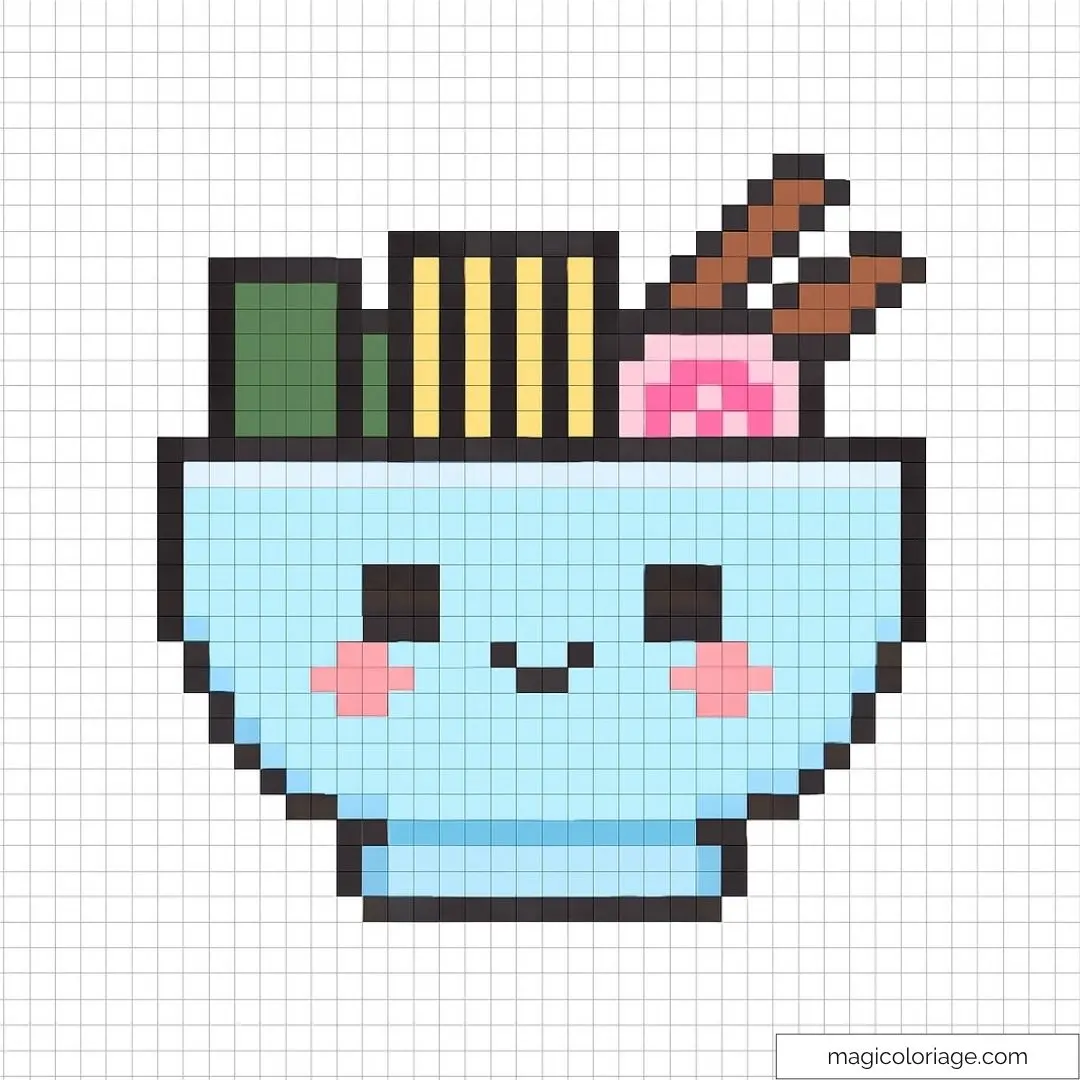
The most effective way to learn is by starting with a small canvas. Beginners often make the mistake of choosing a large resolution, which leads to overwhelming detail and poor results. A canvas size of 32x32 or 64x64 pixels is ideal for learning how to represent objects with minimal information. Focus on simple shapes like a sword, a potion bottle, or a small character head.
Follow these steps to create your first sprite:
- Set your canvas to 32x32 pixels and zoom in until you can clearly see the individual grid squares.
- Sketch the silhouette of your object using a single, dark color to define its shape.
- Refine the outline by removing "stray" pixels that make the shape look jagged or unintended.
- Apply base colors to the interior of your shape.
- Add light and shadow to create depth, keeping the light source consistent across the entire image.
Why color palettes matter in pixel art
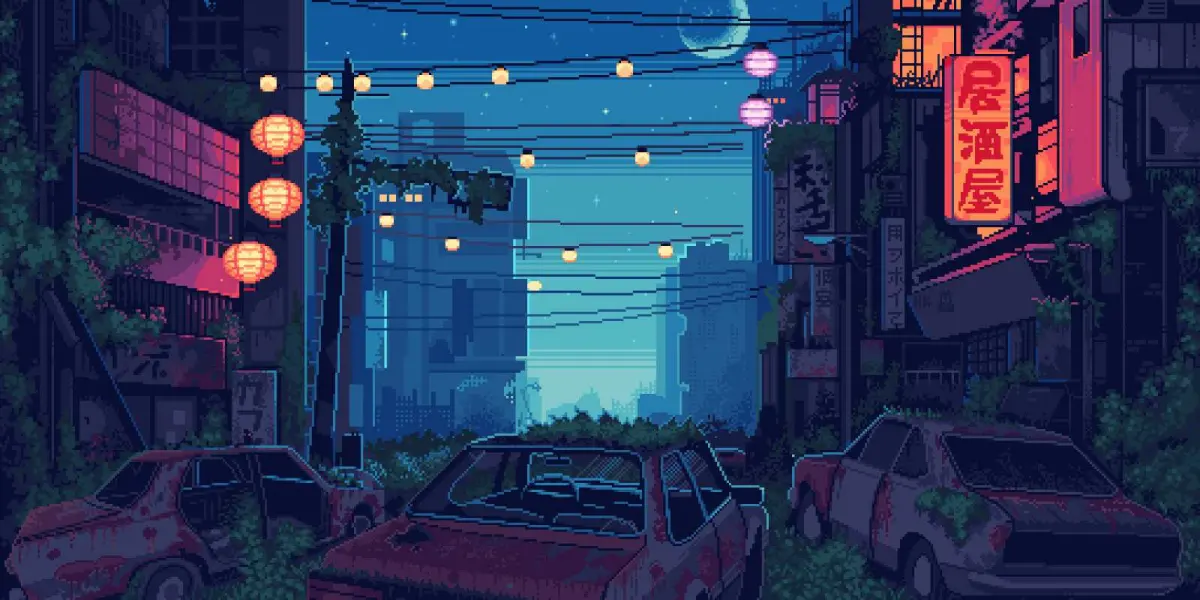
Color theory is essential because pixel art relies on a limited number of shades to convey mood and form. Using too many colors can make an image look messy or "noisy," whereas a restricted palette creates a cohesive, professional aesthetic. Many artists choose from established palettes, such as the classic Game Boy palette or the vibrant NES palette, to maintain a specific retro style.
When selecting colors, aim for a mix of hue, saturation, and value. A good palette typically includes:
- A dark shade for outlines and deep shadows.
- Two or three mid-tones for the main body of the object.
- A highlight color for the brightest parts of the surface.
Avoid using pure black for shadows, as it often looks flat. Instead, try a very dark blue or purple, which adds life and color harmony to your work.
Common mistakes when drawing pixel art
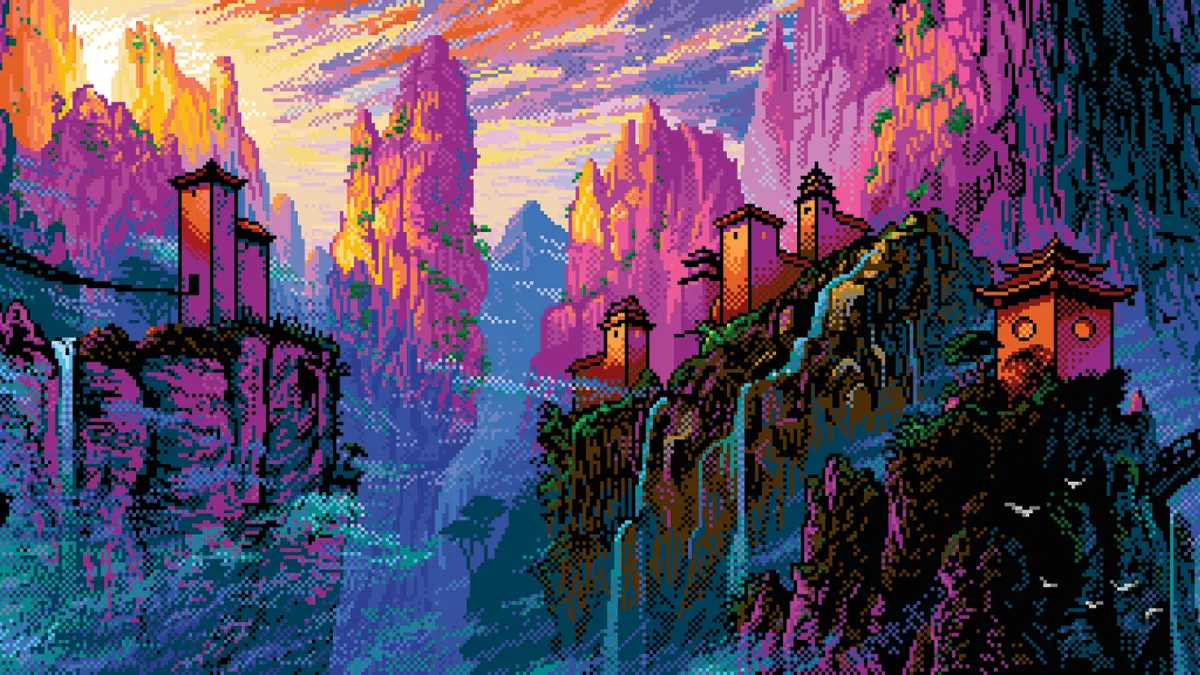
Even experienced artists encounter pitfalls that can ruin the look of an otherwise good sprite. One of the most frequent errors is "double pixels," which occur when you place pixels in a way that creates unintentional corners or jagged lines. Another common issue is "banding," where colors are placed in straight, parallel lines that ignore the shape of the object, making it look like a series of disconnected strips.
To improve your technique, watch out for these errors:
- Jagged lines: Ensure your curves follow a consistent step pattern, such as 1-2-1 or 1-1-1 pixels.
- Pillow shading: This happens when you apply highlights only to the edges of an object, making it look rounded and soft rather than solid.
- Inconsistent lighting: Always decide where your light source is located before you begin shading.
By identifying these mistakes early, you can consciously adjust your placement to ensure your art remains clean and readable.
How long does it take to learn pixel art?
Learning the fundamentals of pixel art is a relatively quick process, but mastering the craft takes years of practice. You can learn the basic mechanics—such as how to use layers, palettes, and grid tools—in a single afternoon. However, developing an "eye" for pixel placement and understanding how to animate sprites fluidly requires consistent effort. Most artists spend their first few months focusing on static objects before moving on to complex character animations.
To accelerate your progress, try the following:
- Study existing sprites from your favorite retro video games to see how professionals handle small resolutions.
- Participate in weekly pixel art challenges online to push your creativity within tight constraints.
- Practice daily, even if it is just for fifteen minutes, to build muscle memory for pixel placement.
Consistency is the most important factor in your growth. As you become more comfortable with the limitations of the grid, you will find that you can convey increasingly complex ideas with fewer and fewer pixels, which is the ultimate goal of the medium.
Key facts
- Pixel art is a form of digital art where images are edited at the pixel level, often using a low resolution to create a retro aesthetic.
- A standard canvas size for beginners is 32x32 or 64x64 pixels, which prevents the artist from becoming overwhelmed by excessive detail.
- Using a limited color palette, typically between 4 and 32 colors, helps create a cohesive look and prevents the image from appearing cluttered.
- The "pencil tool" is the primary instrument for placing individual pixels, while the "eraser" is used to remove them.
- "Jaggies" are unintended jagged lines that occur when pixels are placed at awkward angles, which can be fixed by smoothing out the pixel staircase.
- Scaling pixel art requires "nearest neighbor" interpolation to ensure the edges remain sharp rather than blurry.
The bottom line
Pixel art is a rewarding discipline that emphasizes intentionality and economy of space. By working on small canvases with limited color palettes, you can master the fundamentals of light, form, and motion. Focus on clean lines and consistent pixel placement to develop your unique style. With patience and consistent practice, you will soon be able to craft detailed, expressive scenes that evoke the charm of classic digital media.
People also ask
What software is best for creating pixel art?
Aseprite is widely considered the industry standard due to its dedicated animation and frame-management features. Other accessible options include Piskel, which is free and browser-based, or GraphicsGale for those who prefer a traditional interface.
How do I choose a color palette for my art?
Beginners should start by selecting a pre-made palette from resources like Lospec to ensure color harmony. As you progress, try limiting your palette to a few base colors and creating variations by adjusting the hue, saturation, and brightness.
How can I make my pixel art look like it is moving?
Animation is achieved by creating a sequence of frames that play in rapid succession. Start with simple two-frame animations, such as a flickering candle or a bouncing ball, to understand the principles of timing and easing.
What is the secret to shading in pixel art?
Shading is done by manually placing pixels of a slightly darker or lighter hue to suggest volume. Avoid using the "airbrush" or "blur" tools, as these create anti-aliasing that ruins the crisp, blocky nature of the medium.
How do I make my pixel art look professional?
Consistency is key, meaning you should maintain a uniform pixel size throughout the entire piece. Avoid "double pixels," where two pixels are placed in a way that creates an uneven, messy line, unless you are intentionally creating a specific texture.
Is pixel art difficult to learn?
Pixel art is highly accessible because it requires minimal hardware and focuses on deliberate placement rather than complex brushwork. While mastering lighting and composition takes time, you can create recognizable icons and characters within your first few hours of practice.
This answer was created with the help of AI research tools and reference sources. Spotted an error? Let us know — we correct mistakes quickly. See our editorial policy.