How do you watermark your art?
Short answer
Watermarking art involves overlaying a logo, signature, or text onto an image to claim authorship and deter unauthorized use. You can apply these marks using image editing software like Adobe Photoshop, mobile apps like Canva, or batch-processing tools. Place your watermark strategically to protect your work while maintaining its visual integrity.

On this page
How to add a watermark to images
Adding a watermark is a straightforward process that involves creating a transparent graphic file and layering it over your artwork. Most artists use a PNG file with a transparent background to ensure that only the logo or text appears on the final image. You can create this file in any design program by setting the background to transparent before exporting your signature or brand mark. Once you have your file, you simply open your artwork in an editing program, import the watermark as a new layer, and adjust its opacity.
- Open your finished artwork in your preferred photo editing software.
- Select the "Place" or "Import" command to bring your watermark file into the project.
- Use the transform tool to resize the watermark so it does not obstruct the main subject.
- Adjust the layer opacity to between 20% and 50% to make the mark subtle yet visible.
- Flatten or export the image as a JPEG or PNG for sharing.
Best software for watermarking art
Choosing the right tool depends on your technical skill and the volume of images you process. For professional photographers and digital artists, Adobe Photoshop remains the industry standard due to its precise control over layer blending modes and opacity. If you prefer free or more accessible options, mobile applications like Canva or Lightroom Mobile offer intuitive interfaces that allow you to sync watermarks across multiple devices. For those who need to process hundreds of images at once, dedicated batch-processing software like Watermarkly or Adobe Bridge can save significant time.
- Adobe Photoshop: Best for complex, high-resolution artistic control.
- Canva: Excellent for beginners needing quick, template-based designs.
- Lightroom: Ideal for photographers who want to apply watermarks during the export process.
- Watermarkly: Recommended for users who need to process large batches of images quickly.
- GIMP: A powerful, free, open-source alternative to professional software.
Where to place your watermark
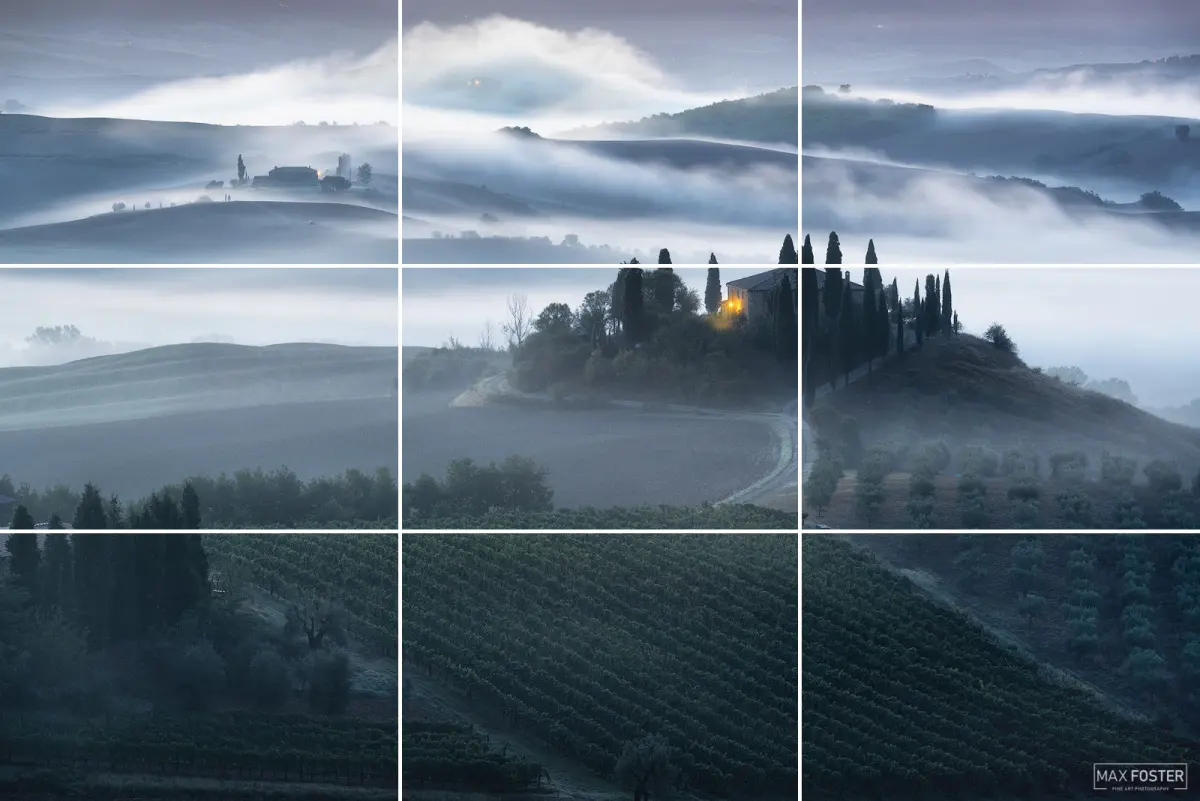
Placement is a critical balance between protecting your intellectual property and allowing the viewer to appreciate the art. If you place a watermark directly over the focal point of the image, you risk ruining the aesthetic quality of your work. Conversely, placing it too close to the edge makes it easy for someone to crop the mark out entirely. The most effective strategy is to place the watermark in a semi-transparent state over a detailed area of the image, as this makes it significantly harder for others to remove the mark using digital editing tools.
Many artists choose to place their watermark near the bottom corner, but this is often the first area removed by thieves. To increase security, try placing your mark in a location that overlaps with complex textures or colors. This creates a digital barrier, as removing the watermark would require the thief to reconstruct the underlying artwork perfectly. Always test your watermark on different backgrounds to ensure that the text remains legible regardless of whether the image is dark or light.

Common mistakes when watermarking art
One of the most frequent errors is using a watermark that is far too large or opaque, which distracts the viewer from the art itself. A watermark should act as a subtle signature rather than a dominant feature. Another common mistake is failing to save a high-resolution "master" version of your work without the watermark. If you ever need to print your art or license it for commercial use, you will need a clean, unblemished file. Always maintain a folder of your original, unwatermarked files to avoid losing the integrity of your work.
Another significant oversight is using a low-resolution watermark file that appears pixelated or blurry when scaled up. Always export your watermark graphic at a high resolution to ensure it remains crisp, even if you shrink it down for social media posts. Finally, avoid using overly complex designs that are difficult to read. A simple, clean, and professional logo or font is much more effective at identifying you as the creator than a cluttered, illegible graphic that confuses the audience.
Why watermarking is important for artists
Watermarking serves as a primary deterrent against digital theft and unauthorized commercial exploitation of your creative efforts. In an era where images can be copied and shared globally in seconds, a watermark acts as a permanent attribution of your identity. Even if an image is shared without your permission, the watermark ensures that anyone who sees the work knows exactly who created it. This helps build brand recognition and directs potential clients or fans back to your professional portfolio or social media pages.
While a watermark cannot stop a determined individual from stealing your work, it creates a psychological and technical hurdle that discourages casual theft. It also provides legal evidence of your intent to claim copyright, which can be useful if you ever need to issue a takedown notice. By consistently applying your mark, you establish a professional standard that signals to the world that you value your intellectual property. Treat your watermark as a fundamental component of your digital workflow to protect your artistic reputation over the long term.
Key facts
- A watermark is a visible or invisible identifier embedded into a digital file to claim ownership and deter unauthorized use.
- Opacity settings between 15% and 30% are generally sufficient to protect an image without obscuring the artwork's details.
- Placing your watermark near the center of the image makes it significantly harder for thieves to crop out using standard editing tools.
- Vector-based logos or text are preferred because they maintain high resolution and clarity when resized for different platforms.
- Metadata, such as IPTC data, acts as an invisible watermark by embedding copyright information directly into the file's EXIF properties.
- Batch processing software like Adobe Lightroom or Watermarkly allows you to apply consistent branding to hundreds of images simultaneously.
The bottom line
Watermarking is a vital step for any artist looking to protect their intellectual property online. By balancing visibility with subtlety, you can effectively claim your work while maintaining its aesthetic integrity. While no method is entirely foolproof against determined theft, a well-placed, branded watermark serves as a professional signature, ensuring that your creative efforts remain linked to your identity across the vast landscape of the internet.
People also ask
Does a watermark prevent people from stealing my art?
A watermark does not physically prevent theft, but it acts as a strong deterrent and ensures your name remains attached to the work if it is shared. It serves as a visual reminder of ownership and helps potential clients find your portfolio.
Should I use a text-based or logo-based watermark?
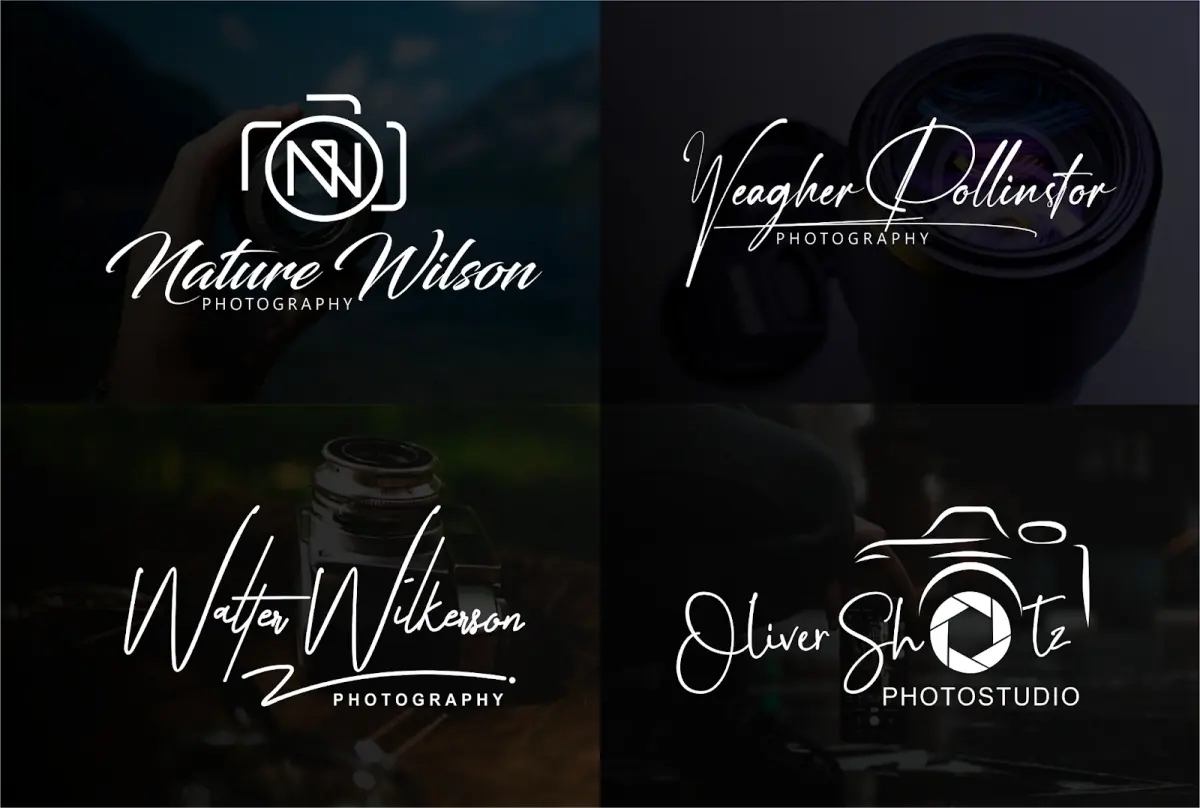
A logo-based watermark is often more professional and memorable for branding purposes. However, a text-based watermark containing your website URL or handle is more functional for directing viewers to your shop or social media pages.
How do I make my watermark less distracting?
Lower the opacity of your watermark and use a neutral color like white, black, or light gray. You can also use a "multiply" or "overlay" blending mode in your editing software to make the watermark interact naturally with the colors beneath it.
Is it better to put the watermark in the corner or the center?
Corner watermarks are aesthetically pleasing but are easily cropped out by bad actors. Centered or strategically placed watermarks that overlap with complex parts of the artwork are much harder to remove without damaging the image.
Can I remove a watermark from an image I own?
Yes, if you have the original source file (like a PSD or RAW file) without the watermark layer, you can simply export a new version. If you only have the watermarked version, removing it requires advanced photo editing skills and is often destructive to the image quality.
Are invisible watermarks worth using?
Invisible digital watermarking, such as steganography, embeds data into the pixel values of an image. These are useful for professional photographers tracking copyright infringement, though they do not provide the immediate brand recognition that a visible watermark offers.
This answer was created with the help of AI research tools and reference sources. Spotted an error? Let us know — we correct mistakes quickly. See our editorial policy.