How does a touchscreen work?
Short answer
A touchscreen functions as both an input and output device by sensing physical contact on a display. Most modern devices use capacitive technology, which detects the electrical conductivity of human skin to pinpoint coordinates. The system then translates these touch events into digital commands, allowing users to interact directly with software interfaces.

On this page
How do capacitive touchscreens work?
Capacitive touchscreens are the standard for smartphones and tablets today. They consist of a glass panel coated with a transparent conductive material, typically indium tin oxide (ITO). When you touch the screen, your finger acts as a conductor, drawing a tiny amount of electrical current from the sensor grid.
The device’s controller measures the change in capacitance at the specific point of contact. Because the human body is naturally conductive, the screen registers the disruption in the electrostatic field. This data is converted into X and Y coordinates, which the operating system interprets as a tap, swipe, or pinch.
- The glass layer protects the conductive coating from environmental damage.
- A controller chip processes the electrical signals thousands of times per second.
- Software drivers translate these signals into actionable commands for your apps.
- The system ignores non-conductive objects, such as standard plastic styluses or gloved fingers.
What is the difference between resistive and capacitive screens?
Resistive touchscreens rely on physical pressure rather than electrical conductivity. These screens feature two flexible layers separated by a small gap. When you press down, the layers touch, completing a circuit that the device maps to a specific location. These were common on early personal digital assistants and GPS units.
Capacitive screens are superior for modern tasks because they support multi-touch gestures and offer high clarity. Resistive screens, however, can be operated with any object, including a pen or a gloved hand, making them useful in industrial environments. They are generally less durable and less responsive to light touches than their capacitive counterparts.
- Resistive: Requires pressure to bridge two conductive layers.
- Capacitive: Relies on the electrical properties of the human body.
- Resistive: Often requires a stylus for precision.
- Capacitive: Designed for finger-based gestures like zooming and scrolling.

Why does a touchscreen stop responding?
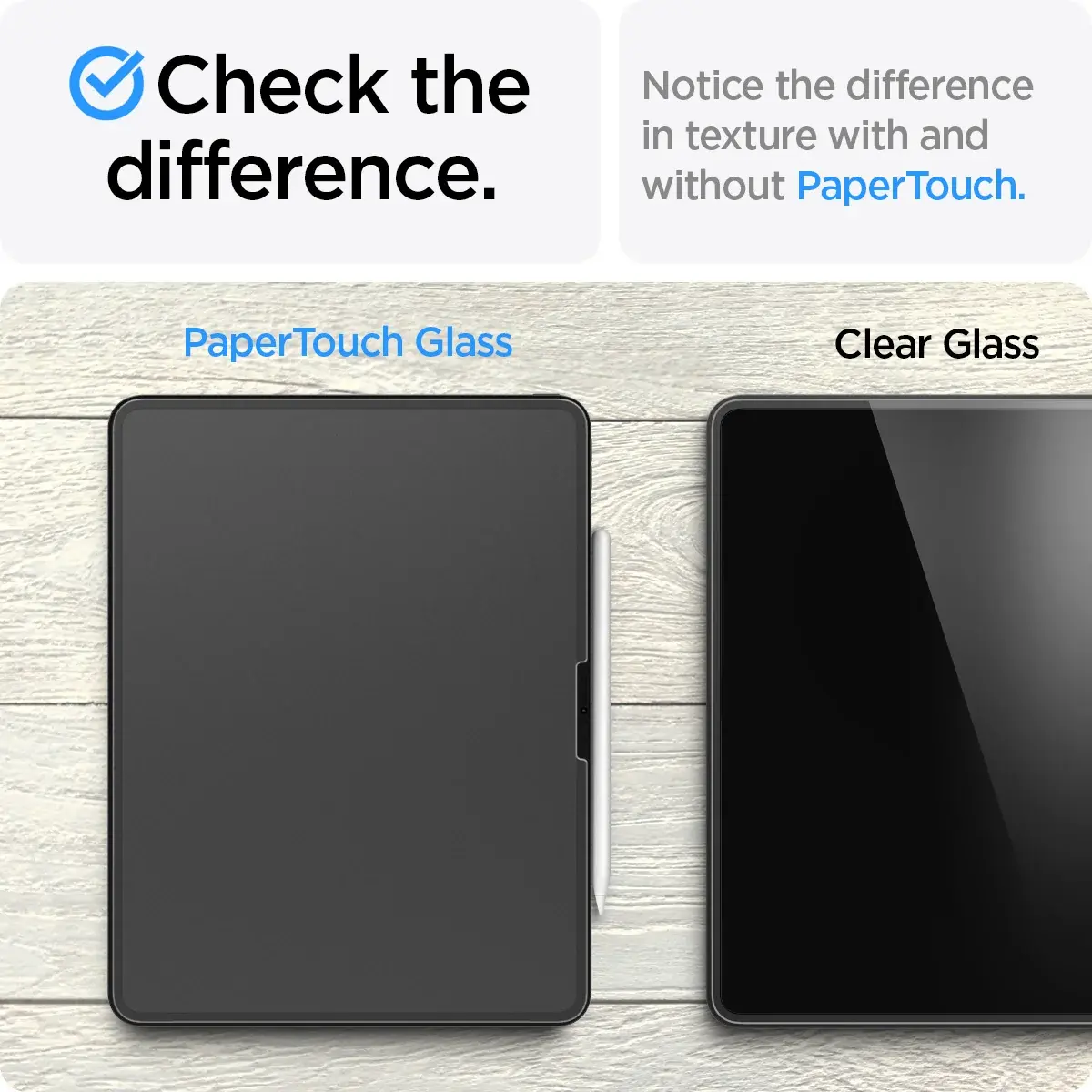
Touchscreen failure is often caused by environmental factors or software glitches. If the screen is covered in moisture, oil, or debris, the electrical signal can be disrupted or "ghost touches" may occur. A screen protector that is too thick can also interfere with the sensitivity of the capacitive sensors.
Software-related issues are equally common. If the operating system’s touch-processing service crashes or becomes overloaded, the device will fail to register input. Additionally, extreme temperatures can affect the internal components, causing the screen to become sluggish or unresponsive until it returns to a standard operating range.
- Clean the screen with a microfiber cloth to remove conductive oils.
- Ensure your hands are dry and free of excessive lotions.
- Remove heavy-duty screen protectors if you notice a loss of sensitivity.
- Restart the device to reset the touch-controller firmware.
How to calibrate a touchscreen device
Calibration ensures that the point where you touch the screen matches the digital input detected by the hardware. While most modern capacitive screens are factory-calibrated and rarely require manual adjustment, older resistive screens often drift over time. If your device feels inaccurate, you may need to run a diagnostic calibration tool.
To calibrate, navigate to your device’s settings menu and look for "Display" or "Touch Input" options. Follow the on-screen prompts, which usually involve tapping a series of targets that appear in the corners and center of the display. This process maps the physical touch points to the digital grid, correcting any alignment errors.
- Open the Settings menu on your device.
- Select the "Display" or "Input" section.
- Choose the "Calibrate" or "Touch Sensitivity" option.
- Follow the instructions to tap the targets precisely.
- Save the new settings to apply the correction.
Common mistakes when using touchscreens
One common mistake is using excessive force when interacting with a capacitive screen. Unlike resistive screens, capacitive displays do not require pressure; applying too much force can crack the glass or damage the underlying sensors. Gentle taps are sufficient for the device to register your input accurately.
Another error is using incompatible accessories. Using a stylus designed for a resistive screen on a capacitive display will result in no response, as the tip lacks the necessary electrical conductivity. Always use a capacitive-compatible stylus with a soft, conductive rubber or mesh tip. Finally, avoid using harsh chemicals like bleach or ammonia to clean your screen, as these can strip the oleophobic coating that prevents fingerprints from sticking to the glass.
Key facts
- Most modern smartphones use capacitive touchscreens, which rely on the electrical conductivity of the human body.
- Resistive touchscreens, common in older ATMs and industrial kiosks, detect pressure rather than electrical touch.
- Capacitive screens do not work with standard gloves because the fabric blocks the electrical connection between your finger and the screen.
- A grid of transparent electrodes beneath the glass surface tracks the precise coordinates of your touch.
- You can clean a touchscreen safely with a microfiber cloth and a small amount of 70% isopropyl alcohol.
- Avoid using glass cleaners containing ammonia or bleach, as these chemicals can strip the screen’s oleophobic coating.
The bottom line
Touchscreens function by detecting physical input through electrical conductivity or mechanical pressure. By utilizing a grid of sensors, devices translate your gestures into digital commands. To maintain optimal performance, keep your screen clean with appropriate materials, avoid harsh chemicals, and use certified charging equipment. Understanding these underlying mechanics helps you troubleshoot common issues and protects your device from unnecessary wear, ensuring a smooth and responsive user experience.
People also ask
Can I use a stylus on any touchscreen?
Capacitive styluses are designed to mimic human skin conductivity and work on most modern phones. Passive styluses with rubber tips work on almost all screens, while active styluses require specific hardware compatibility.
Why does my touchscreen stop working when it gets wet?
Water droplets are conductive and can create "ghost touches" by interfering with the electrical field on the screen. Most devices struggle to differentiate between a finger and a pool of liquid on the surface.
What is the oleophobic coating on a screen?
This is a thin, oil-repellent layer applied to the glass during manufacturing to reduce fingerprints and smudges. Over time, this coating wears off due to friction, making the screen harder to clean.
Do screen protectors affect touch sensitivity?
High-quality, thin glass or plastic screen protectors generally have no impact on responsiveness. However, very thick or poorly installed protectors can create an air gap that prevents the electrical signal from reaching the sensor.
Why does my phone screen react even when I don't touch it?
This is often caused by electromagnetic interference from low-quality chargers or damaged digitizers. Using an uncertified power adapter is a common mistake that can cause erratic screen behavior.
Can extreme temperatures damage a touchscreen?
Extreme heat can cause the internal adhesive to degrade, while extreme cold can make the liquid crystal display sluggish. It is best to keep devices within the manufacturer's recommended operating temperature range.
This answer was created with the help of AI research tools and reference sources. Spotted an error? Let us know — we correct mistakes quickly. See our editorial policy.