How do you make an art print?
Short answer
Making an art print involves digitizing your original artwork through high-resolution scanning or photography, then transferring that image onto archival-quality paper using professional inkjet printers. This process, known as giclée printing, ensures color accuracy and longevity. You must balance file preparation, material selection, and printer calibration to achieve a gallery-grade reproduction.
On this page
How to prepare artwork for printing
The foundation of a high-quality print is a high-resolution digital file. If your original work is on paper or canvas, you must capture it using a flatbed scanner or a high-resolution digital camera. For best results, scan at a minimum of 300 dots per inch (DPI) at the final intended print size. If you are using a camera, ensure the artwork is perfectly parallel to the lens to avoid perspective distortion, and use even, diffused lighting to prevent glare or shadows.
Once you have the file, use image editing software to refine the colors and contrast. Most professional printers operate in the CMYK color space, while digital files are typically in RGB. You should convert your file to a CMYK profile to ensure the colors you see on your screen match the output of the printer. Always save your master file as a high-quality TIFF or PSD to avoid the compression artifacts common with JPEGs.
- Clean your original artwork of dust or debris before scanning.
- Set your scanner or camera to capture in 16-bit color depth for better gradients.
- Adjust the white balance so the background of your scan matches the true color of the paper.
- Use a color calibration target, such as an X-Rite ColorChecker, to ensure accuracy.
Best paper types for art prints
Choosing the right substrate is critical for the aesthetic and archival quality of your print. Fine art papers are generally categorized by their texture, weight, and coating. Cotton rag papers are the industry standard because they are acid-free and lignin-free, preventing the print from yellowing over time. These papers come in various finishes, ranging from smooth matte surfaces to heavily textured cold-press finishes that mimic traditional watercolor paper.
If you prefer a more vibrant look, consider luster or satin papers. These have a slight sheen that enhances color saturation and contrast, making them popular for photography and digital illustration. However, avoid standard glossy photo paper for fine art prints, as the high reflectivity can make the image difficult to view under gallery lighting. Always check the weight of the paper, which is measured in grams per square meter (GSM); 250 to 310 GSM is generally considered the "sweet spot" for high-quality prints.
- Matte Cotton Rag: Best for illustrations and charcoal drawings.
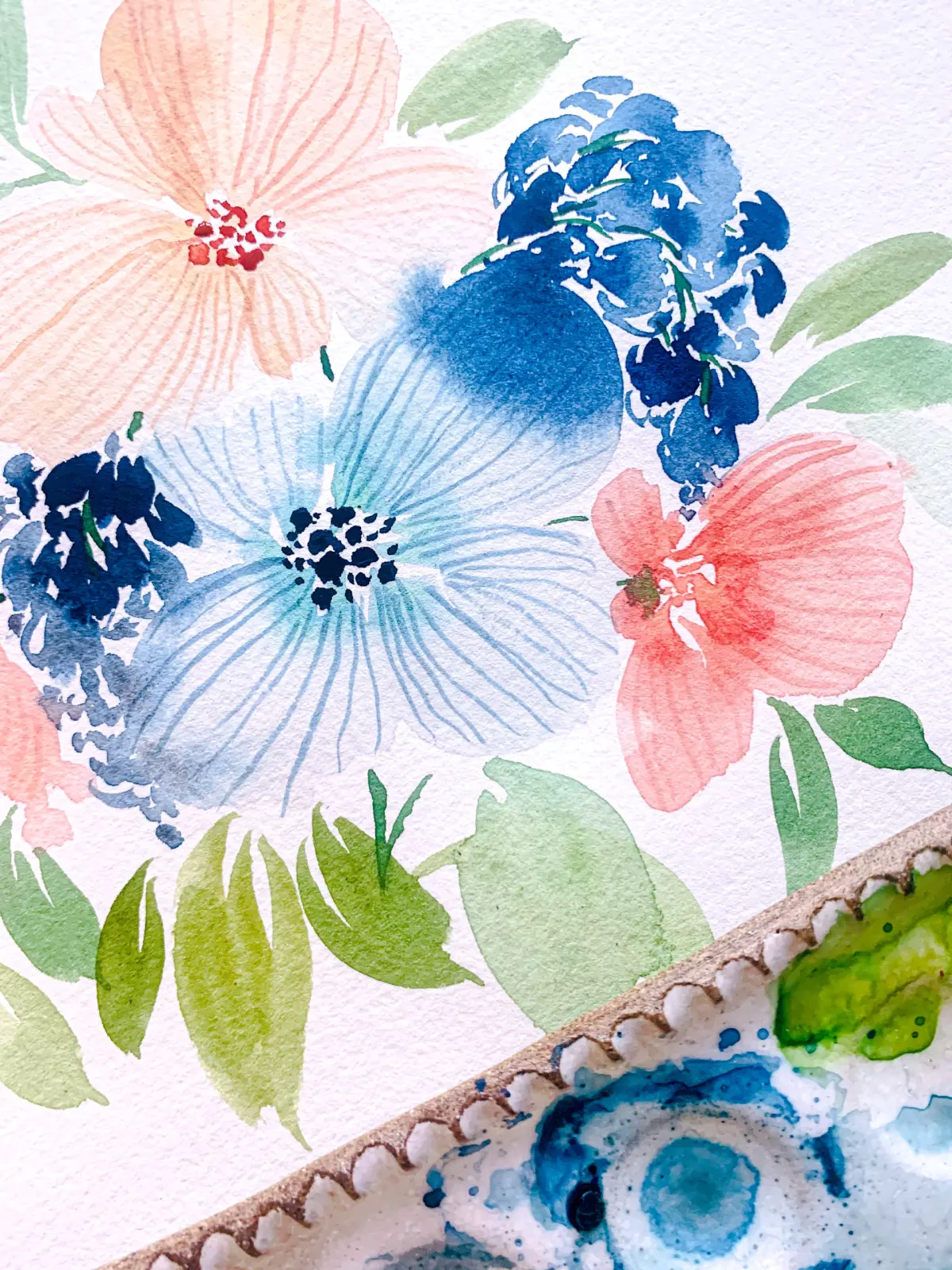
- Cold Press: Features a deep texture, ideal for watercolor reproductions.
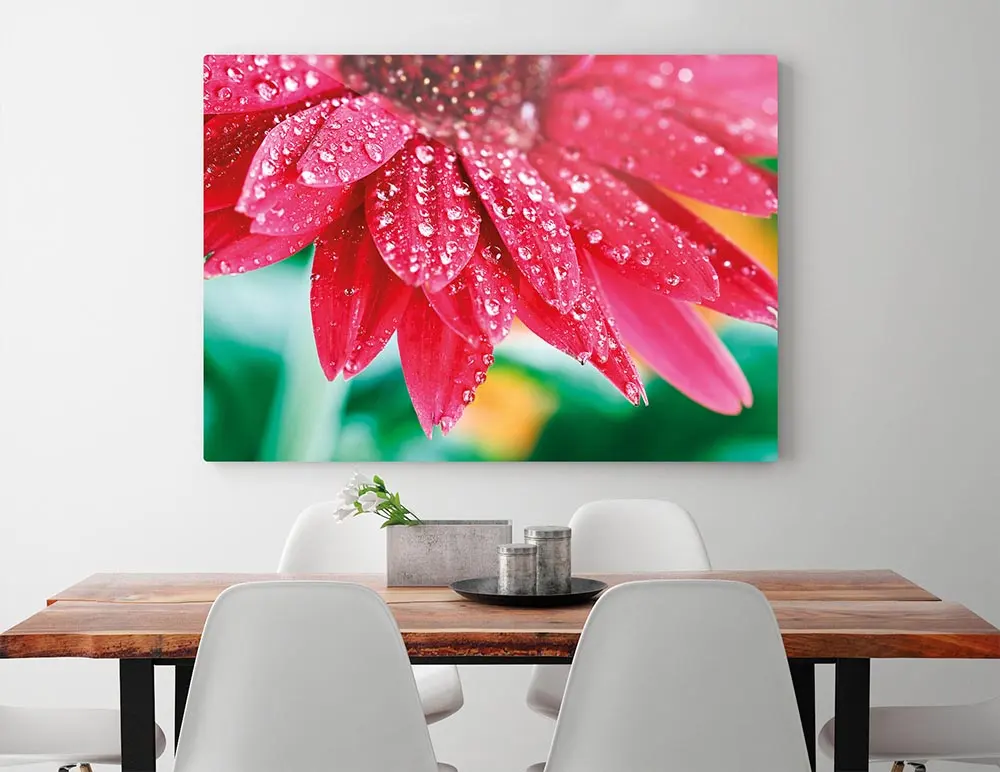
- Luster: Offers a professional finish with excellent color pop for photography.
- Baryta: A traditional fiber-based paper that offers deep blacks and rich tones.
How to choose a professional printer
For professional results, you should use a wide-format inkjet printer that utilizes pigment-based inks rather than dye-based inks. Pigment inks are significantly more resistant to fading and water damage, often lasting over 100 years when displayed behind glass. Brands like Epson, Canon, and HP offer specialized "fine art" lines that use 8 to 12 different ink colors, including multiple shades of black and gray, to achieve a wider color gamut and smoother transitions.
If you do not want to invest in a professional printer, which can cost thousands of dollars, you can outsource the work to a professional print shop. Look for labs that specialize in "giclée" printing. These shops use high-end equipment and offer a variety of archival paper options. When ordering, ask for a "proof" first to ensure the colors meet your expectations. Many shops also offer drop-shipping services, which is an excellent option if you plan to sell your prints online.
Common mistakes when making art prints
One of the most frequent errors is failing to calibrate your computer monitor. If your screen is too bright or has inaccurate color settings, the printed result will look significantly different from what you see during the editing process. Use a hardware calibrator, such as a Spyder or i1Display, to ensure your monitor represents colors accurately. Another common mistake is neglecting to account for "bleed" or trim areas if you intend to have your prints cut to a specific size.
Additionally, many beginners underestimate the importance of handling prints with care. Inkjet prints are susceptible to smudging and scratching, especially on matte surfaces. Always wear clean cotton gloves when handling finished prints to prevent skin oils from transferring to the paper. Avoid stacking prints directly on top of each other without protective glassine paper in between, as the friction can damage the ink surface over time.
- Printing on low-quality, wood-pulp paper that will yellow quickly.
- Using dye-based inks that fade rapidly when exposed to sunlight.
- Forgetting to convert your color profile from RGB to CMYK.
- Ignoring the manufacturer's instructions for printer maintenance and head cleaning.
How to finish and package prints
Once your print is dry, the final step is presentation and protection. If you are selling your work, consider adding a signed certificate of authenticity to increase the value of the print. Sign your prints in pencil, as it is archival and harder to forge than ink. For packaging, use rigid, flat mailers to prevent the prints from bending during transit. If you must roll the prints for shipping, use a wide-diameter tube to minimize the risk of permanent curling or cracking of the ink.
Adding a protective sleeve, such as a clear archival-grade polypropylene bag, keeps the print safe from moisture and dust. If you are shipping multiple prints, place a piece of acid-free backing board inside the sleeve to provide structural support. By taking these extra steps, you ensure that your artwork arrives in pristine condition, reflecting the time and effort you invested in the creation process. Proper presentation signals professionalism to your customers and protects the longevity of the piece.
Key facts
- High-quality art prints require a minimum resolution of 300 dots per inch (DPI) to ensure sharpness.
- Archival pigment inks are preferred over dye-based inks because they resist fading for over 100 years.
- Giclée printing is the industry standard for fine art, utilizing professional-grade inkjet technology and acid-free substrates.
- Always use ICC color profiles to ensure your digital file colors match the output of your specific printer and paper.
- Heavyweight cotton rag paper, typically 300 grams per square meter (GSM), provides the best texture and longevity for prints.
- A "bleed" of at least 0.125 inches should be added to your digital file to account for potential trimming errors.
The bottom line
Creating a high-quality art print involves balancing technical precision with archival materials. By ensuring your digital file meets the 300 DPI standard and utilizing professional pigment-based inks on cotton rag paper, you guarantee longevity and visual fidelity. Avoid common pitfalls like improper color profiles or low-resolution scans. Ultimately, the quality of your output depends on the synergy between your source file and the chosen printing substrate.
People also ask
What is the difference between a digital print and a giclée print?
A giclée print uses high-resolution inkjet technology with archival-quality inks and paper, whereas standard digital prints often use toner or dye-based inks. Giclée prints offer superior color accuracy and longevity, making them the preferred choice for professional artists.
Should I use matte or glossy paper for my art prints?
Matte paper is ideal for illustrations or textured art because it eliminates glare and highlights the paper's tooth. Glossy paper works best for high-contrast photography where vibrant colors and deep blacks need to pop.
How do I prepare my artwork for printing?
Scan or photograph your work in a well-lit environment to capture fine details. Edit the file in software like Adobe Photoshop to ensure the color mode is set to CMYK and the resolution is at least 300 DPI.
What is a limited edition print?
A limited edition print is one where the artist restricts the total number of copies produced. Each print is usually numbered and signed, which increases its value and exclusivity compared to open-edition reproductions.
Read the full answer →Can I print art at home, or should I use a professional service?
Home printing is feasible with a high-end photo printer, but professional print shops offer larger formats and specialized papers. Professional services are generally more cost-effective for large batches or high-volume sales.
How do I protect my prints after they are made?
Store prints in acid-free sleeves or portfolios to prevent yellowing and physical damage. If displaying them, use UV-protective glass in your frames to prevent ink degradation from sunlight exposure.
This answer was created with the help of AI research tools and reference sources. Spotted an error? Let us know — we correct mistakes quickly. See our editorial policy.