What is a paper-like screen protector?
Short answer
A paper-like screen protector is a specialized matte film applied to tablets, such as the Apple iPad, to mimic the tactile friction of traditional paper. By introducing a textured surface, it increases resistance against a stylus, providing artists and note-takers with greater precision, control, and a more natural writing experience.
On this page
What is a paper-like screen protector?
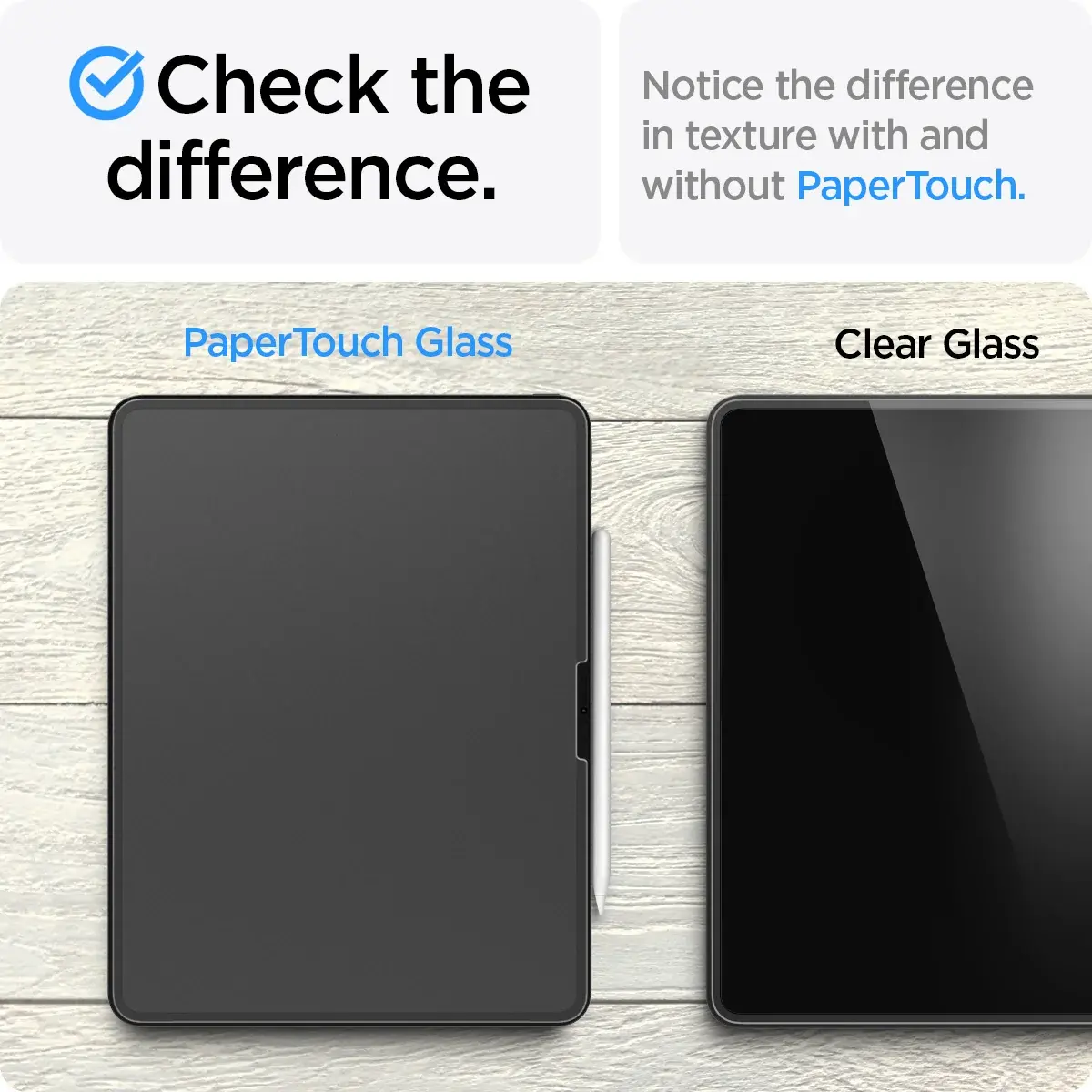
A paper-like screen protector is a thin, adhesive plastic layer designed to alter the interface between a digital stylus and a glass display. Unlike standard tempered glass or glossy plastic protectors that are smooth and reflective, these films feature a micro-textured, matte finish. This texture creates physical resistance when a stylus tip moves across the screen, simulating the drag and feedback of a graphite pencil on vellum or paper.
These accessories are primarily marketed toward digital artists, illustrators, and students who frequently use tablets for handwriting. By reducing the "skating" sensation common on slick glass, users can achieve more consistent line weights and better control over their strokes. The matte finish also serves a secondary purpose by diffusing ambient light, which significantly reduces glare and fingerprints in bright environments.
How to install a paper-like screen protector
Installing a screen protector requires a clean environment and steady hands to avoid trapped dust or air bubbles. Most manufacturers provide a kit containing a microfiber cloth, alcohol wipes, and a squeegee to ensure a smooth application. Following a methodical process is essential for a professional-looking result that does not interfere with touch sensitivity.
- Clean your tablet screen thoroughly with the provided alcohol wipe to remove all oils and residue.
- Use the microfiber cloth to buff the screen until it is completely dry and free of lint.
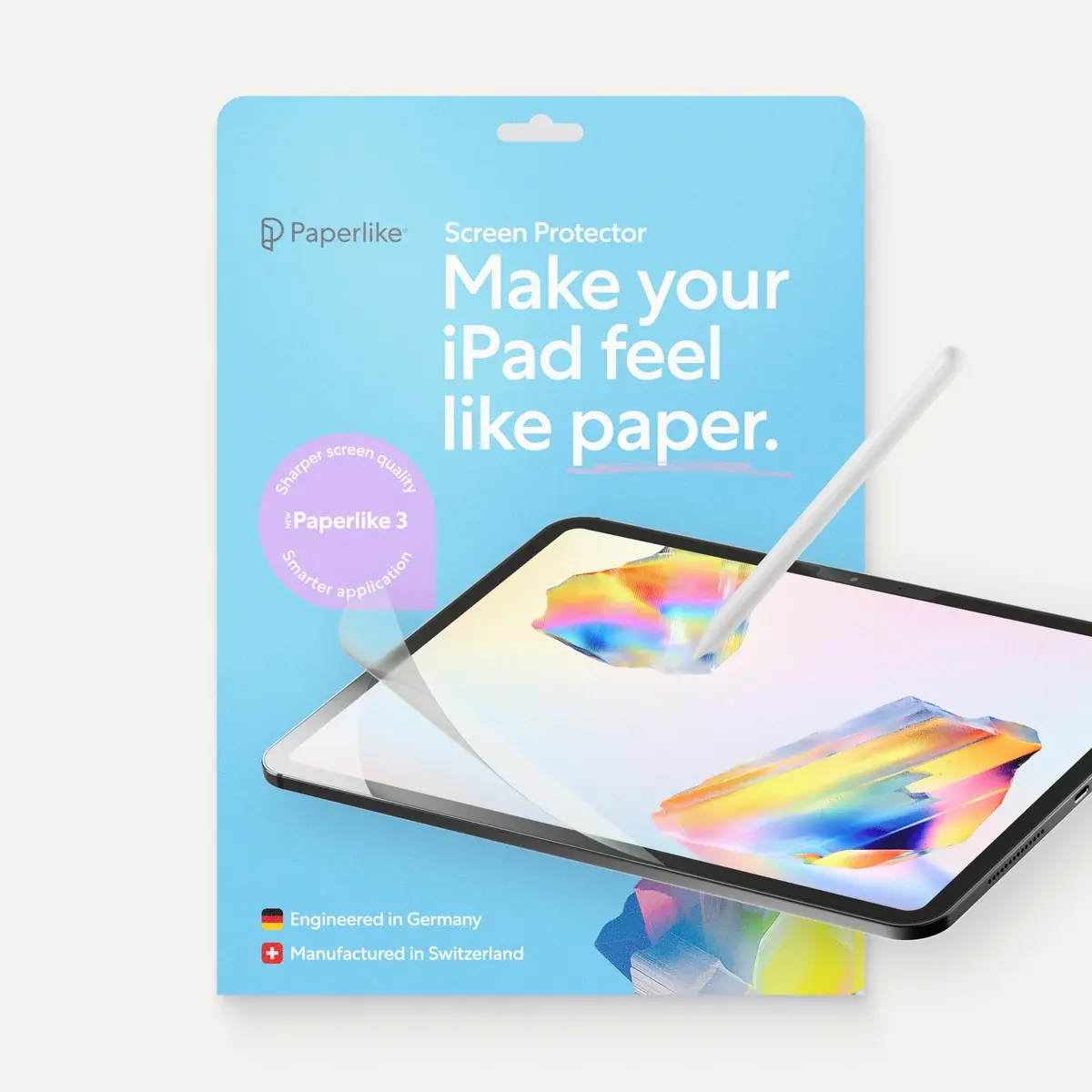
- Peel back the protective adhesive layer partially, aligning the top edge of the film with the tablet's frame.
- Slowly lower the film onto the screen while using the squeegee to push out air bubbles from the center toward the edges.
- Remove the final outer protective film once the protector is securely adhered.
Why do paper-like screen protectors wear down nibs?
The primary trade-off for the improved tactile experience is increased friction, which leads to accelerated wear on the stylus tip. Because the protector is abrasive by design, it acts like a fine-grit sandpaper against the plastic or rubber tip of a stylus. Over time, the constant contact causes the tip to flatten or become jagged, requiring more frequent replacements than if used on a standard glass screen.
Users should monitor their stylus tips regularly to ensure they do not become sharp enough to scratch the screen protector or the underlying display. Many artists choose to purchase replacement tips in bulk, as the cost of these small parts is generally low compared to the benefits of the drawing experience. If you notice a "scratchy" sound or feel while drawing, it is a clear indicator that your stylus tip has worn down significantly.
Common mistakes when using paper-like protectors
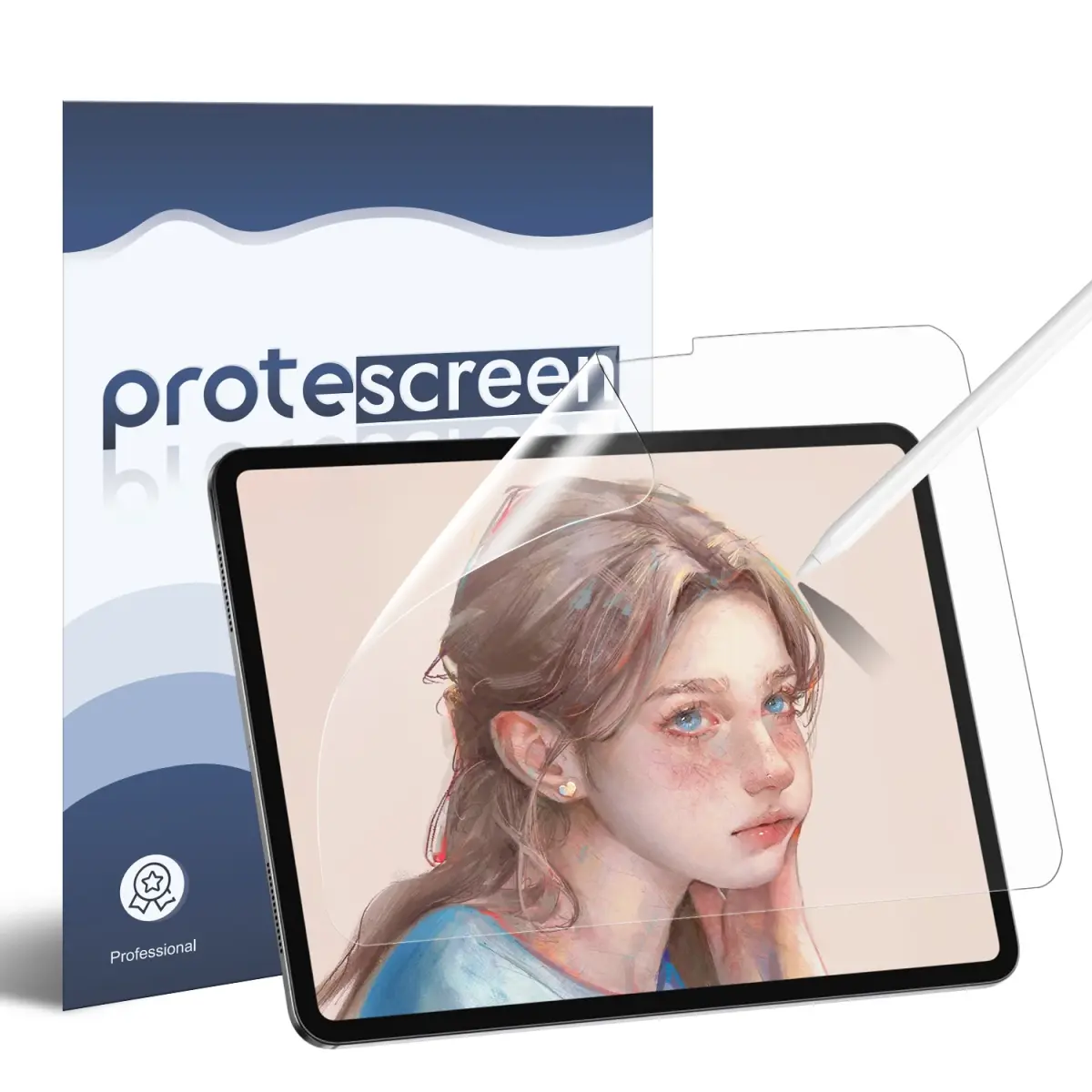
Many users underestimate the impact that matte textures have on display quality. Because the film is designed to scatter light to reduce glare, it can cause a slight "grainy" or "rainbow" effect on high-resolution Retina or OLED displays. This is a physical byproduct of the anti-glare coating and is most noticeable when viewing white backgrounds or high-contrast images.
Another common error is failing to maintain the cleanliness of the protector surface. Because the texture is porous, it can trap dust and skin oils more easily than smooth glass. If the surface becomes too dirty, the friction will become inconsistent, and the stylus may skip. It is recommended to wipe the screen down with a dry, lint-free cloth after every few hours of heavy use to maintain optimal performance and clarity.
Best practices for long-term tablet care
To get the most out of a paper-like protector, you must balance the benefits of the tactile surface with the health of your device. While these protectors provide excellent utility, they are not permanent fixtures and will eventually show signs of wear, such as smoothing out in the areas where you draw the most. Replacing the film once it loses its texture ensures that you maintain the desired level of control.
- Always keep your stylus tip clean to prevent debris from grinding into the protector.
- Avoid using excessive pressure when drawing, as the friction of the matte surface already provides enough feedback.
- Store your tablet in a protective sleeve when not in use to prevent the screen from coming into contact with hard objects that could gouge the film.
- If you notice bubbles forming after a few weeks, do not attempt to peel and reapply the film, as this will likely ruin the adhesive layer and trap more dust.
By following these maintenance steps, you can extend the life of both your screen protector and your stylus, ensuring a consistent and professional digital workspace for years to come.
Key facts
- A paper-like screen protector is a matte-finish plastic film designed to mimic the friction and tactile feedback of writing on paper.
- These protectors are primarily used with tablets like the Apple iPad and Samsung Galaxy Tab when paired with a stylus.
- The surface texture is created through microscopic etching or a specialized coating that adds resistance to the stylus tip.
- Most versions significantly reduce screen glare and reflections, making them useful for outdoor use or under bright office lights.
- Applying these protectors requires a dust-free environment, as trapped debris creates permanent bubbles that cannot be smoothed out.
- Because the texture is abrasive, these protectors increase the rate at which stylus nibs wear down compared to glass surfaces.
The bottom line
A paper-like screen protector is an essential accessory for digital artists and students who prioritize a tactile writing experience. By adding friction and reducing glare, these films transform a slippery glass screen into a surface that feels like a notepad. While they may slightly reduce screen clarity and increase stylus nib wear, the improved control and comfort they provide make them a worthwhile investment for frequent stylus users.
People also ask
Does a paper-like screen protector affect touch sensitivity?
Generally, these protectors are thin enough that they do not interfere with standard touch gestures like swiping or tapping. However, some users may notice a slight decrease in responsiveness if the protector is excessively thick or improperly applied.
Will this protector make my screen look blurry?
The matte finish can introduce a slight "grainy" or "sparkly" effect, especially on high-resolution Retina or OLED displays. This is a trade-off for the anti-glare properties and the tactile resistance provided by the texture.
Can I use a paper-like protector with a tempered glass screen protector?
It is not recommended to stack screen protectors, as this will significantly reduce touch sensitivity and stylus accuracy. You must choose between the protection of tempered glass or the drawing experience of a paper-like film.
How often should I replace a paper-like screen protector?
The texture will eventually smooth out over time due to friction from the stylus, typically lasting between six to twelve months depending on usage. Once the surface becomes slick, the "paper-like" feel is lost and the protector should be replaced.
Does the protector scratch the iPad screen underneath?
No, the protector is made of a flexible polymer that is softer than the glass of your tablet. It is designed to protect the screen from scratches while providing a better surface for your stylus.
Is it difficult to remove the protector once it is applied?
Most paper-like protectors use a static cling or low-tack adhesive that allows them to be peeled off without leaving residue. Some newer versions are even magnetic, allowing you to remove and reattach them whenever you switch between drawing and media consumption.
This answer was created with the help of AI research tools and reference sources. Spotted an error? Let us know — we correct mistakes quickly. See our editorial policy.