How does a printer work?
Short answer
Printers transform digital files into physical documents by depositing ink or toner onto paper. Inkjet printers spray microscopic droplets of liquid ink through tiny nozzles, while laser printers use static electricity and heat to fuse dry powder onto the page. Both technologies rely on precise mechanical movements to ensure accurate image reproduction.
On this page
How do inkjet printers work?
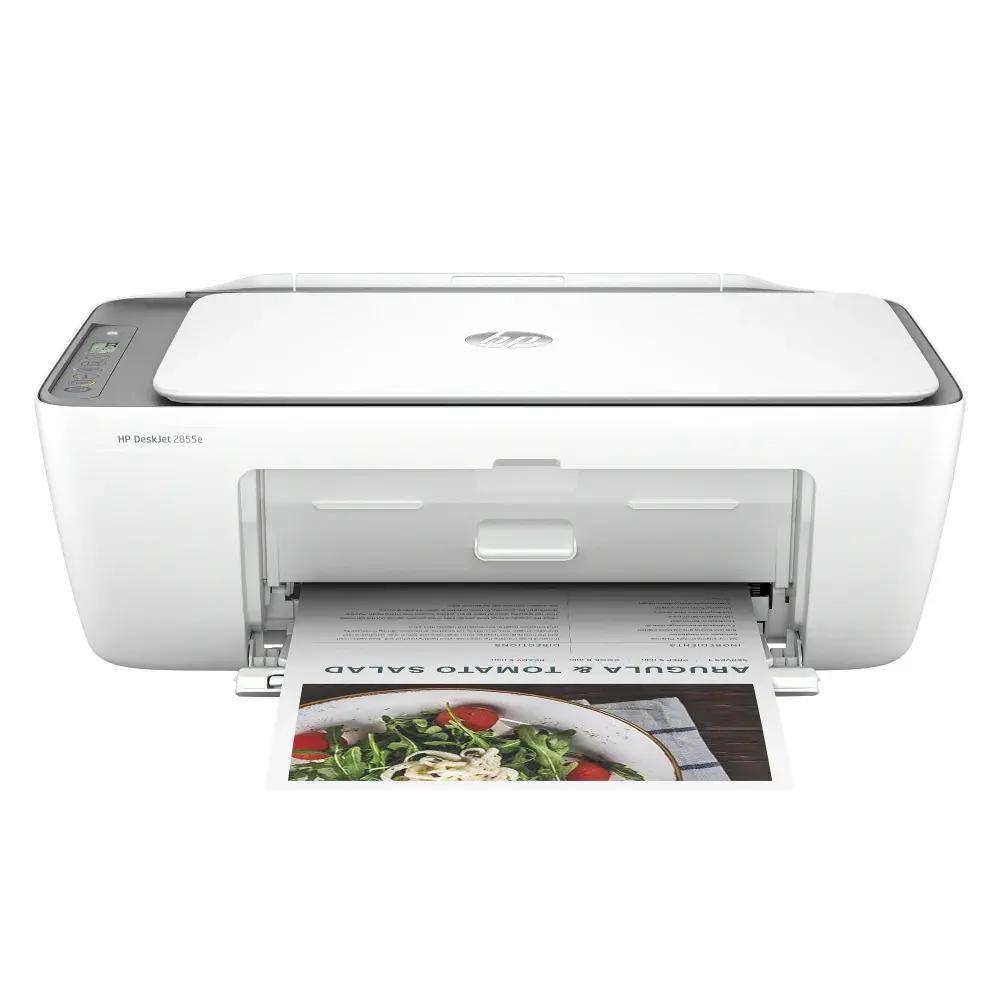
Inkjet printers are the most common choice for home offices because they offer high-quality color printing at an affordable entry price. The process begins when the computer sends a stream of data to the printer, which then triggers the print head to move across the paper. Inside the print head, thousands of microscopic nozzles fire droplets of ink onto the page with extreme precision.
To create complex images, these printers use a combination of four primary ink colors: Cyan, Magenta, Yellow, and Black, often abbreviated as CMYK. By varying the size and placement of these tiny dots, the printer can simulate millions of different colors and gradients. This technology is highly effective for printing photographs, as it allows for smooth transitions between shades that laser printers sometimes struggle to replicate.
- The computer sends the document as a series of instructions.
- The paper feed mechanism pulls a single sheet into the printer.
- The print head moves back and forth, spraying ink in precise patterns.
- The rollers advance the paper as each horizontal strip is completed.
- The finished document is ejected into the output tray.
How do laser printers work?
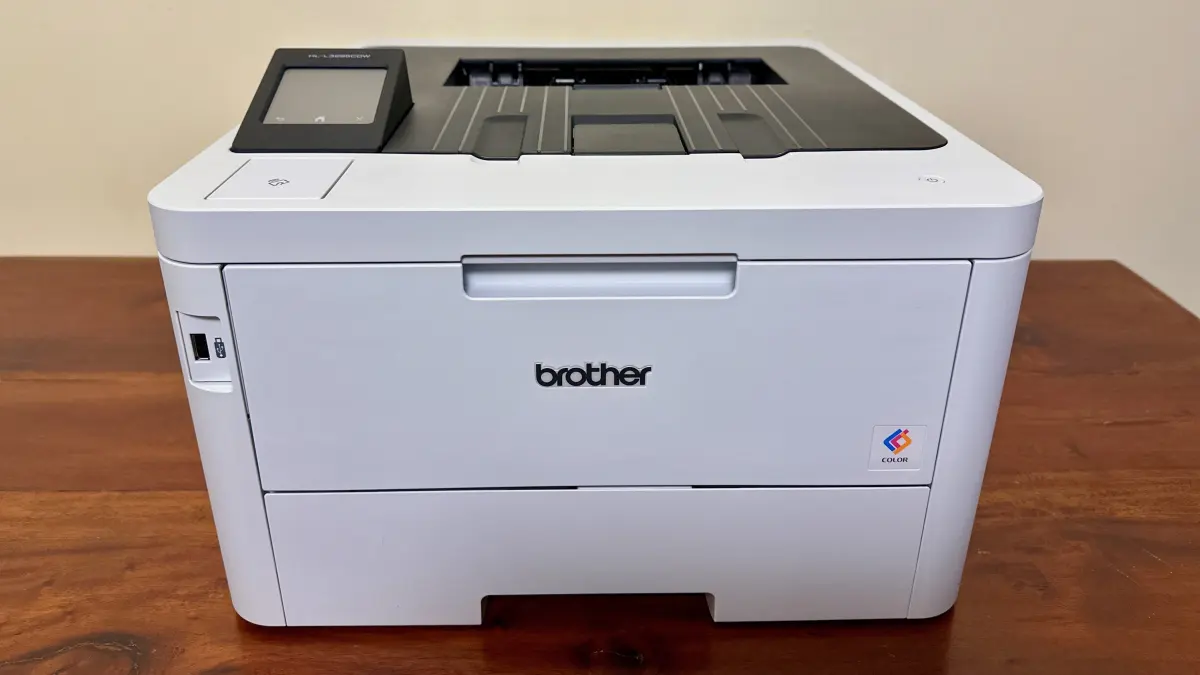
Laser printers are designed for speed and high-volume text production, making them ideal for businesses. Instead of liquid ink, these machines use toner, which is a fine, plastic-based powder. The core of a laser printer is a rotating metal drum that carries an electrical charge. A laser beam scans the surface of the drum, neutralizing the charge in specific areas to create an electrostatic image of the document.
Once the drum is prepared, it rolls through the toner reservoir. The toner particles are attracted only to the areas where the laser neutralized the charge. The drum then presses against the paper, transferring the powder image onto the surface. Finally, the paper passes through a fuser unit, which uses heat and pressure to melt the plastic toner into the paper fibers, creating a permanent, smudge-proof document.
- Faster print speeds compared to inkjet models.
- Lower cost per page for high-volume printing.
- Sharp, crisp text quality suitable for professional documents.
- Toner cartridges last significantly longer than inkjet cartridges.
How to choose the right printer for your needs
Selecting the correct printer depends entirely on your specific usage patterns and volume requirements. If you print mostly text documents, such as reports or school essays, a monochrome laser printer is the most efficient and cost-effective choice. However, if you frequently print high-resolution photos or creative projects, an inkjet printer is necessary to achieve the required color depth and detail.
Consider the ongoing costs of consumables before making a purchase. Inkjet printers often have cheaper hardware but require expensive ink replacements, especially if you print infrequently and the nozzles dry out. Laser printers have a higher upfront cost, but the toner cartridges are durable and less prone to clogging. Always check the manufacturer’s "cost-per-page" estimates to understand the long-term financial commitment before finalizing your decision.
Common mistakes when maintaining a printer
Neglecting basic maintenance is the fastest way to shorten the lifespan of your printing hardware. One major error is leaving an inkjet printer unused for months at a time, which allows the liquid ink to dry inside the delicate nozzles. This leads to clogs that require multiple cleaning cycles, wasting valuable ink. If you rarely print, try to run a test page at least once every two weeks to keep the ink flowing.
Another common mistake involves using low-quality or incompatible paper. Using paper that is too thick or textured can cause jams, while cheap, thin paper may curl or bleed when exposed to ink. Always consult your printer manual for the recommended paper weight and type. Additionally, avoid touching the surface of the print head or the laser drum, as the oils from your skin can leave residues that negatively affect print quality and damage sensitive components.
Why print quality issues happen
When your printer begins to produce streaks, faded text, or missing lines, it is usually due to a mechanical or supply issue. In inkjet models, horizontal streaks often indicate a clogged nozzle, which can usually be resolved by running the built-in "head cleaning" utility found in the printer software. If the problem persists, the ink cartridge may be empty or defective, requiring a replacement to restore the flow of ink.
In laser printers, faded output or vertical lines often point to a depleted toner cartridge or a dirty fuser unit. If the toner is low, shaking the cartridge gently from side to side can redistribute the remaining powder for a few extra pages. If the issue is a dirty drum, professional cleaning or part replacement is necessary to prevent permanent damage. Regularly updating your printer’s firmware through the manufacturer's website can also resolve communication errors that prevent the printer from interpreting your digital files correctly.
Key facts
- Inkjet printers spray microscopic droplets of liquid ink onto paper through tiny nozzles.
- Laser printers use static electricity and a heated drum to fuse powdered toner onto the page.
- DPI stands for dots per inch; a higher number generally results in sharper, more detailed images.
- Always use high-quality paper to prevent ink bleeding and paper jams in your printer.
- If a printer is unused for weeks, the ink in the printhead can dry out and cause clogs.
- Modern printers often use CMYK color models, which combine cyan, magenta, yellow, and black to create a full spectrum.
The bottom line
Printers function by translating digital data into physical marks on paper using either liquid ink or powdered toner. Understanding whether you need an inkjet for high-quality photos or a laser printer for high-volume text is essential for efficiency. By performing regular maintenance, such as cleaning printheads and clearing jams carefully, you can ensure your device remains reliable and produces professional results for years to come.
People also ask
Why is my printer printing blank pages?
This usually happens because the ink cartridges are empty or the printhead nozzles are clogged with dried ink. Run a cleaning cycle through your printer's software settings to clear the blockage.
What is the difference between toner and ink?
Ink is a liquid pigment used primarily in inkjet printers for photos and documents. Toner is a fine plastic powder used in laser printers that is melted onto the page by heat.
How do I clear a paper jam safely?
Turn off the printer and gently pull the paper out in the direction of the paper path. Avoid yanking the paper, as tearing it can leave small scraps inside that cause future jams.
Can I print from my smartphone?
Yes, most modern printers support wireless printing via Wi-Fi or Bluetooth. You can use apps like AirPrint for Apple devices or Mopria for Android to send documents directly to the printer.
How often should I replace my printer cartridges?
Replace them when the print quality fades or the printer displays a low-ink warning. Avoid printing until the cartridge is completely dry, as this can sometimes damage the printhead.
Why are laser printers faster than inkjet printers?
Laser printers process an entire page at once using a rotating drum and a laser beam. Inkjet printers must move the printhead back and forth across the page line by line, which is slower.
This answer was created with the help of AI research tools and reference sources. Spotted an error? Let us know — we correct mistakes quickly. See our editorial policy.