How does a 3D printer work?
Short answer
A 3D printer creates physical objects by depositing material layer by layer based on a digital file. It translates a 3D model into precise coordinates, using heat or light to fuse successive cross-sections of plastic, resin, or metal. This additive manufacturing process allows for the creation of complex geometries impossible through traditional subtractive methods.
On this page
How does the 3D printing process work
The 3D printing process begins with a digital design, typically created using Computer-Aided Design (CAD) software or by scanning an existing object. This design is exported as an STL or OBJ file, which represents the surface geometry of the object. Before printing, this file must be processed by "slicer" software, which divides the 3D model into hundreds or thousands of thin horizontal layers. The slicer also generates G-code, a set of instructions that tells the printer's motors exactly where to move and how much material to extrude at each specific coordinate.
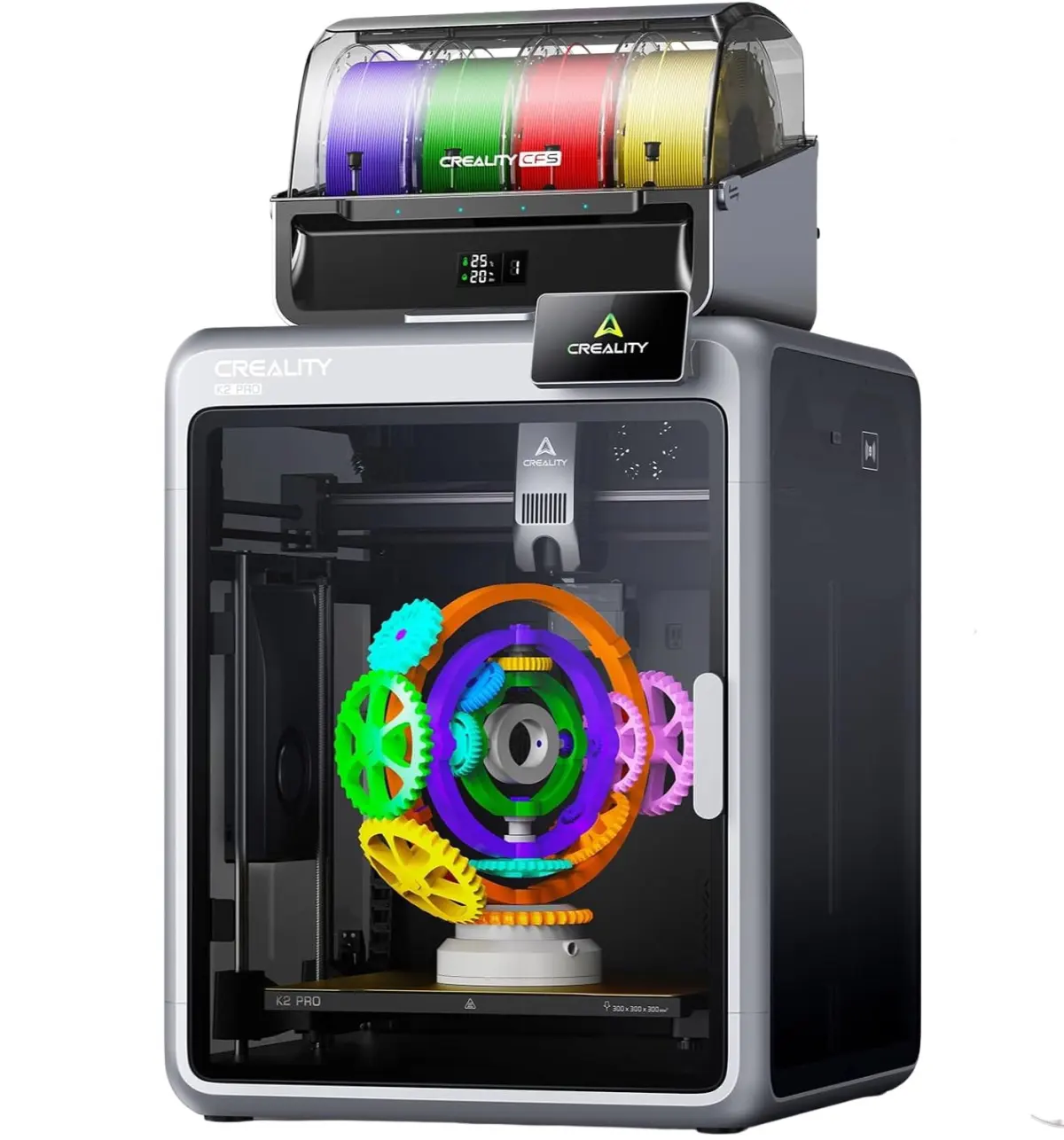
Once the G-code is loaded, the printer executes the instructions. In the most common method, Fused Deposition Modeling (FDM), a plastic filament is fed through a heated nozzle. The printer moves the nozzle in a precise path, melting the plastic and depositing it onto a build plate. As the material cools, it solidifies, forming the first layer. The printer then moves the nozzle up slightly and repeats the process, building the object upward until the final layer is completed.
How long does it take to 3D print
Printing time is highly variable and depends on the size of the object, the resolution, and the complexity of the internal structure. A small, simple item like a keychain might take 30 minutes, while a large, detailed mechanical part can take several days of continuous operation. The speed is primarily determined by the layer height and the print speed settings. Thinner layers result in higher detail but require more passes, significantly increasing the total duration of the print.
- Estimate the volume of the object in the slicer software.
- Adjust the "infill" percentage, which determines how solid the interior is.
- Select the layer height; 0.2mm is standard, while 0.1mm offers better detail but takes longer.
- Check the estimated time provided by the slicer before starting.
Most modern printers allow you to adjust speed settings during the print if you find the process is taking longer than expected. However, increasing speed too much can lead to poor quality or print failure.
What materials are used in 3D printing
The choice of material depends on the printer type and the intended use of the final object. FDM printers primarily use thermoplastic filaments, which are wound on spools and fed into the machine. Polylactic Acid (PLA) is the most popular choice for beginners because it is easy to print, biodegradable, and requires no heated chamber. Acrylonitrile Butadiene Styrene (ABS) is a stronger, more heat-resistant plastic, though it is prone to warping and requires a heated bed.
Stereolithography (SLA) printers use a different approach, employing a liquid photopolymer resin that cures into a solid when exposed to ultraviolet light. This method produces much higher detail than FDM, making it ideal for jewelry, dental models, and intricate figurines. Other advanced printers can use metal powders, carbon fiber composites, or even ceramic pastes. Each material has specific temperature requirements and structural properties that must be accounted for during the design phase to ensure the final object functions as intended.
Common mistakes when 3D printing
Many beginners encounter issues that lead to failed prints or poor surface quality. One of the most frequent errors is an unlevel build plate, which prevents the first layer from sticking correctly. If the nozzle is too far from the bed, the plastic will not adhere; if it is too close, the nozzle may scrape the surface or clog. Regularly calibrating the bed height using a piece of paper as a gauge is an essential maintenance task.
- Poor bed adhesion: The object detaches from the plate mid-print.
- Stringing: Thin strands of plastic remain between parts of the model.
- Under-extrusion: The printer does not push enough material, causing gaps.
- Clogged nozzles: Debris or burnt plastic blocks the flow of filament.
Another common mistake is ignoring the need for support structures. If a design includes overhanging parts that extend into thin air, the printer needs temporary supports to hold the material until it cools. Failing to enable supports in the slicer will result in a messy, drooping, or failed print.
Best 3D printers for beginners
Selecting the right machine is critical for a positive experience. Entry-level FDM printers are generally the most recommended for those new to the hobby. These machines offer a balance of affordability, community support, and ease of use. Brands like Creality and Prusa Research are widely recognized for their reliable hardware and extensive online documentation. When choosing a printer, look for features like auto-leveling, which automates the difficult process of bed calibration, and a magnetic, flexible build plate that makes removing finished parts simple.
Before purchasing, consider the build volume, which is the maximum size of the object you can print. While larger printers offer more versatility, they also take up more space and can be more difficult to calibrate. It is often better to start with a standard-sized machine and learn the fundamentals of slicing and maintenance before upgrading to a larger or more complex system. By mastering the basics on a reliable, entry-level unit, you will gain the skills necessary to tackle more advanced projects and materials in the future.
Key facts
- 3D printing, or additive manufacturing, builds objects layer-by-layer rather than removing material like traditional machining.
- Fused Deposition Modeling (FDM) is the most common consumer method, using a heated nozzle to melt thermoplastic filament.
- Standard layer heights typically range from 0.1mm to 0.3mm, balancing print speed with surface detail.
- Stereolithography (SLA) uses ultraviolet light to cure liquid resin into solid plastic, offering higher precision than FDM.
- Always level your print bed before starting, as an uneven surface is the leading cause of failed prints.
- Store filament in airtight containers with desiccant, because moisture absorption can cause bubbling and structural weakness.
The bottom line
3D printing transforms digital designs into physical reality by stacking thin layers of material. Whether using melting plastic or curing resin, success relies on proper file preparation, machine calibration, and material maintenance. By mastering the basics of slicing software and bed leveling, you can create custom parts, prototypes, and art. It is a powerful, accessible technology that bridges the gap between conceptual design and tangible production.
People also ask
What file format is required to print a 3D object?
Most 3D printers use STL (Standard Tessellation Language) files, which represent the geometry of a 3D object as a mesh of triangles. You must run this file through "slicing" software to convert it into G-code, the specific instructions the printer follows.
How long does a typical 3D print take?
Print time depends on the object's volume, layer height, and speed settings. A small trinket might take 30 minutes, while a complex, large-scale model can take several days of continuous operation.
Can I print with food or metal?
Specialized printers exist for food pastes like chocolate or metal powders, but standard consumer printers are strictly for plastics. Using non-approved materials can permanently clog your nozzle or create health hazards.
Why does my print keep detaching from the build plate?
This is known as "warping" and usually occurs due to poor bed adhesion or improper temperature settings. Ensure your bed is clean, use a brim or raft in your slicer, and consider using adhesive products like glue sticks or blue painter's tape.
Is 3D printing expensive to maintain?
Beyond the initial hardware cost, the primary expenses are filament and occasional replacement parts like nozzles or belts. Most hobbyist-grade printers are affordable to run, costing only a few dollars in material for most small-to-medium projects.
What is the difference between infill and shell thickness?
The shell is the outer wall of your object, while the infill is the internal structure that provides strength without using excessive material. Increasing shell thickness improves durability, whereas adjusting infill density balances weight and structural integrity.
This answer was created with the help of AI research tools and reference sources. Spotted an error? Let us know — we correct mistakes quickly. See our editorial policy.